
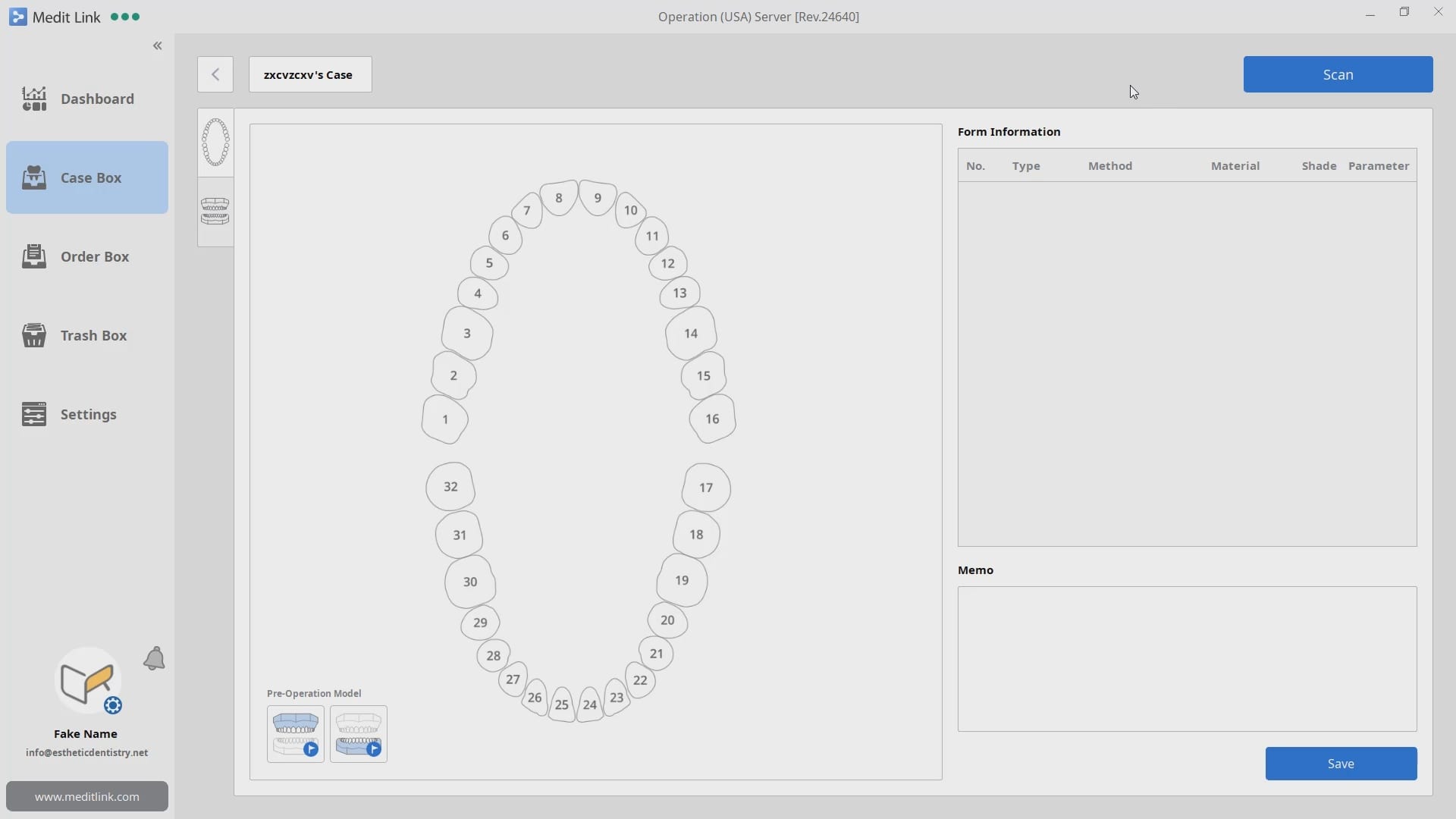
CASE BOX: Imaging
Please Share this:TweetWhatsAppRedditTelegramEmailPrint
 refity4
 Gevik Marcarian
 Chelsea Bricker
 Dr. Emmanuelle Zennie
 R B
R B Smiles On Greatwood
 Zirkarts Dental Laboratory
 Liliana Paz
 Steven Oshins
 Missy
Missy daniela inman
 Alex Besmer
 Alaa Moustafa, DDS, MS
 Tom Bartley
 Jeffrey Urban
 karneet sethi
 michael nugent
 Jorge Gonzalez
 LORAN ONG
 Enoch Kim
 LoAn Huynh
 Delicate Dentistry
 Penelope Lee
 Dr. Steven E. Hollister
 Brenden Rogers
 Andrea Sleep
 Susan Latimer
 lizette aguero
 Victoria Rinando
 Ravi Sawhney
 Faisal Mir
 A C
A C Laura
Laura All Clear
 Chris Kleist
 Jordan Bower
 Matt v
 Kip Covington
 Thanh Huynh
 Northwest Orthodontics
 SCOTT MEUSELBACH
 John Eum
 Jansen Bean
 Andy M
 Ma. Teresa Santana
 Brandon Jones
 Greg Stepka
 Aaron LaRock
 Tiffany Lee
 Roy Elturk
Please Share this:TweetWhatsAppRedditTelegramEmailPrint
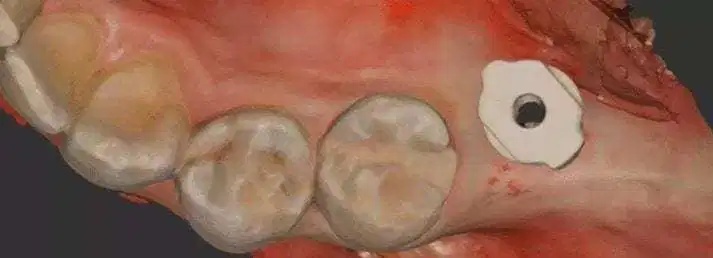

Meditlink is the software that operates the Medit i500 camera. As a clinician, you must register on the website meditlink.com and then download the software once you are logged in. […]
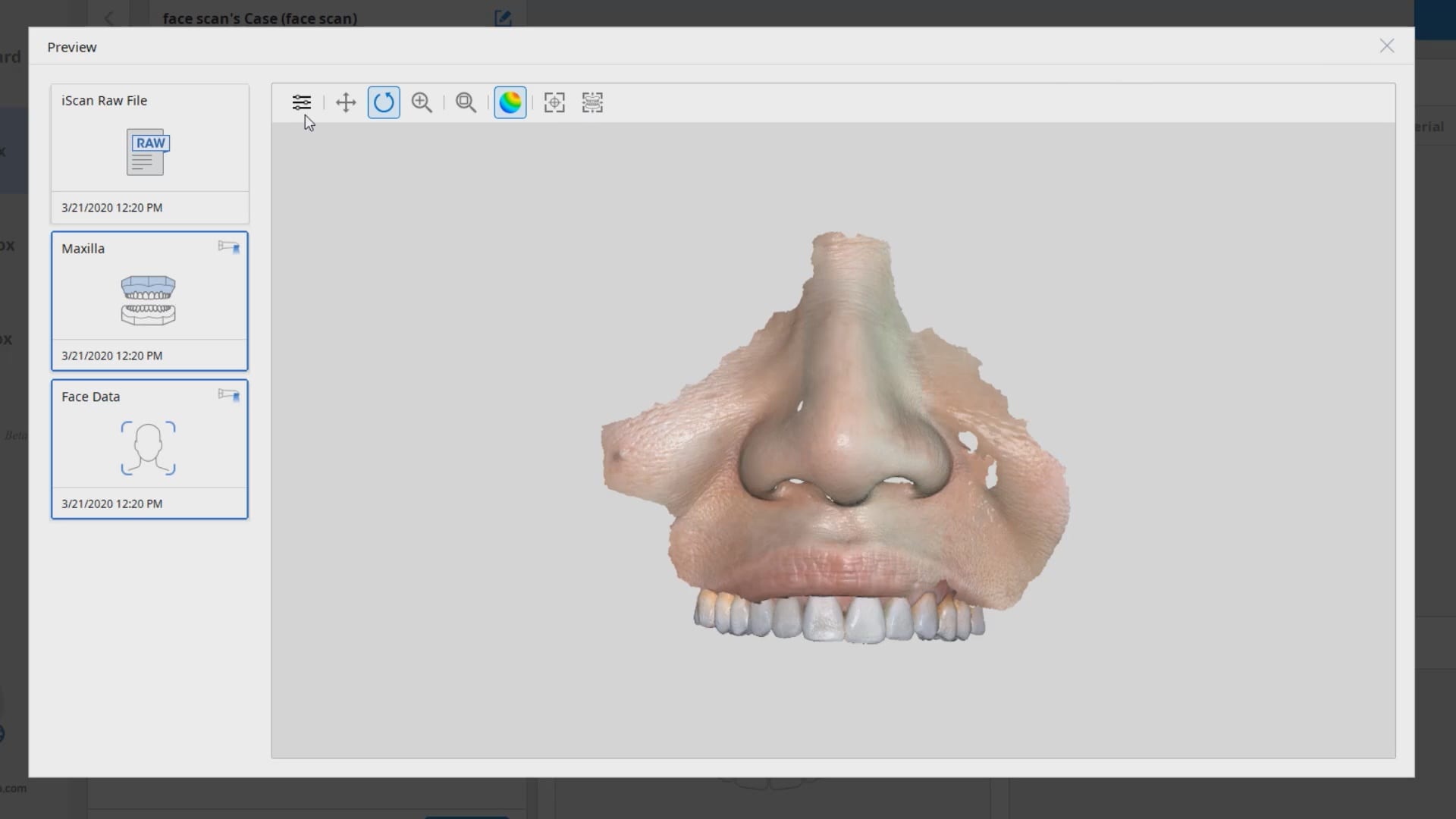
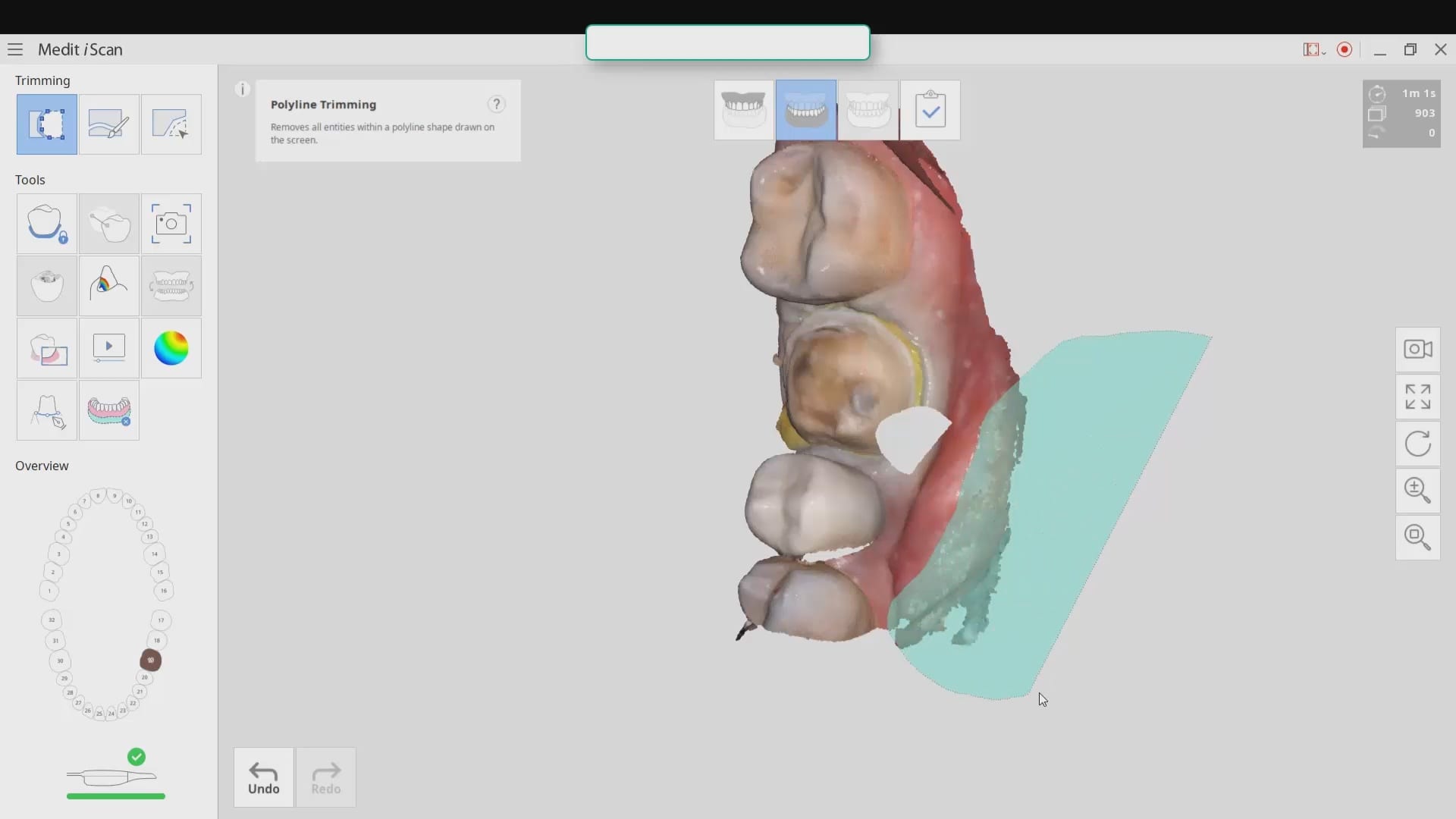

Watch these videos in sequence to get started with your scanning journey!