
Unpacking and Installing the Medit i700
 refity4
 Gevik Marcarian
 Chelsea Bricker
 Dr. Emmanuelle Zennie
 R B
R B Smiles On Greatwood
 Zirkarts Dental Laboratory
 Liliana Paz
 Steven Oshins
 Missy
Missy daniela inman
 Alex Besmer
 Alaa Moustafa, DDS, MS
 Tom Bartley
 Jeffrey Urban
 karneet sethi
 michael nugent
 Jorge Gonzalez
 LORAN ONG
 Enoch Kim
 LoAn Huynh
 Delicate Dentistry
 Penelope Lee
 Dr. Steven E. Hollister
 Brenden Rogers
 Andrea Sleep
 Susan Latimer
 lizette aguero
 Victoria Rinando
 Ravi Sawhney
 Faisal Mir
 A C
A C Laura
Laura All Clear
 Chris Kleist
 Jordan Bower
 Matt v
 Kip Covington
 Thanh Huynh
 Northwest Orthodontics
 SCOTT MEUSELBACH
 John Eum
 Jansen Bean
 Andy M
 Ma. Teresa Santana
 Brandon Jones
 Greg Stepka
 Aaron LaRock
 Tiffany Lee
 Roy Elturk

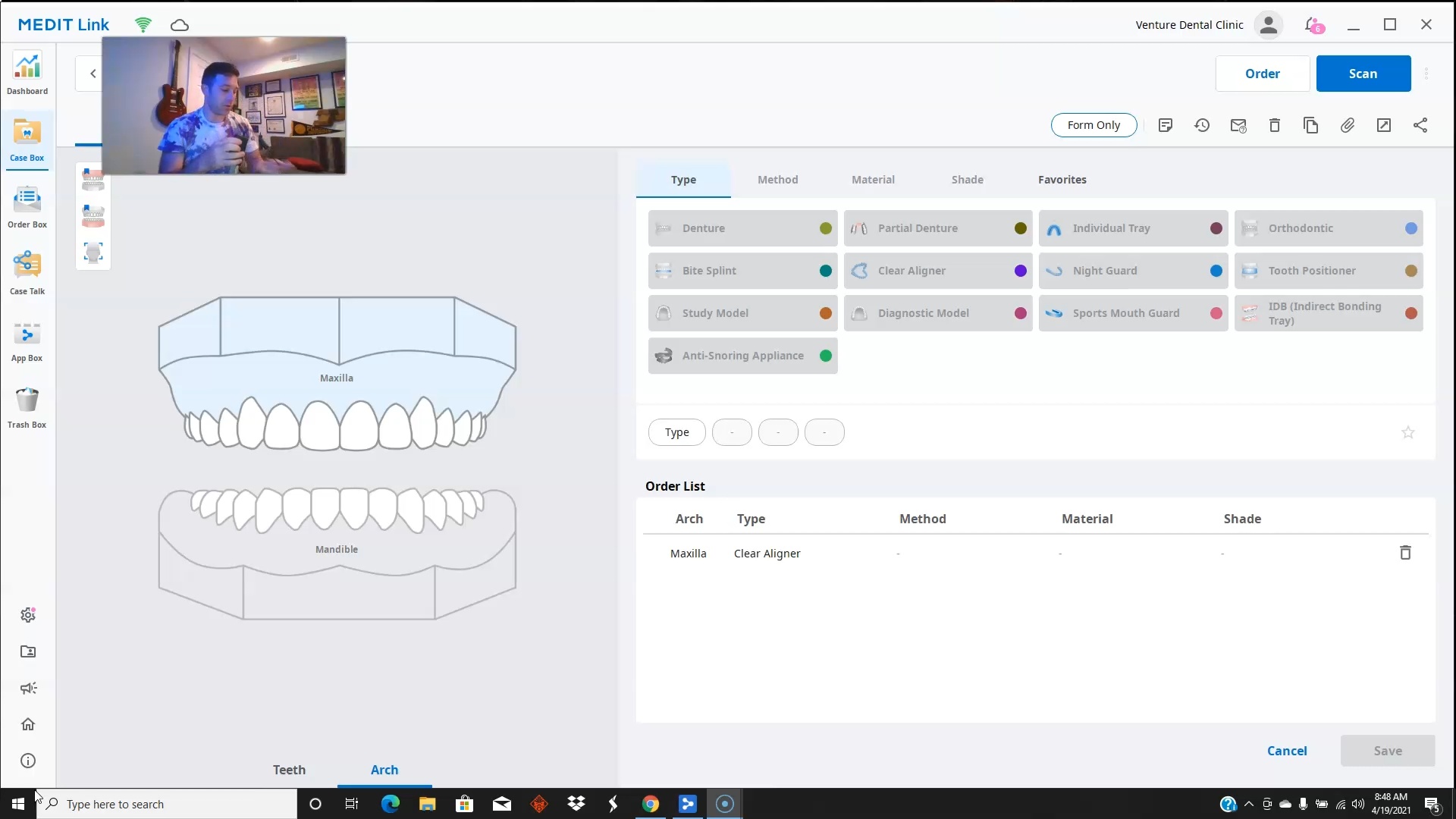
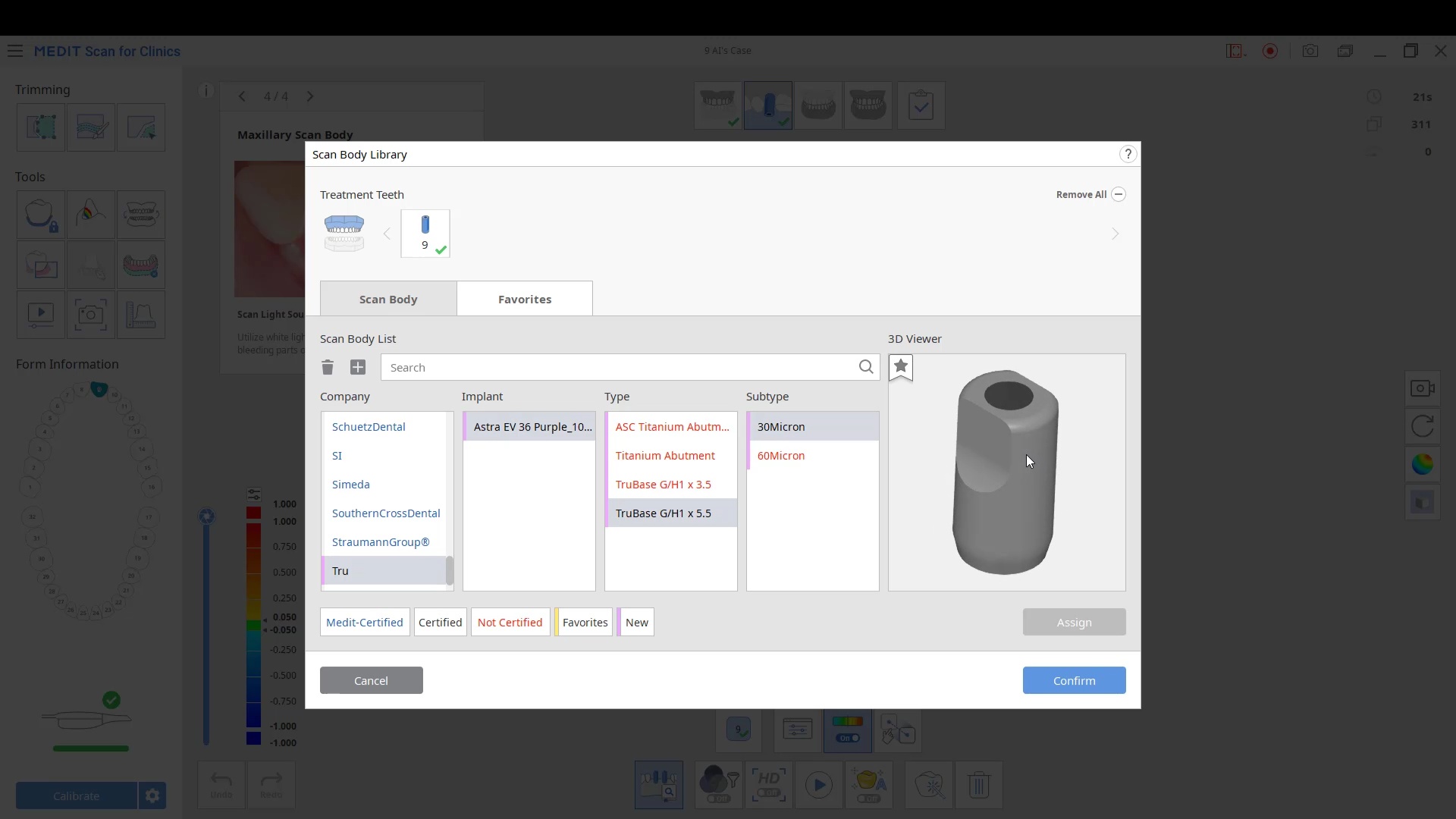
The meditlink software is laid out with the Dashboard at the very top followed by The Case Box, then the Order Box followed by the Case Talk , App Box, and the Trash Box. We have laid out the tutorials to mimic the flow of the software so that you can intuitively access the content […]
Please Share this:TweetWhatsAppRedditTelegramEmailPrintLike this:Like Loading...
Please Share this:TweetWhatsAppRedditTelegramEmailPrintLike this:Like Loading...
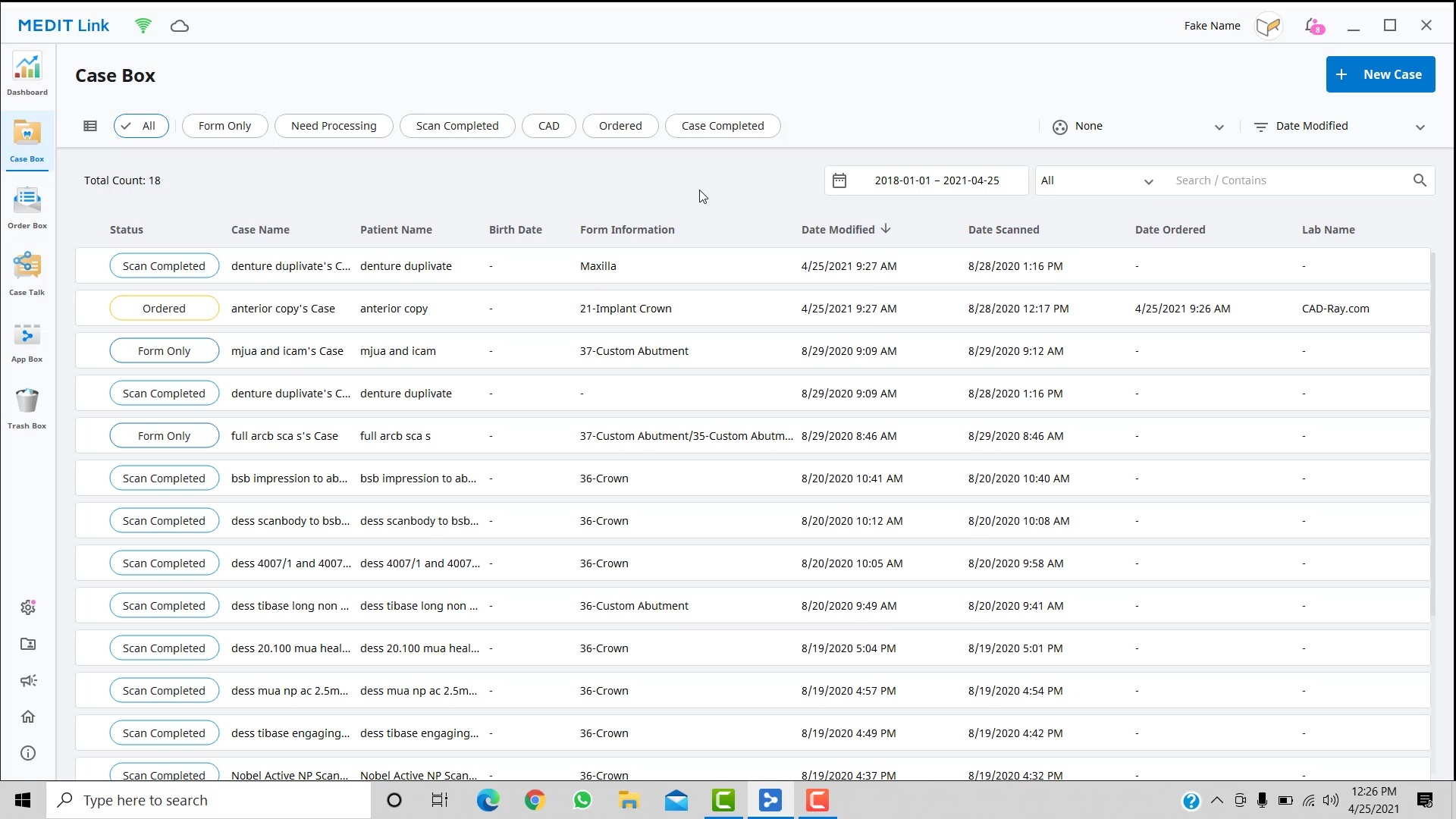
Case Box and Introduction to Prescription Form