






















Description
Already purchased? See activation steps & Instructions for Use ↓
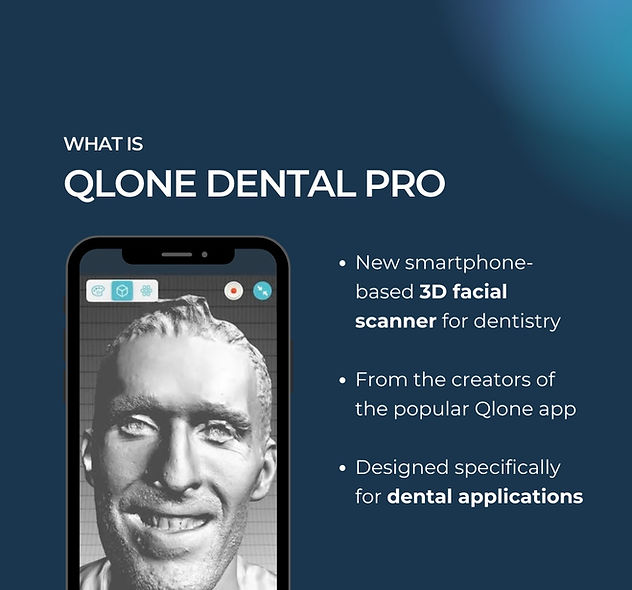
Qlone Dental Pro 3D Scanner
3D Face Scanner for Dentistry


“Qlone Dental – an application that can generate the quality that we need, with the simplicity, the speed and ultra affordable! that allows us to embrace and recommend this type of technology!”
– Dr. Christian Coachman
“If we look at the quality of the non-textured file we could see phenomenal results and clarity. I don’t know how they did this with a phone app but the mesh quality is better than some of my industrial scanners that I use.”
-Dr. Wally Renne
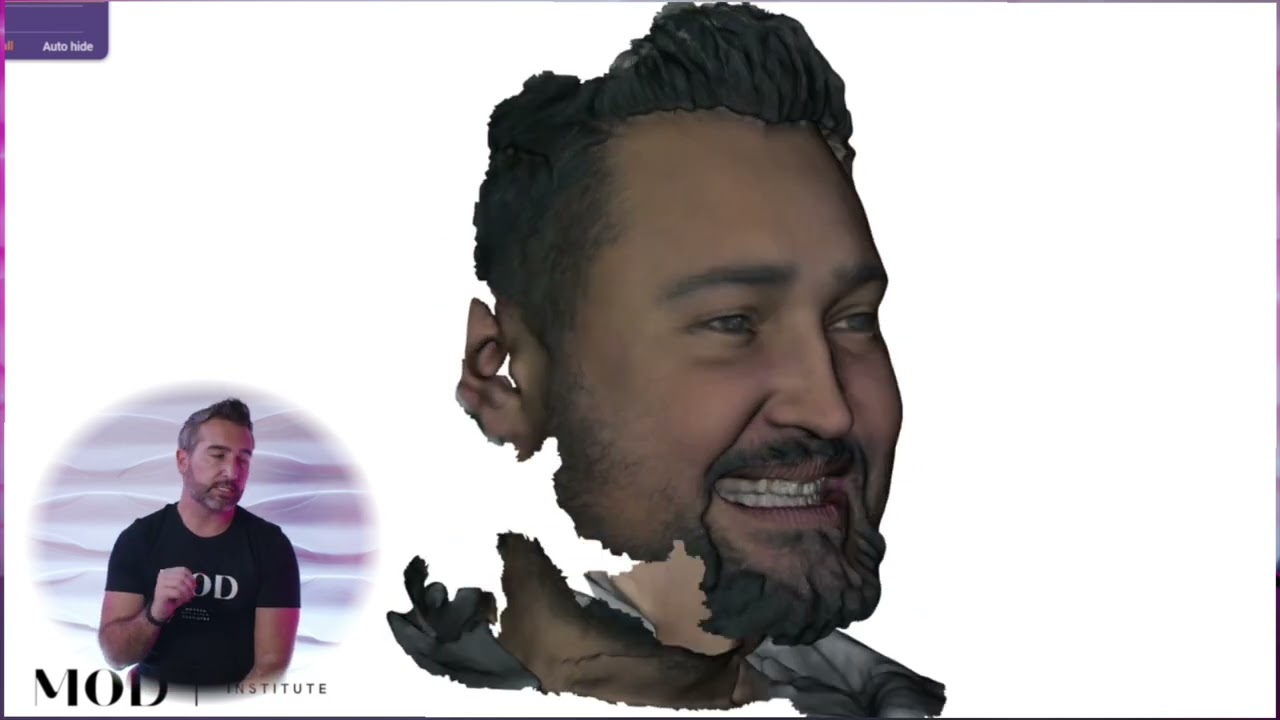
“First scan with Qlone Dental. Some pretty serious stuff… The bar is rising and soon many products will be forgotten. I’ve always been a huge fan of hardware scanners… but maybe we are facing a breakthrough.”
– Dr. Antonino Cacioppo

Qlone 3D face scans for dental CAD
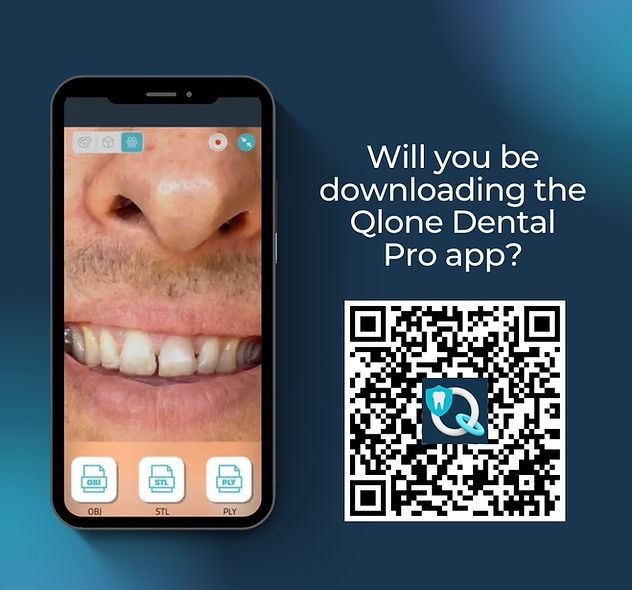
Many dentists and dental technicians already use Qlone Dental Pro to scan their patients and integrate their face scans in the dental CAD software!
Qlone Dental Pro is quickly becoming the leading replacement for the retired Bellus3D app and is compatible with exocad, 3Shape, Blue Sky Plan, Medit and more.
Contact us with any questions you may have or requests for new dental features.


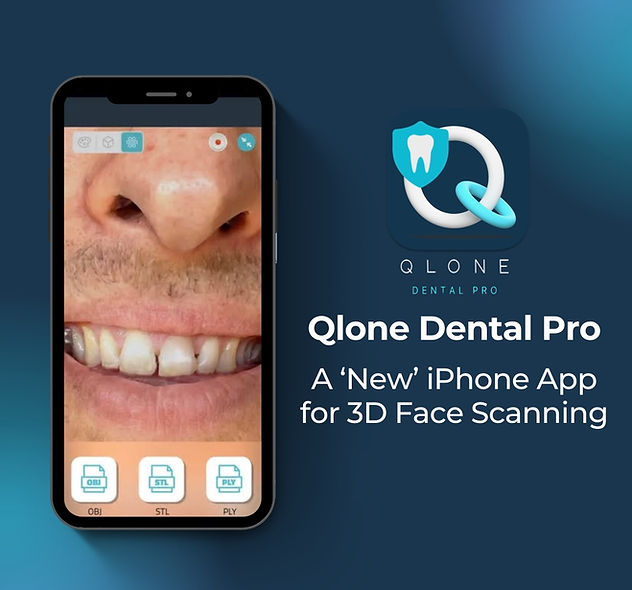
How to Activate Qlone Dental Pro Premium (After Purchase)
Purchased through CAD-Ray? Follow these steps on the same iPhone you’ll scan with to unlock Premium. Make sure the Mail app (or another email account) is set up on the device.
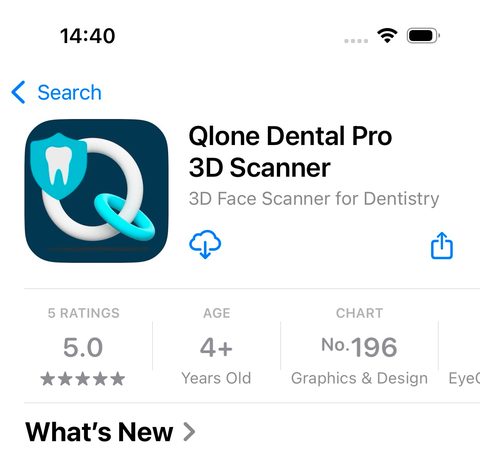
Step 1 – Install the app
Download Qlone Dental Pro 3D Scanner from the Apple App Store.
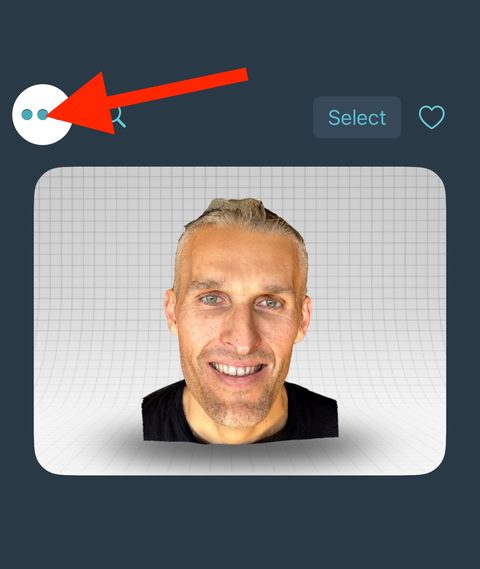
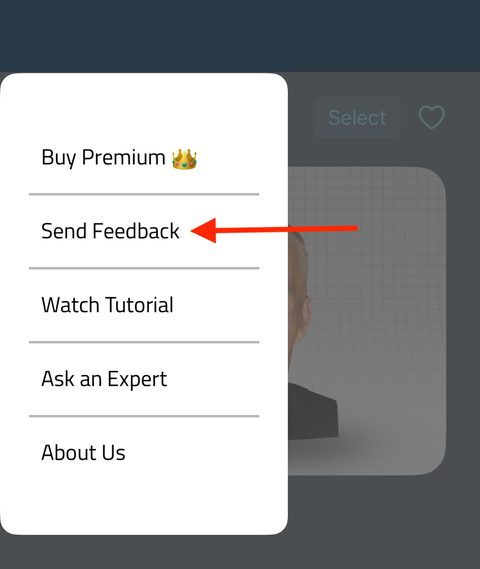
Step 2 – Open the menu
Open the app and tap the menu button (top-left corner).
Step 3 – Send Feedback
In the menu, tap Send Feedback.
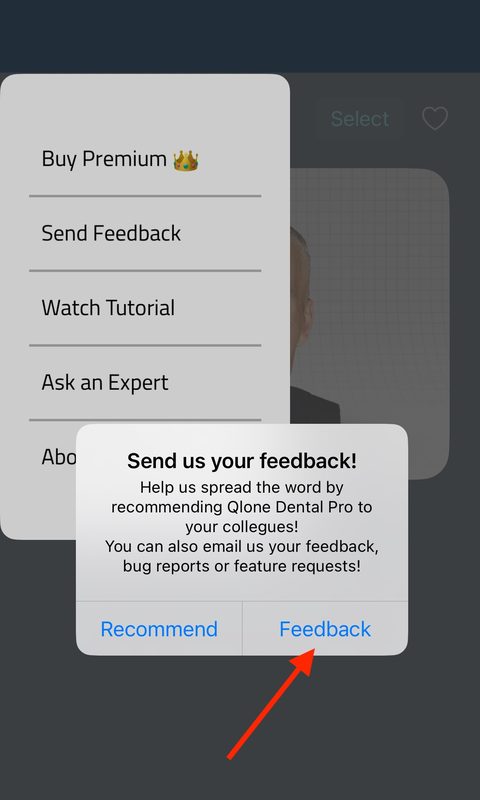
Step 4 – Choose Feedback
In the pop-up, tap Feedback. This opens a new email.
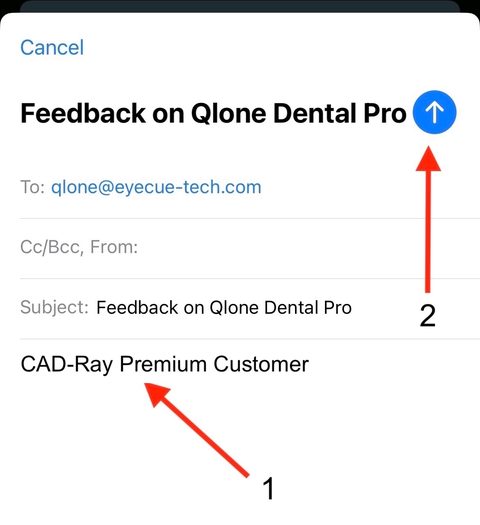
Step 5 – Type the code & send
In the email body type CAD-Ray Premium Customer, then tap the blue send arrow.
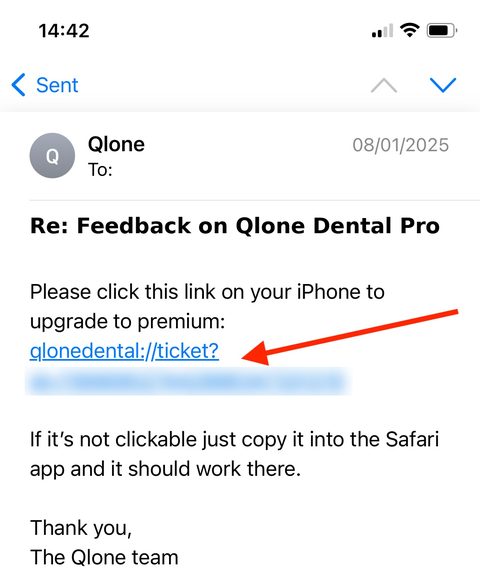
Step 6 – Tap the upgrade link
The Qlone team will reply with a Premium upgrade link. Open that email on the same iPhone and tap the link. If it isn’t clickable, copy it into Safari.
That’s it — Qlone Dental Pro is now Premium. Need help? Contact CAD-Ray support.
Qlone Dental Pro – Instructions for Use
Requirements
- Minimum recommended device is an iPhone 12. iPads work but are not recommended — iPhone cameras are significantly better.
- Adequate, uniform lighting in the scanning space.
- A uniform background without clutter or busy details.
- A good, fast, stable internet connection — Wi-Fi recommended.
Before Scanning
- The patient should smile exaggeratedly and constantly during scanning.
- Optionally, have the patient bite a separator/ejector in the posterior sectors for stability, or use a retractor.
- Open Qlone Dental Pro and tap + to start a new scan.
- Make sure the light bulb at the top is green. If not, reposition the phone or change the lighting. Tap the bulb to see the light level in lux — it should be above 150 lx.
- Avoid backlighting or strong side lights; natural light near a window is preferred.
- Stand in front of the patient with the device about 30 cm (12 in) away. The patient’s face should fill the screen.
Scanning Sequence
- Start capture with the record button while facing the patient from the front.
- Move laterally from center to the left until perpendicular to the face (in front of the ear).
- Return to center.
- Move to the right until perpendicular (in front of the ear). Keep the same distance throughout.
- From the right side, make a half-moon movement right to left at a lower angle, capturing the jaw, jowls and neck.
- Complete the reverse half-moon left to right at a higher angle, capturing the forehead and top of the head.
- Optional — if frames are still available (under 60), bring the device closer to the mouth and tap the screen to capture close-up teeth images.
- When finished, tap Process to create the 3D model.
Tips for Optimal Scanning
- Keep movement fluid and constant.
- Always keep the same distance between the device and the patient.
- Avoid sudden changes in light during capture.
- Ask the patient not to move and to keep their gaze fixed on one spot in front of them.
Export
Export as OBJ, PLY or STL. OBJ and PLY include color information and are delivered in a ZIP file — unzip it before importing into exocad or any other dental CAD software.
Reviews
There are no reviews yet.