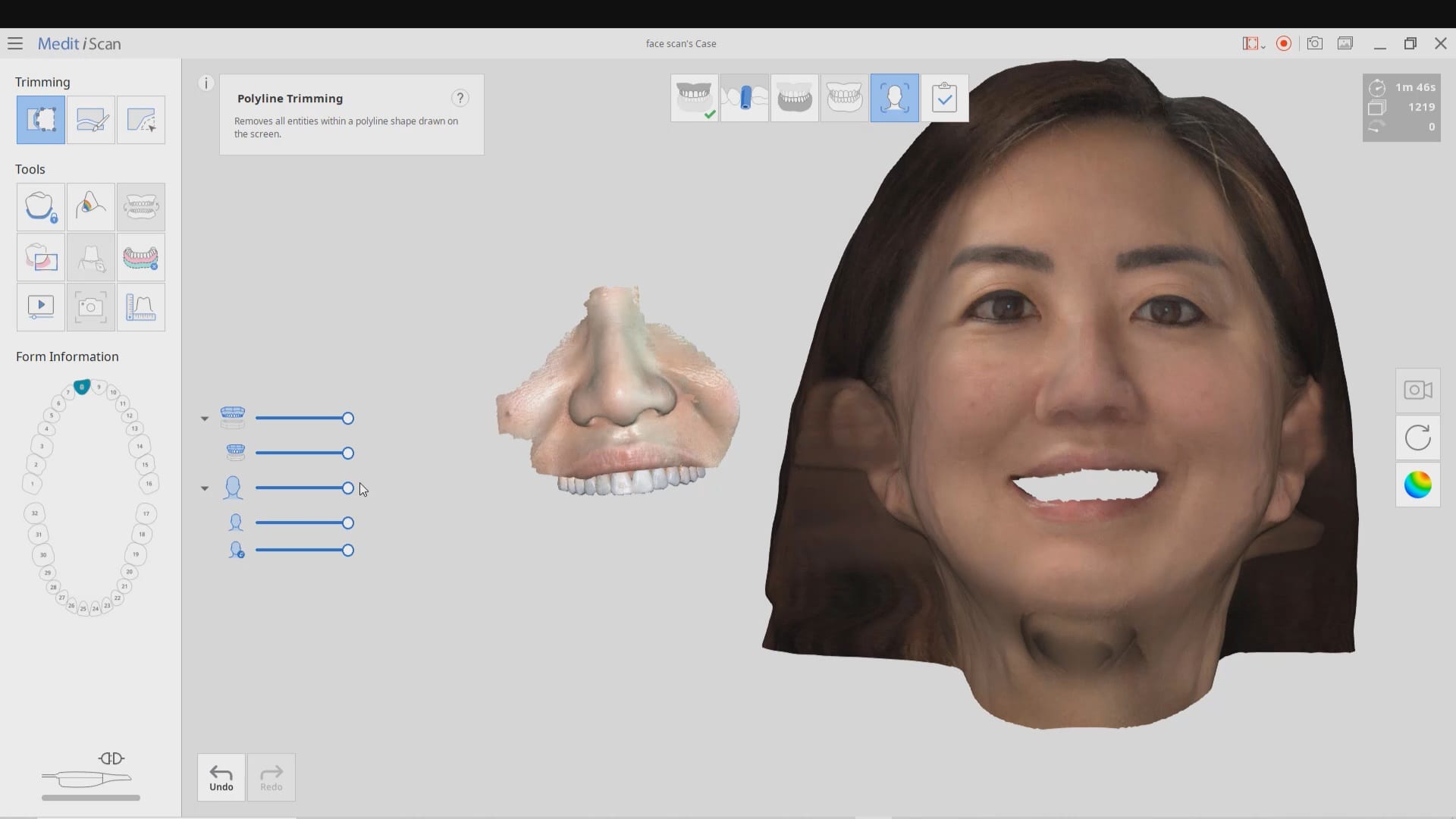
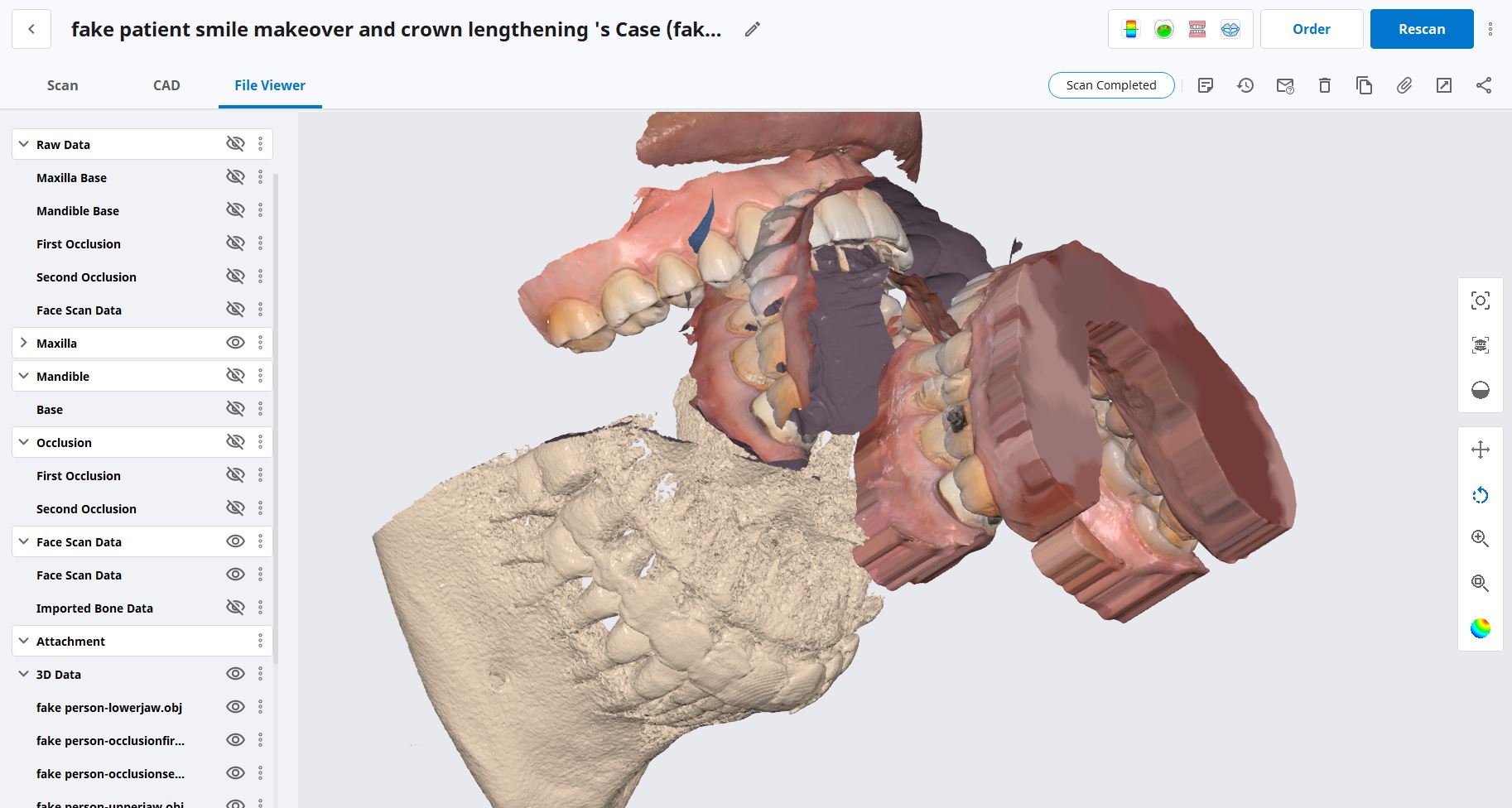
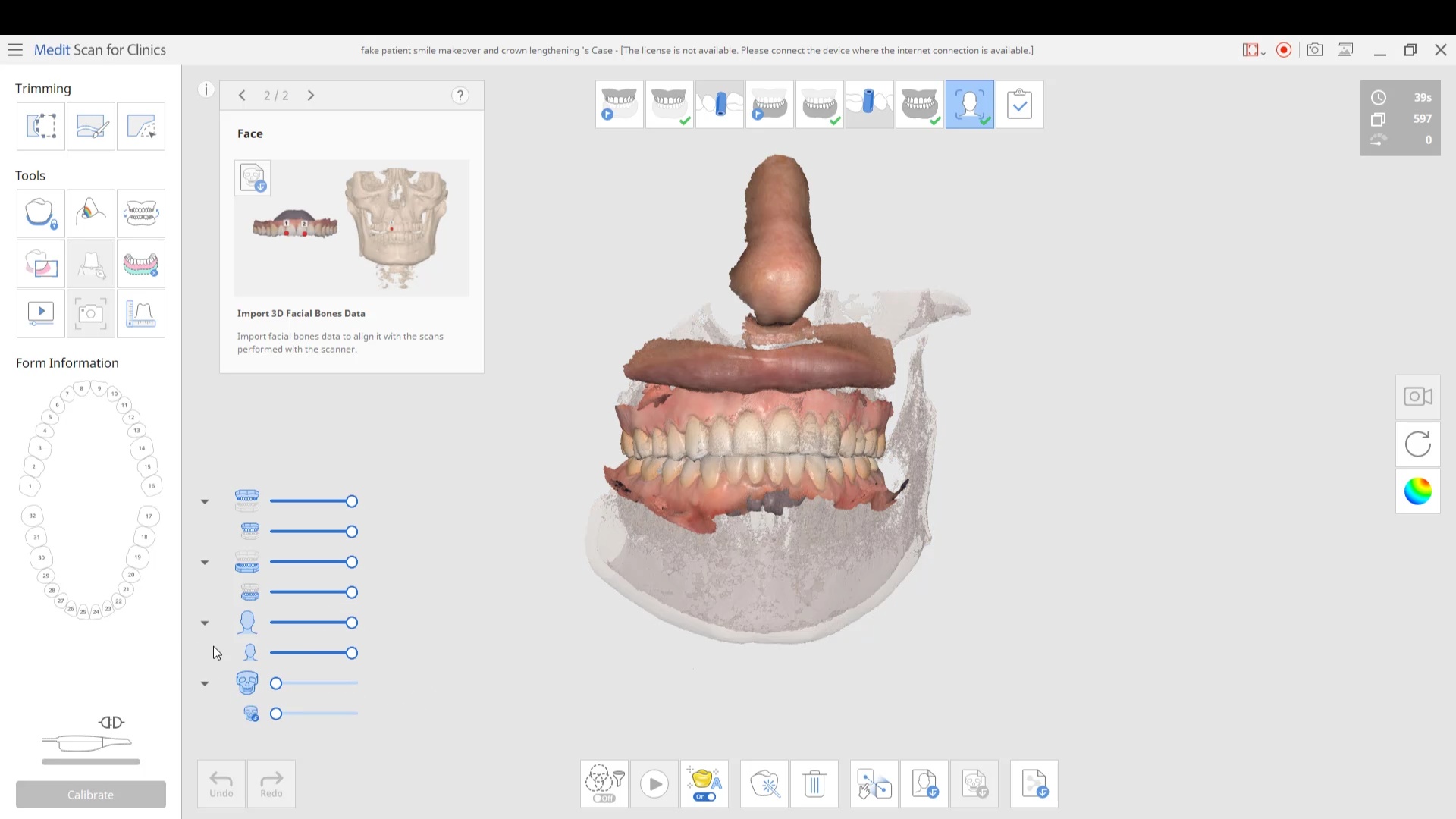
in this case we import multiple models, videos, CT scans, and Face Scans so that our users can utilize all of these features. Click here to enter the member’s section to download the whole case and design along
 refity4
 Gevik Marcarian
 Chelsea Bricker
 Dr. Emmanuelle Zennie
 R B
R B Smiles On Greatwood
 Zirkarts Dental Laboratory
 Liliana Paz
 Steven Oshins
 Missy
Missy daniela inman
 Alex Besmer
 Alaa Moustafa, DDS, MS
 Tom Bartley
 Jeffrey Urban
 karneet sethi
 michael nugent
 Jorge Gonzalez
 LORAN ONG
 Enoch Kim
 LoAn Huynh
 Delicate Dentistry
 Penelope Lee
 Dr. Steven E. Hollister
 Brenden Rogers
 Andrea Sleep
 Susan Latimer
 lizette aguero
 Victoria Rinando
 Ravi Sawhney
 Faisal Mir
 A C
A C Laura
Laura All Clear
 Chris Kleist
 Jordan Bower
 Matt v
 Kip Covington
 Thanh Huynh
 Northwest Orthodontics
 SCOTT MEUSELBACH
 John Eum
 Jansen Bean
 Andy M
 Ma. Teresa Santana
 Brandon Jones
 Greg Stepka
 Aaron LaRock
 Tiffany Lee
 Roy Elturk
in this case we import multiple models, videos, CT scans, and Face Scans so that our users can utilize all of these features. Click here to enter the member’s section to download the whole case and design along
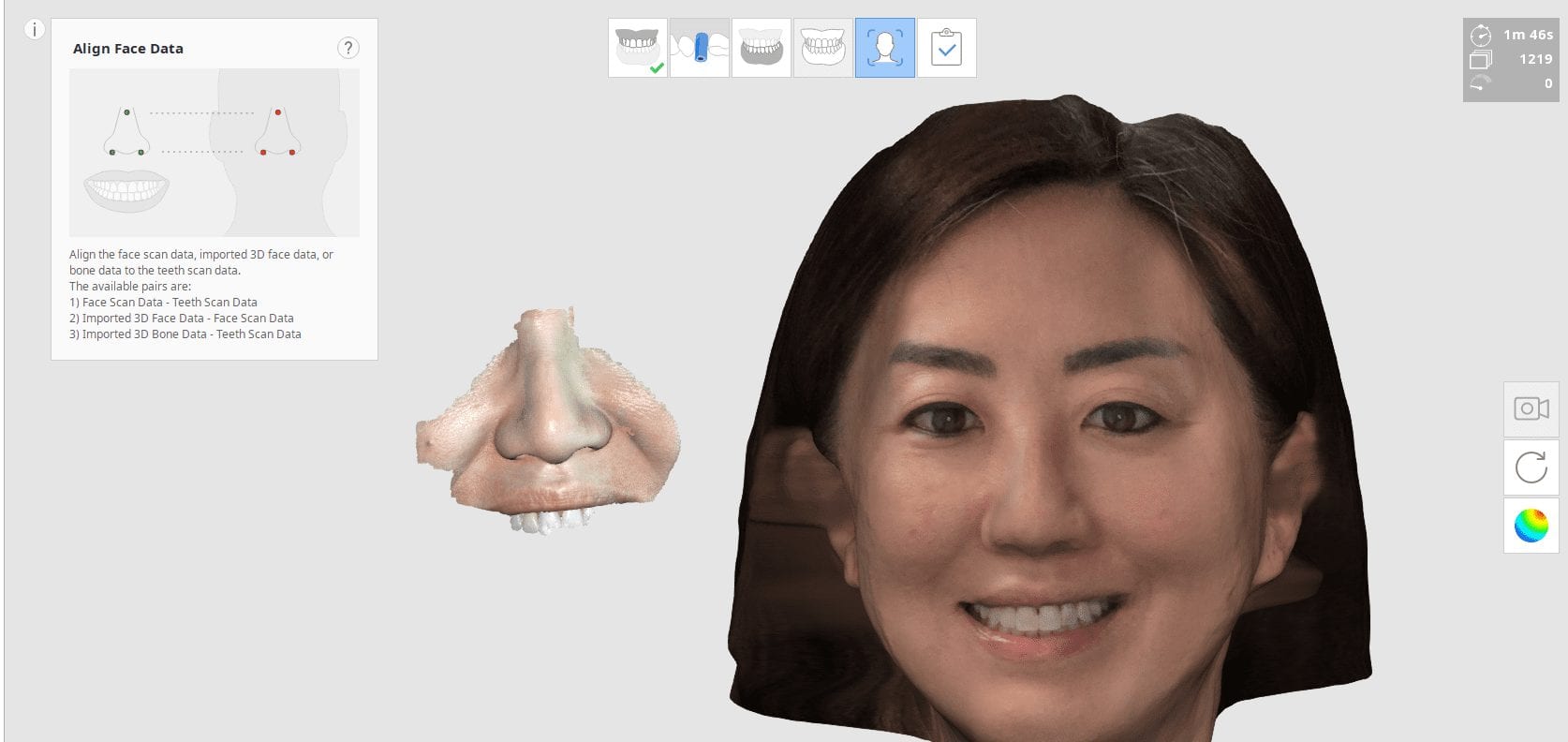
You will need 3 models to utilize all the features of the Medit Face Scan
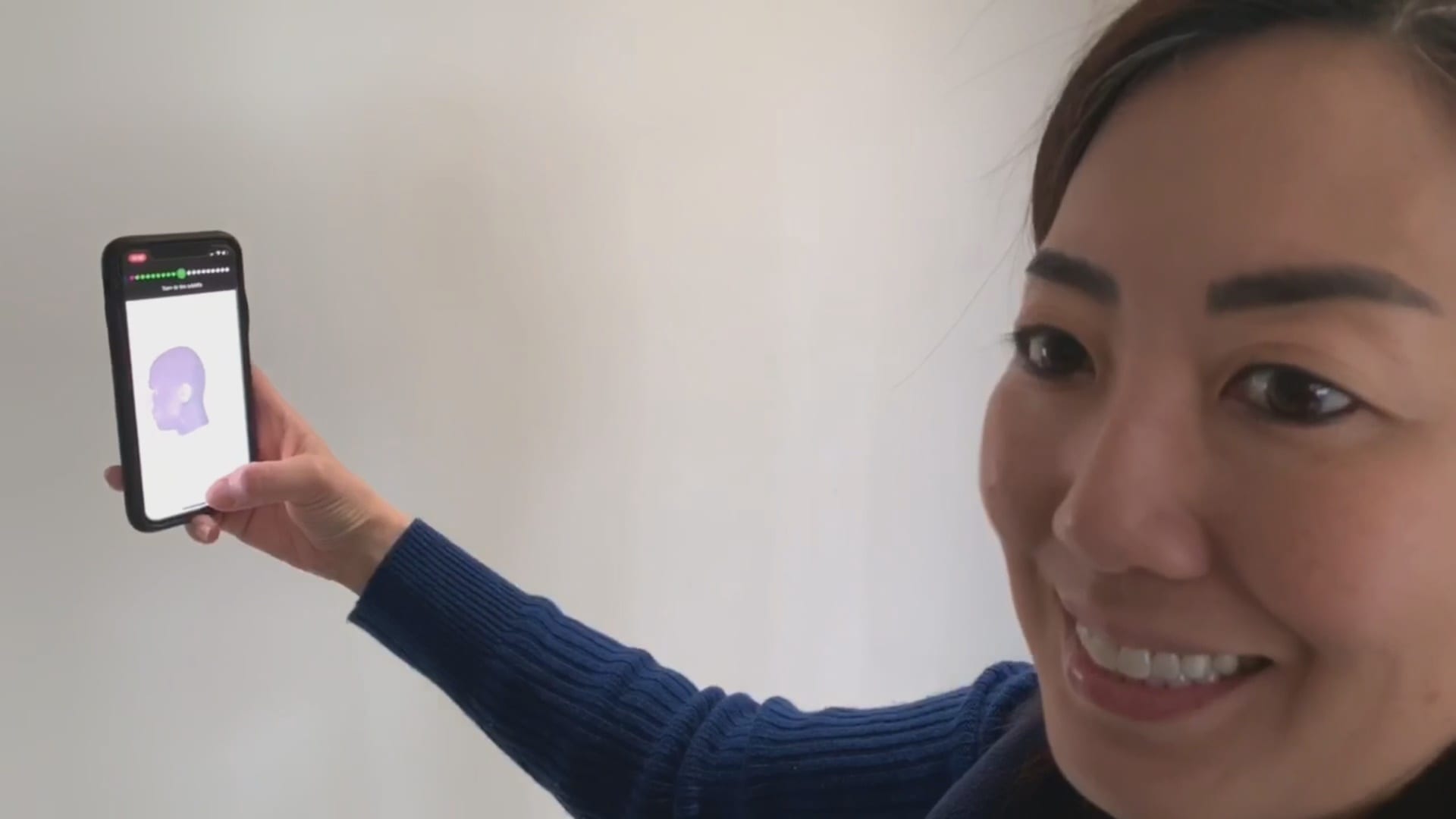
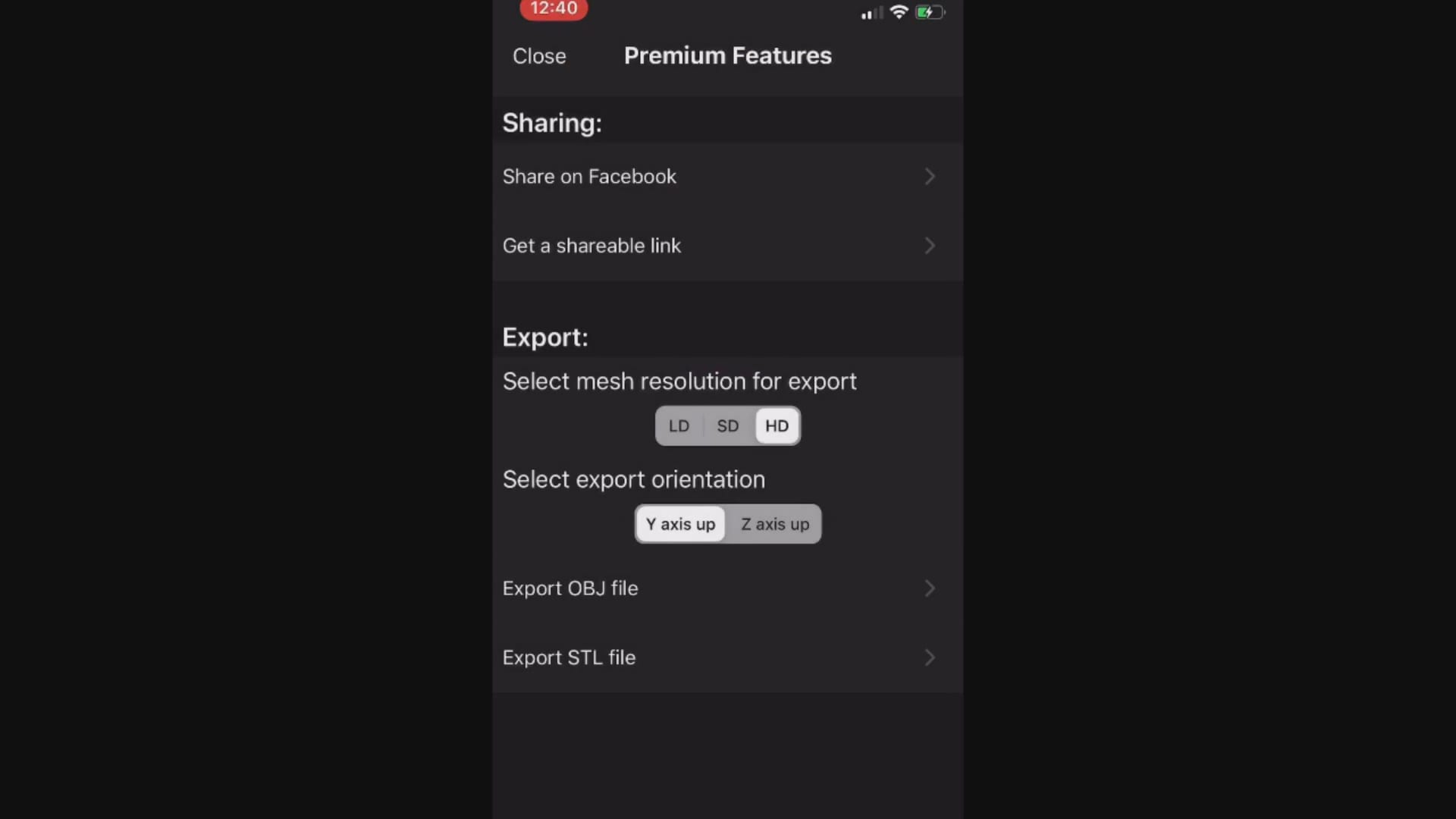
This video demonstrates how the Bellus3D software works. Once the images are captured, a 3D model is rendered and it can then be exported into any CAD software including the Medit iScan Program
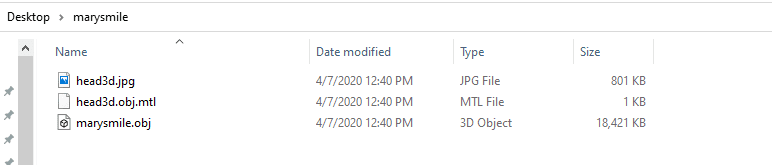
When you export the model, make sure that all the pertinent files accompany the folder, otherwise texture or color do not accompany the meshwork
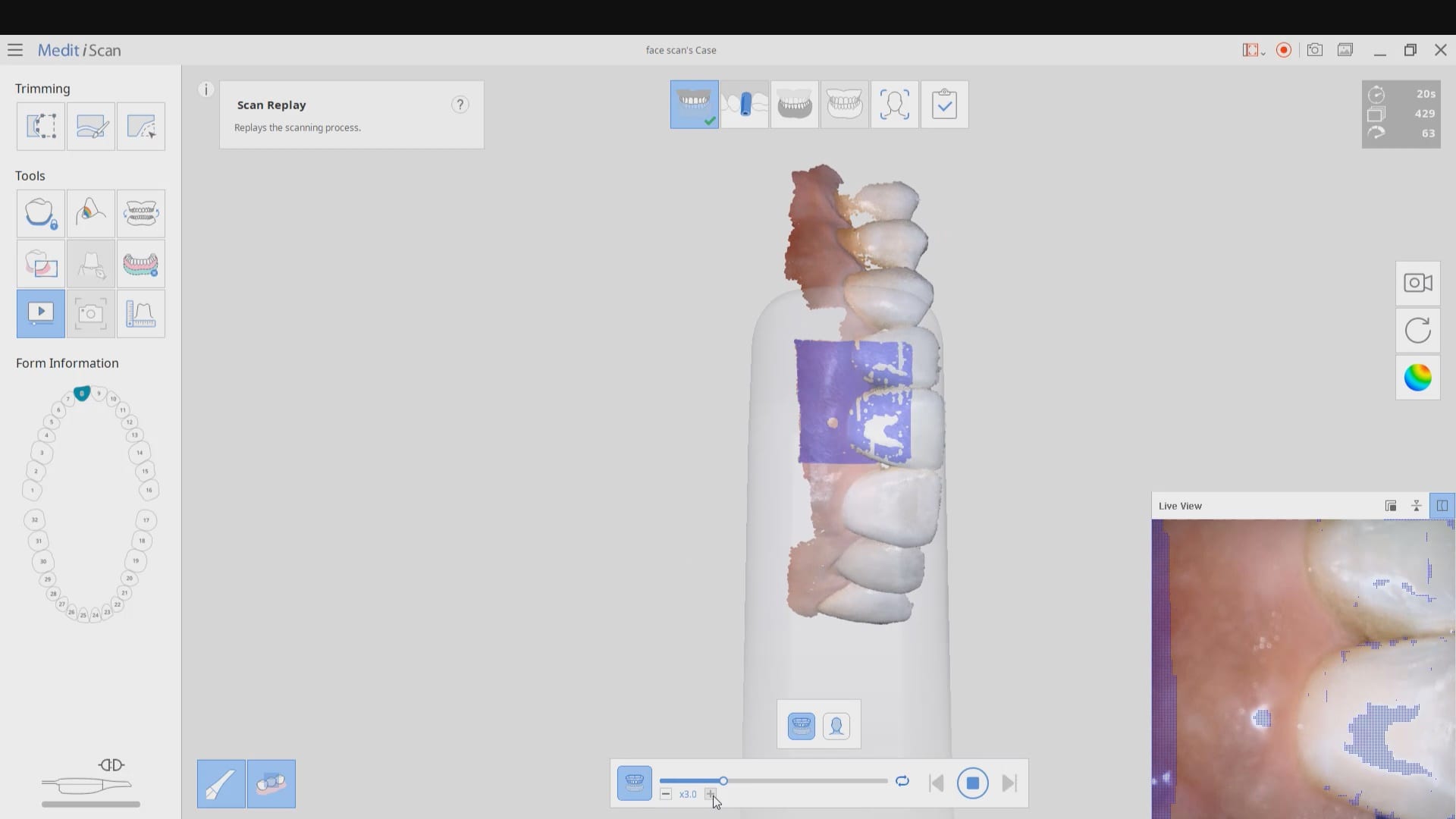
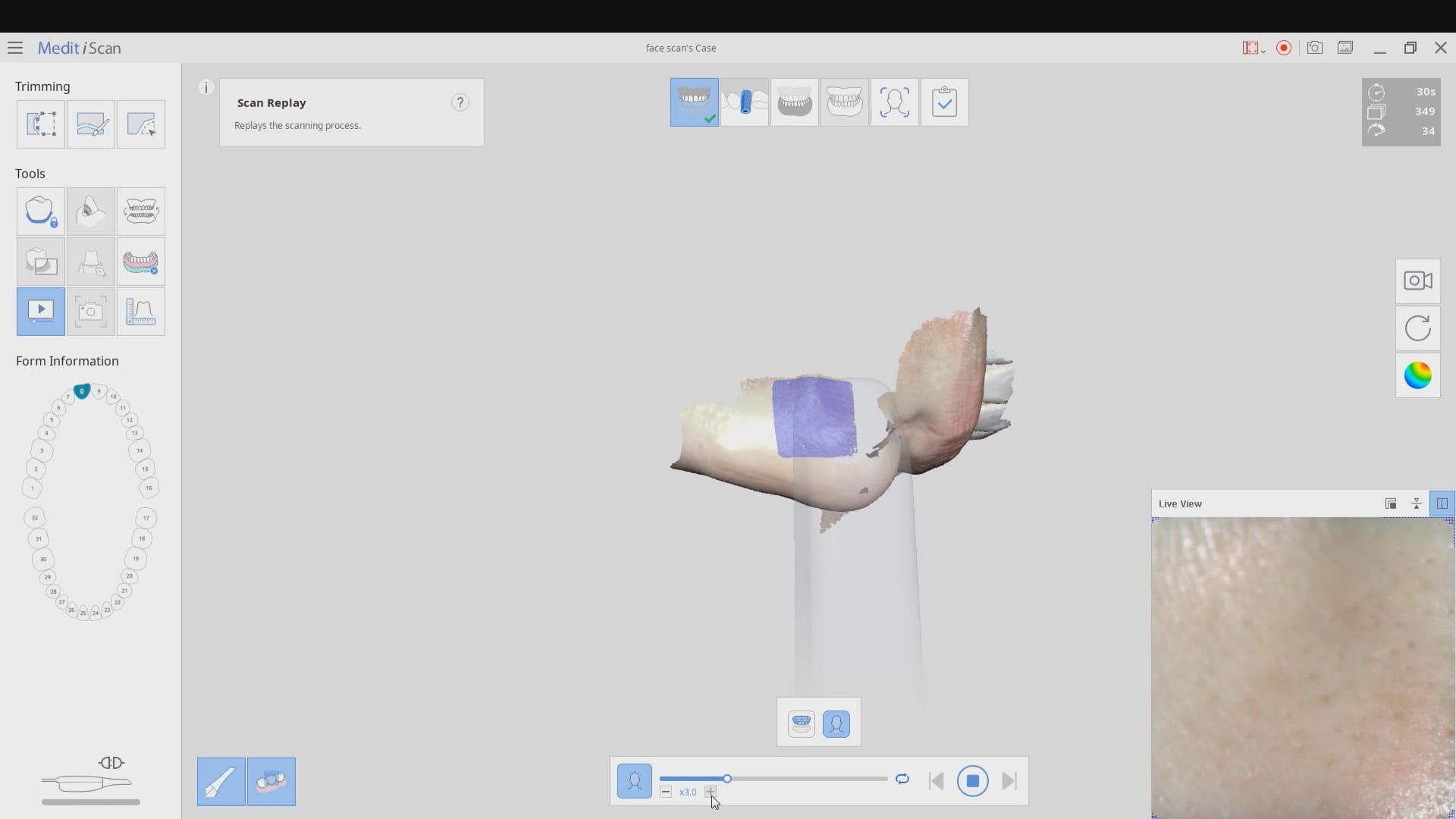
The following videos demonstrate how to capture the scan of the teeth, the scan of the teeth and lips, and then the incorporation of the facescan into the equation. Notice how the facescan with the iPhone distorts teeth and can’t be relied upon to find the midline or address other cosmetic issues.