
















































Description
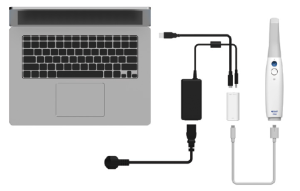
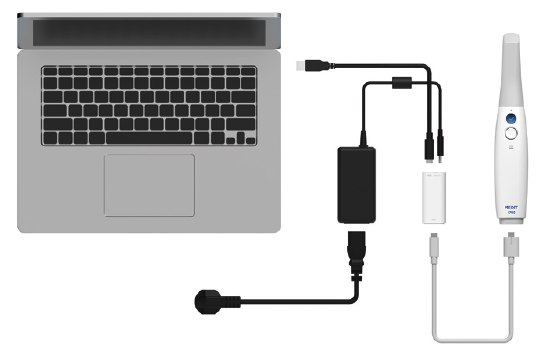
Standard Connection using power hub
(1) Connect the USB C Cable to the Power Hub
(2) Connect the Medical Adapter to the Power Hub.
(3) Connect the Power Cord to the Medical Adapter.
(4) Connect the Power Cord to a power source.
(5) Connect the USB C Cable to the PC.
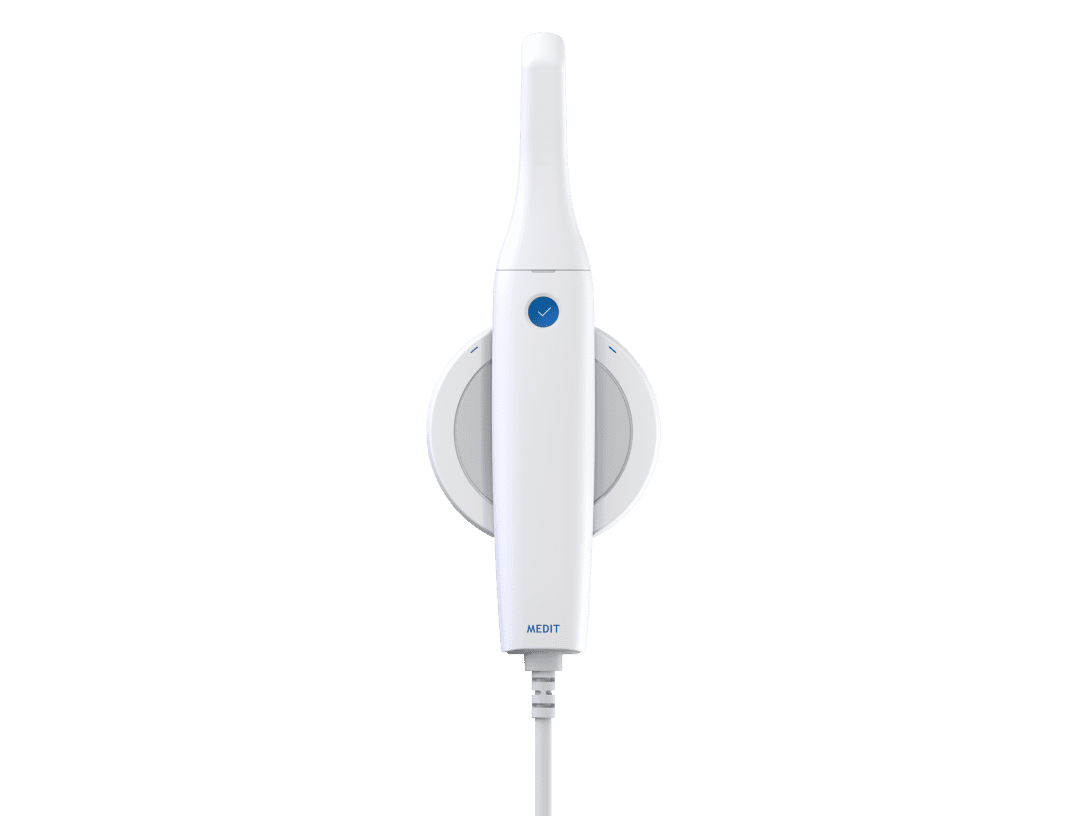
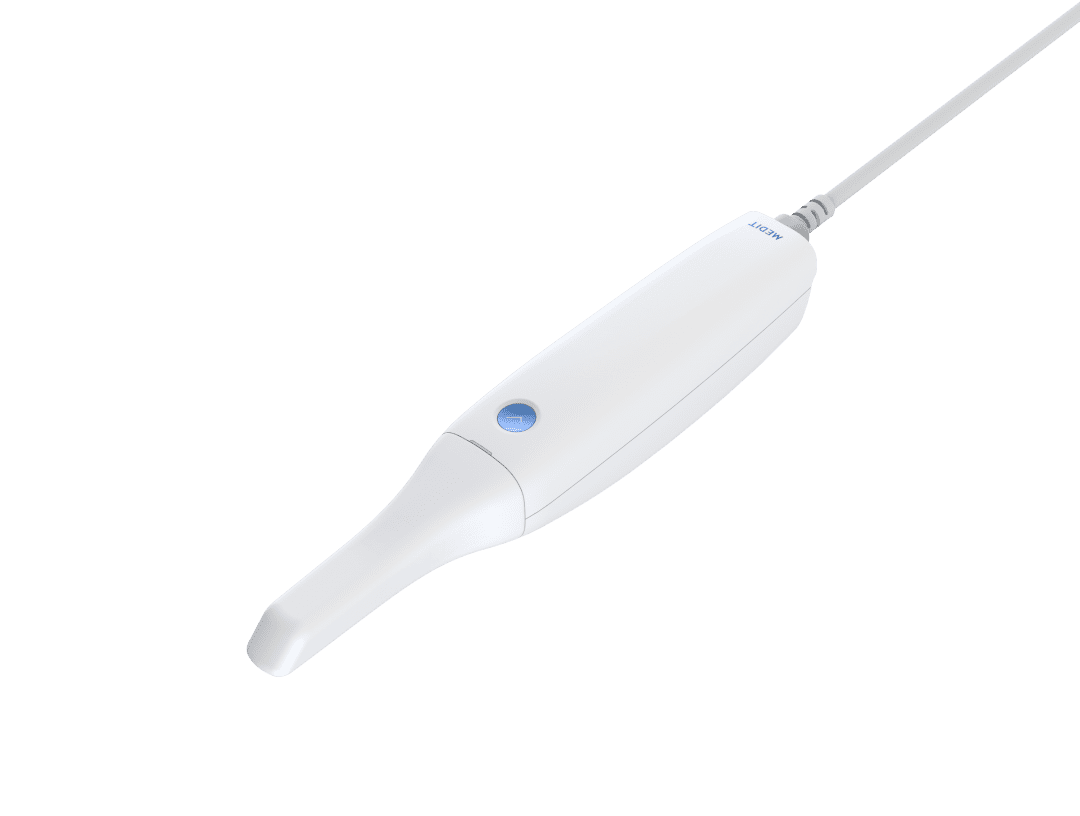
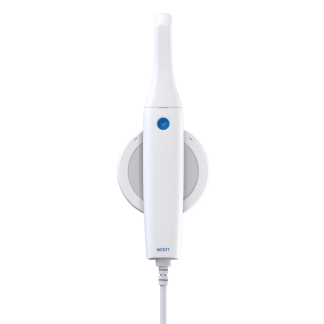
Turn on the i700 scanner.
- Press the power button on i700 and wait until the USB connection indicator turns blue.
Turn off the i700 scanner.
- Press and hold the power button of the i700 for 3 seconds.

You must be logged in to post a comment.