
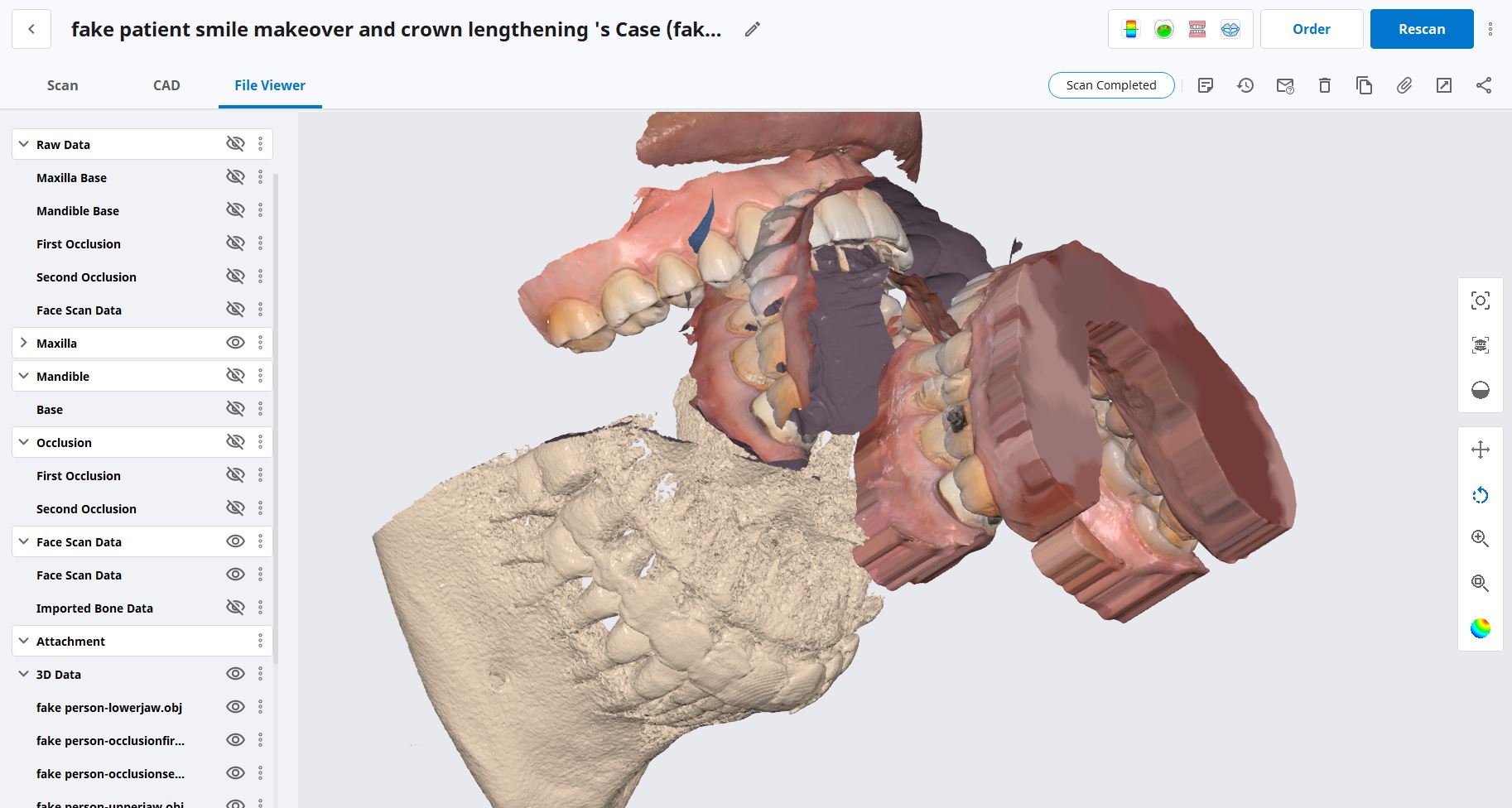
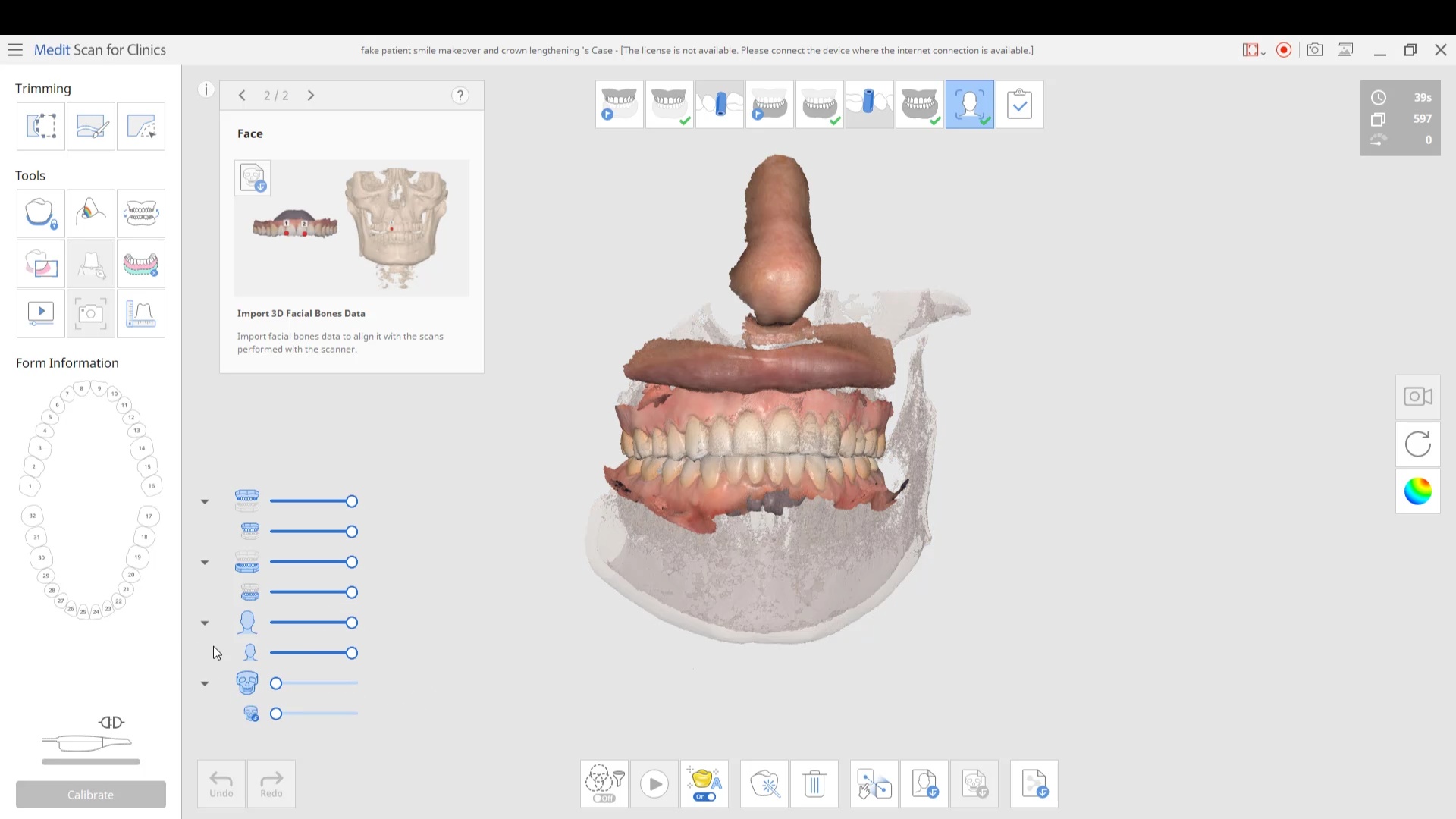
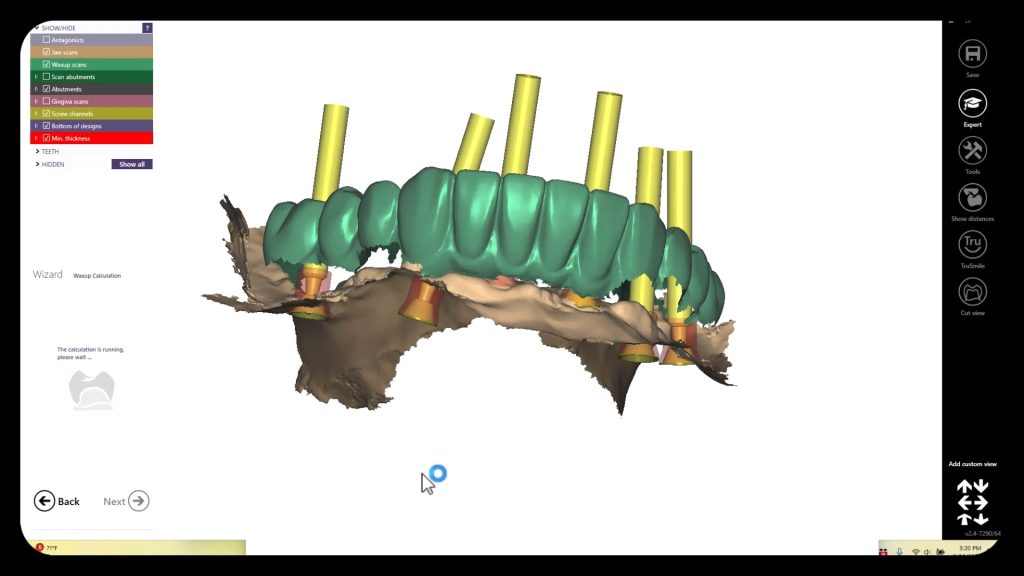
in this case we import multiple models, videos, CT scans, and Face Scans so that our users can utilize all of these features. Click here to enter the member’s section to download the whole case and design along
 Ponciano Melo
 best customer service on the planet. very easy to use. and always fine tuning to make the user experience better. - 6/16/2020

 Michael Conte
 Gould Dentistry
 Zachary Breen
 Mark Sperling
 Kayla Dobmeier
 Dado Dado
 Dr Grace Simco
 arthur lyford
 Micah Bickel
 Shahnam Shifteh
 larry bybee
 Robin Thoman
 Barton Davis
 Anita Madhav
 Eric Turner
 Aaron Gelfand
I bought my Medit I-500 from them. Everything has been been first class, from the training to the customer support. I highly recommend buying through CAD RAY. - 6/16/2020
Aaron Gelfand
I bought my Medit I-500 from them. Everything has been been first class, from the training to the customer support. I highly recommend buying through CAD RAY. - 6/16/2020
 Ryan Buckwalter
 Monika Reyes
 Gary Benson
 Roger Wilson
 Ted Fang
 Levy Do
 Value Dental
 Daniel Thrall
 David Forrest
Great scanner (medit i500) and mill (coritec one). They were great for an open system that allows me to do just about anything. - 6/16/2020
Excellent support and price on our medit IOS! Bought a second one a year later. Can always count on Armen and Frank for help when we need it. - 6/16/2020
David Forrest
Great scanner (medit i500) and mill (coritec one). They were great for an open system that allows me to do just about anything. - 6/16/2020
Excellent support and price on our medit IOS! Bought a second one a year later. Can always count on Armen and Frank for help when we need it. - 6/16/2020
 arthur lyford
 Paul Crespo
 Iseoluwa Adedeji
When I decided to purchase a digital scanner I decided on user experience. They have provided the best experience I could have asked for, from online support, Facebook support, and in person courses. There is no better team to buy Medit from period... read moreWhen I decided to purchase a digital scanner I decided on user experience. They have provided the best experience I could have asked for, from online support, Facebook support, and in person courses. There is no better team to buy Medit from period. Do yourself a favor and buy from them if you are in the market for an intraoral scanner. read less - 6/16/2020
Iseoluwa Adedeji
When I decided to purchase a digital scanner I decided on user experience. They have provided the best experience I could have asked for, from online support, Facebook support, and in person courses. There is no better team to buy Medit from period... read moreWhen I decided to purchase a digital scanner I decided on user experience. They have provided the best experience I could have asked for, from online support, Facebook support, and in person courses. There is no better team to buy Medit from period. Do yourself a favor and buy from them if you are in the market for an intraoral scanner. read less - 6/16/2020
 Allen Mortimer
 Caroline Langlois
 Obdulia Rondon
 Jonathan Acker
 Brenden Rogers
 Mark Geddes
 John Pisacane
 Amber Thomas
 A C
A C Kurt Adamson
 Rafael Dimayuga
 Island Dental Lab
 Lawrence Falender
 Suzanne Stock
 ycsongdds
 Andy M
in this case we import multiple models, videos, CT scans, and Face Scans so that our users can utilize all of these features. Click here to enter the member’s section to download the whole case and design along
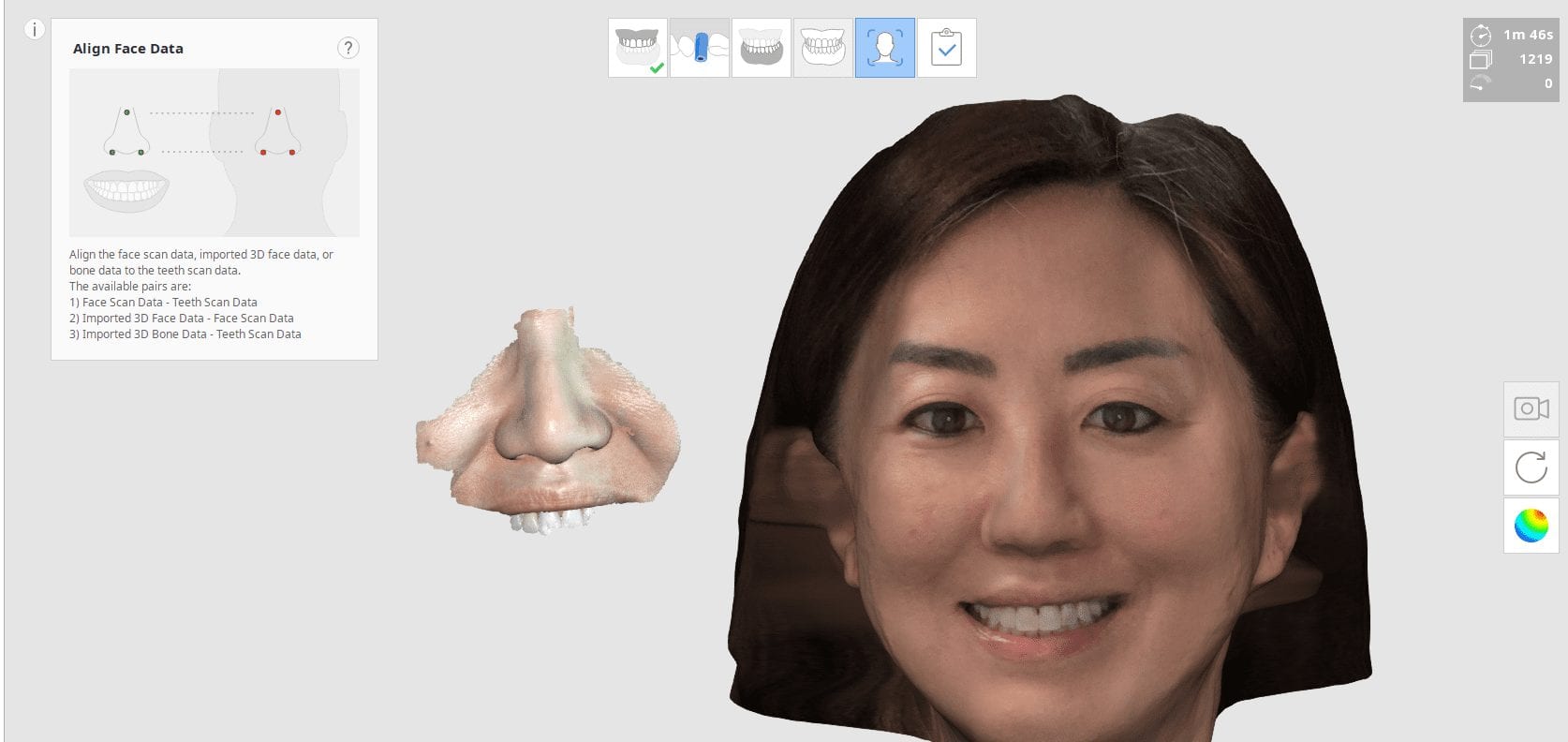
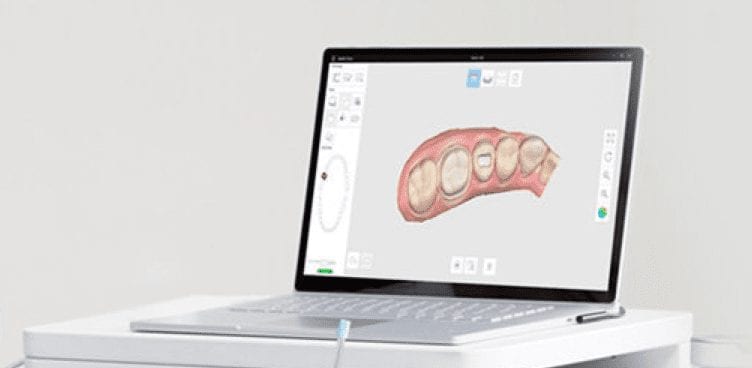
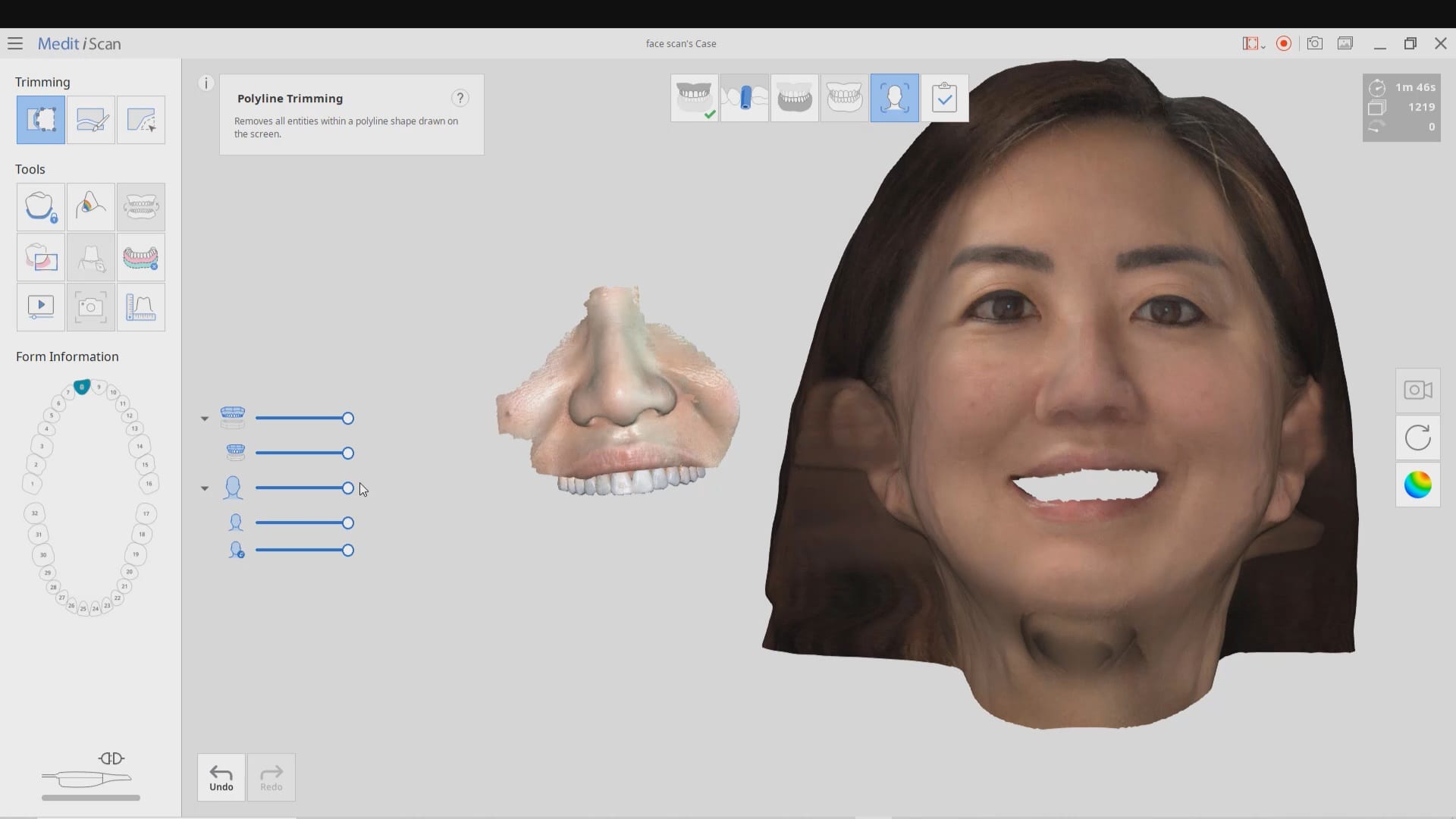
You will need 3 models to utilize all the features of the Medit Face Scan
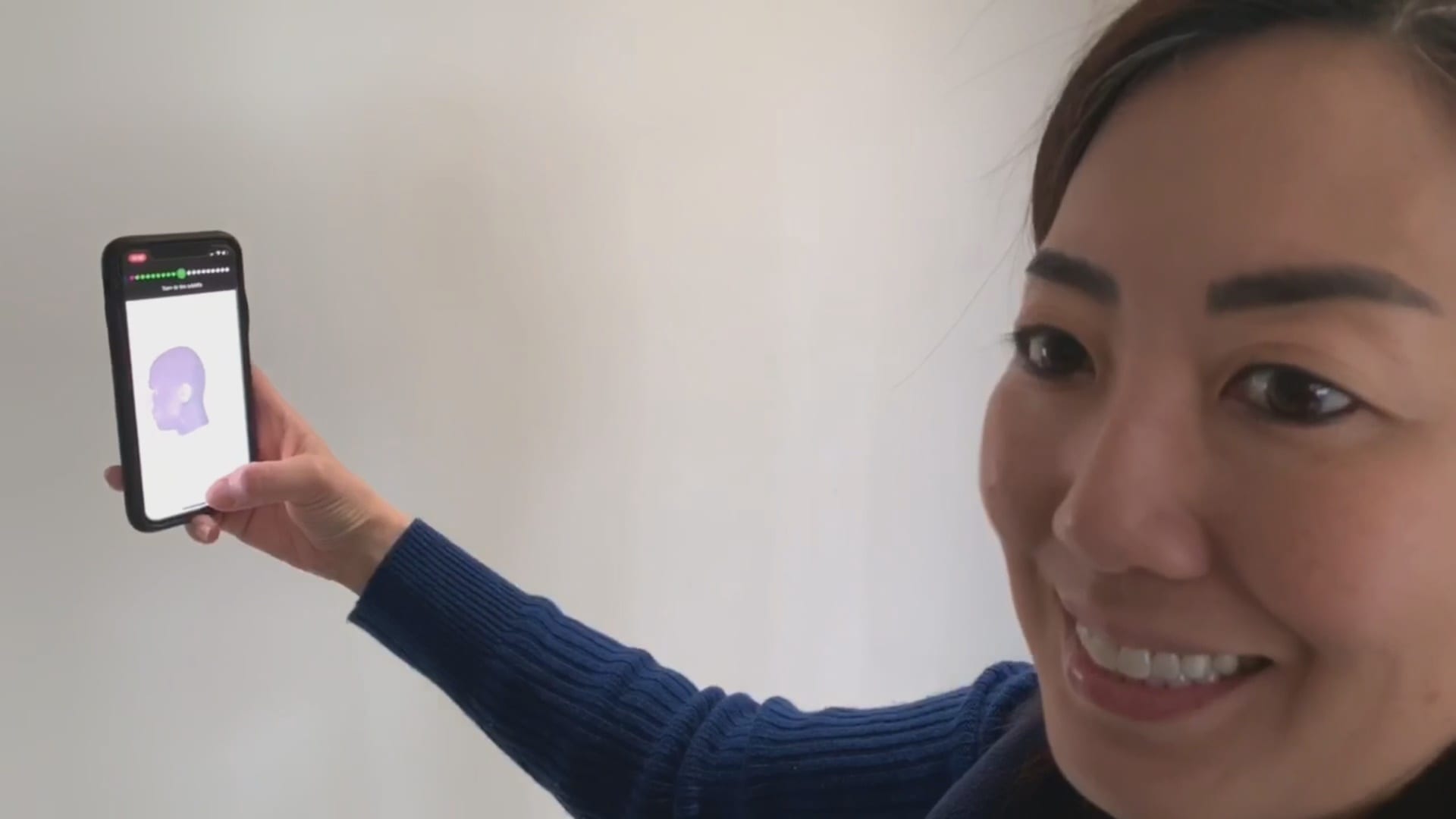
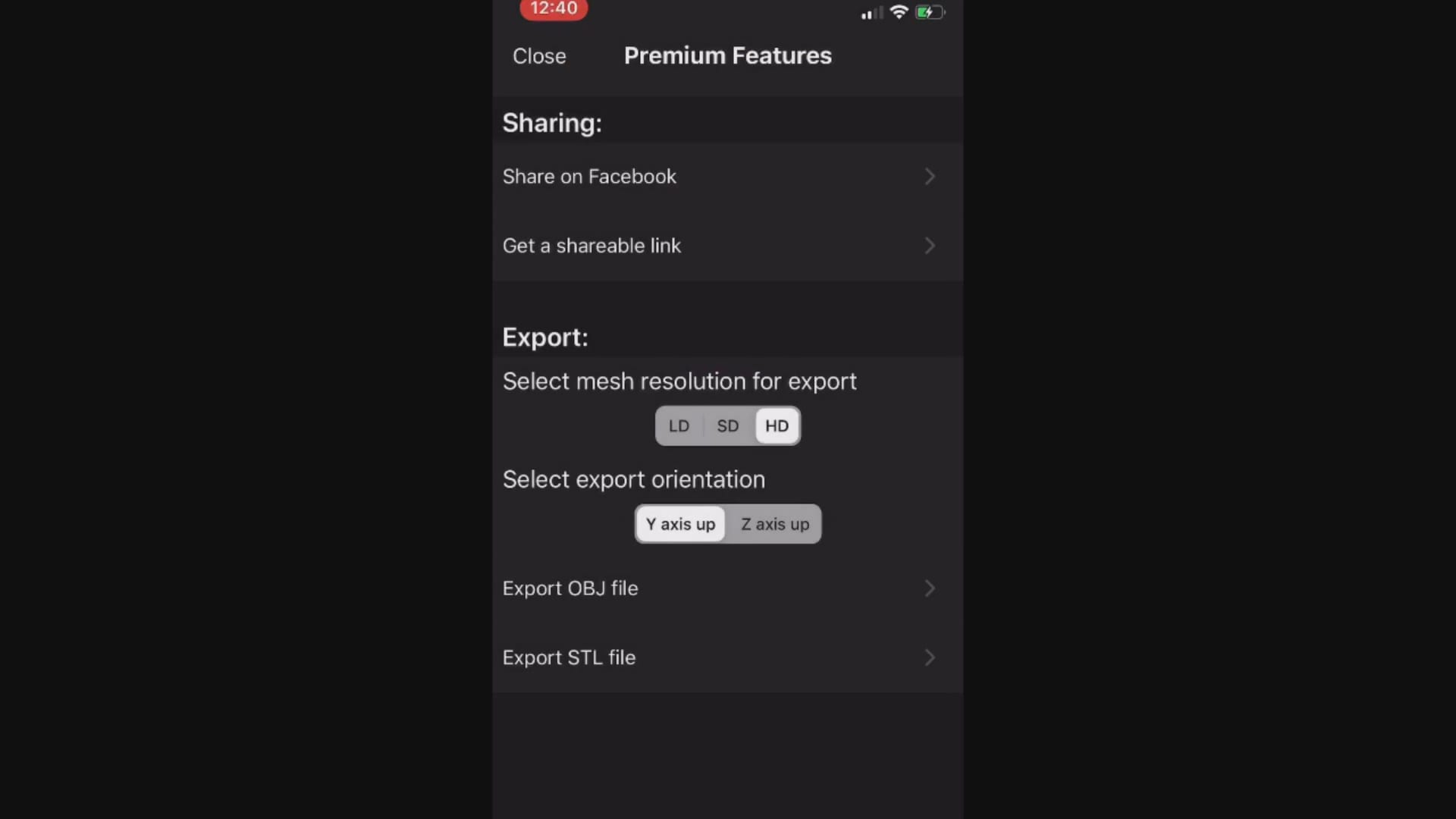
This video demonstrates how the Bellus3D software works. Once the images are captured, a 3D model is rendered and it can then be exported into any CAD software including the Medit iScan Program
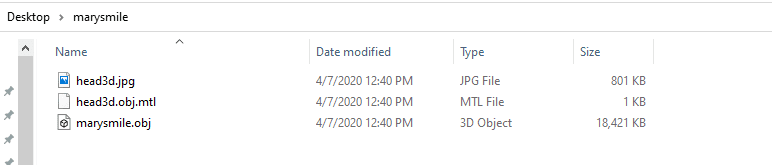
When you export the model, make sure that all the pertinent files accompany the folder, otherwise texture or color do not accompany the meshwork
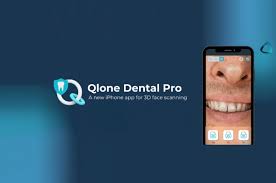
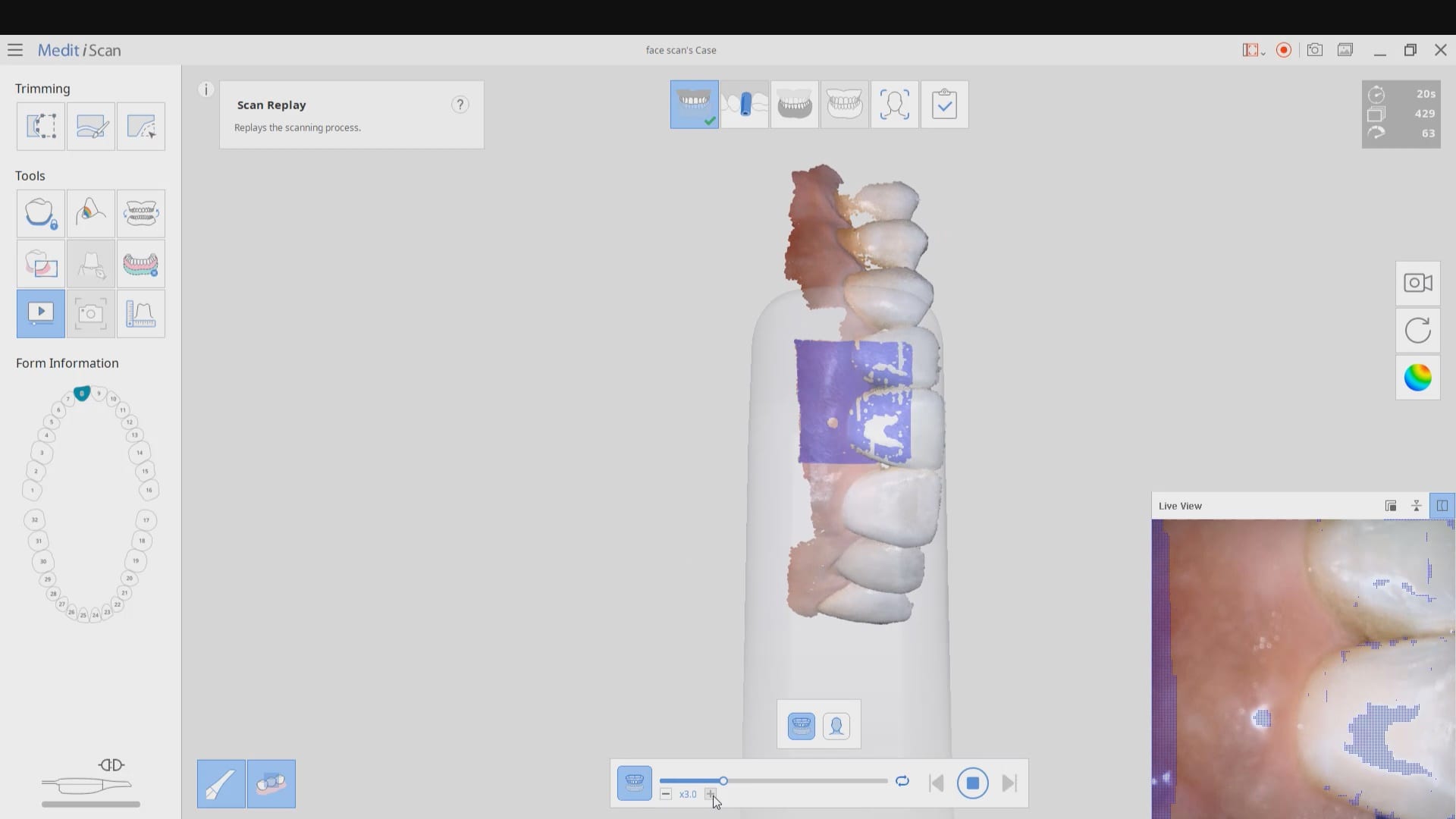
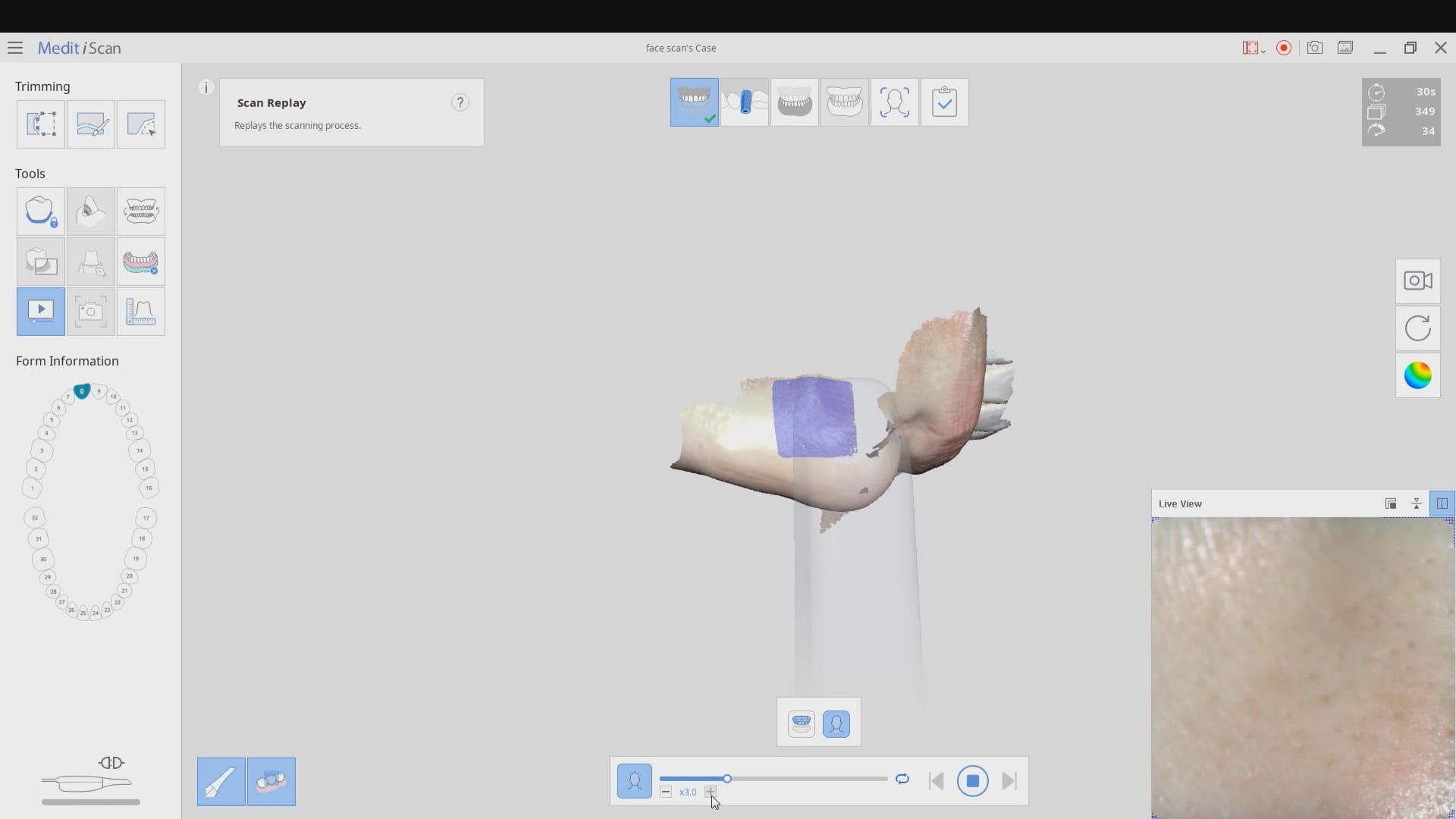
The following videos demonstrate how to capture the scan of the teeth, the scan of the teeth and lips, and then the incorporation of the facescan into the equation. Notice how the facescan with the iPhone distorts teeth and can’t be relied upon to find the midline or address other cosmetic issues.
8400 West Sunset Road
Suite #300
Las Vegas, Nevada 89113
Sales:
(833) CADRAY1
(833) 223-7291
Email: Sales@CAD-Ray.com
Sales:
(833) CADRAY2
(833) 223-7292
Email: Support@CAD-Ray.com


You must be logged in to post a comment.