












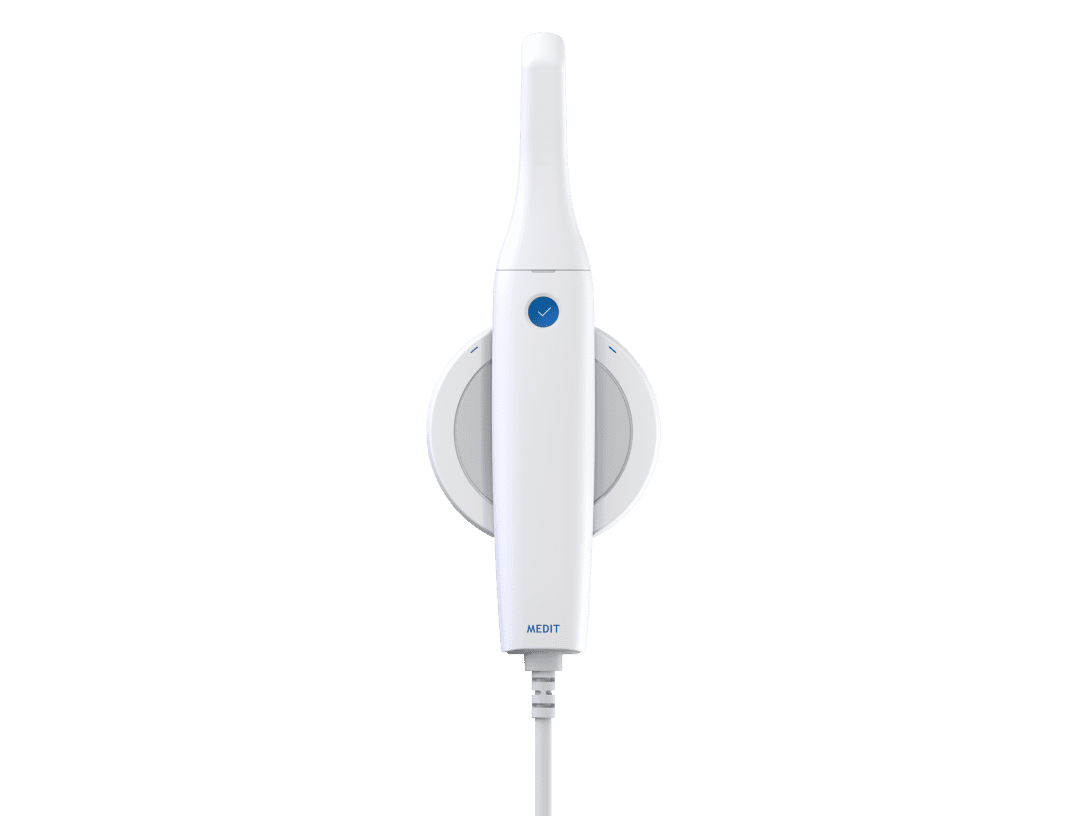













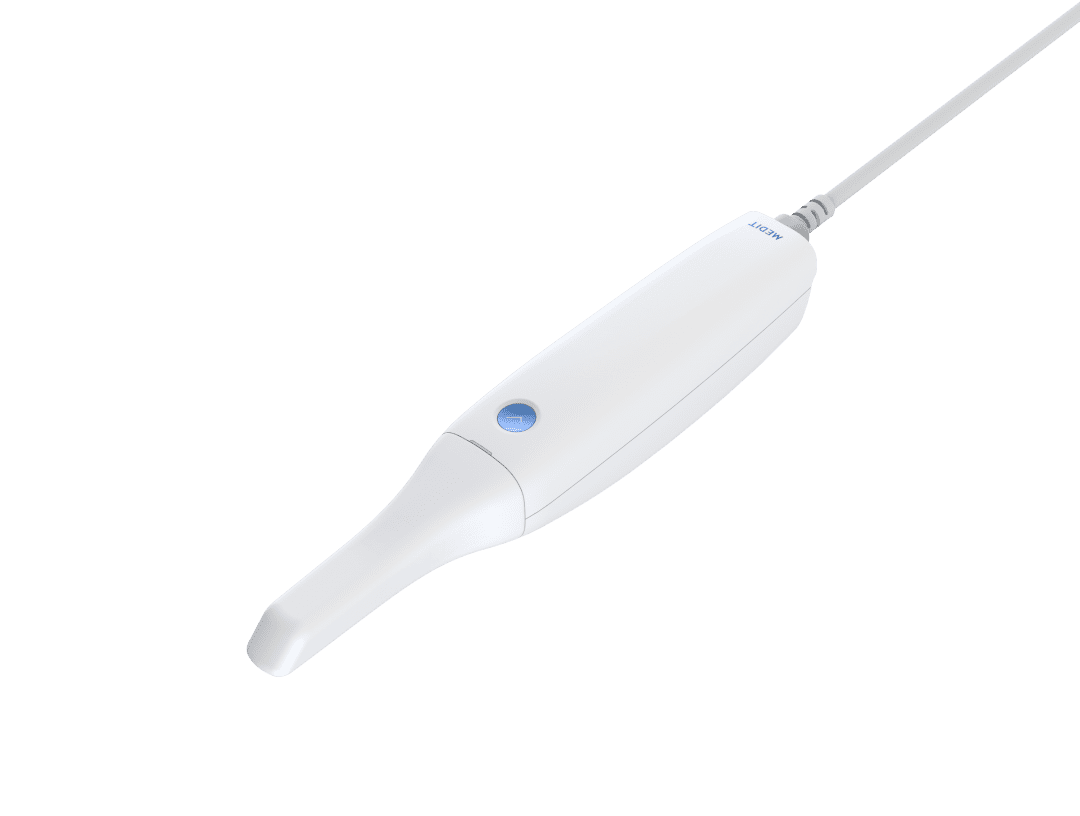



















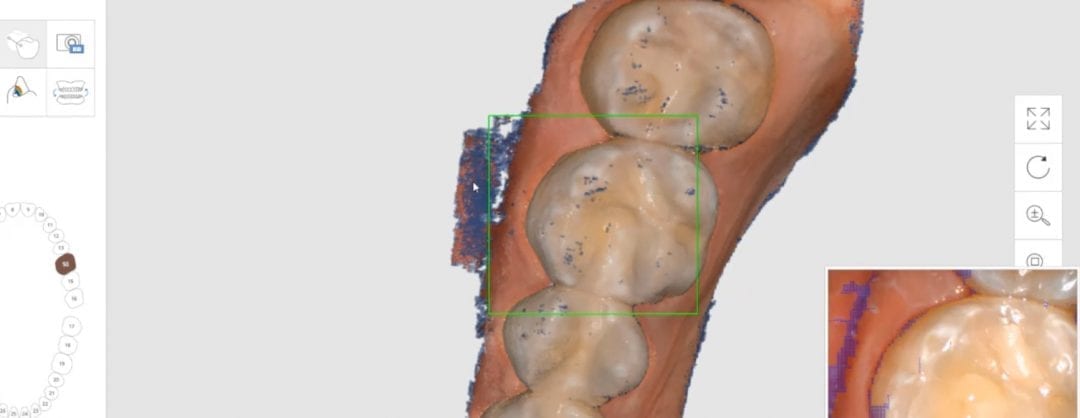
If you are new to Medit i500, or any introral scanner, and you are trying to scan full arches, there are some important concepts to keep in mind to make your life easier. The scanners do not like parts that move (lips and tongue) and love landmarks that keep their position. They also dislike air or dark areas, but not as much as moving tissue. Some times, if you image the lips or tongue enough, the software and camera can interpret that to be hard tissue and introduce errors. So lip and tongue retraction certainly help.
Humidity of the mouth can cause fogging of the lens, but that is not a big deal with the Medit i500 because the fan on the camera lens prevents that from happening. While keeping this in mind, and if you are new to full arch scanning, here’s a recommendation that works real well. It’s the concept of establishing a “Home Base”, a purchase point, or an anchor abutment. Not only does the camera like immobile parts, it likes these objects to cover large surface areas and also to cross multiple planes.
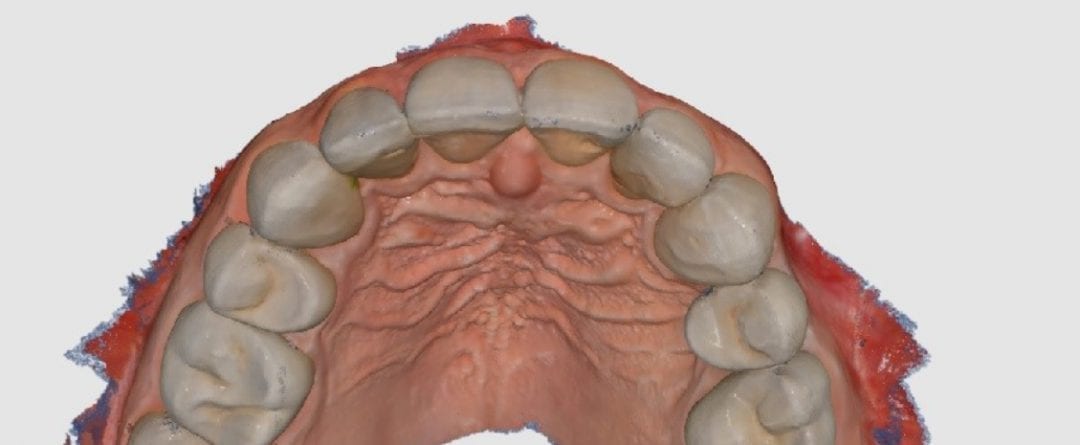
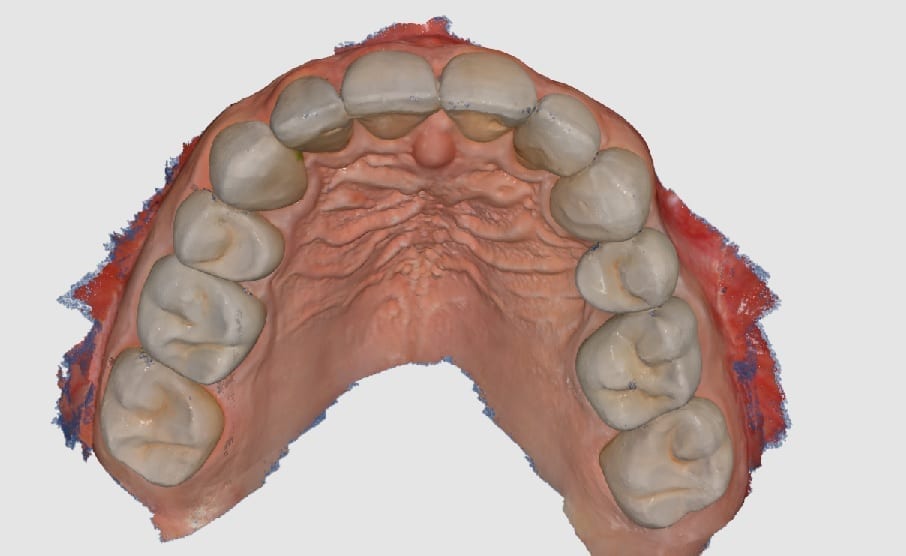
To build this home base, we recommend that you place the camera on top of the posterior and then turn on the scanning. Note, there is a setting in the software that starts to autoscan the surfaces. As a newcomer, you may inadvertently scan areas that you don’t want to. So start in the manual mode, place the camera on the first molar, and start scanning that occlusal surface, Then move the camera to the distal to capture the second molar and come back to the premolar area. Once you have the occlusal surfaces captured, we recommend you roll to the buccal and lingual of this quadrant.
Once you have the foundation of your scan established, you can proceed to capture the rest of the arch. If you get lost in the process, or your camera can no longer continue capturing because you moved to fast or you lost your orientation, you an always go back to your home-base and start from there again. The software will quickly orient itself to that landmark. If you watch the video, you can see how we get back on track on a few occasions by applying this concept.
The first sequence shows how the camera is looking at the opposing arch, and just by moving the camera back to the original landmark, the software quickly recognizes where it is. The second sequence shows how we scan a blue glove and then move the camera to that position. It takes little time for the system to recognize where it is and what it needs to do next.
[videopress O2MFOsZk]
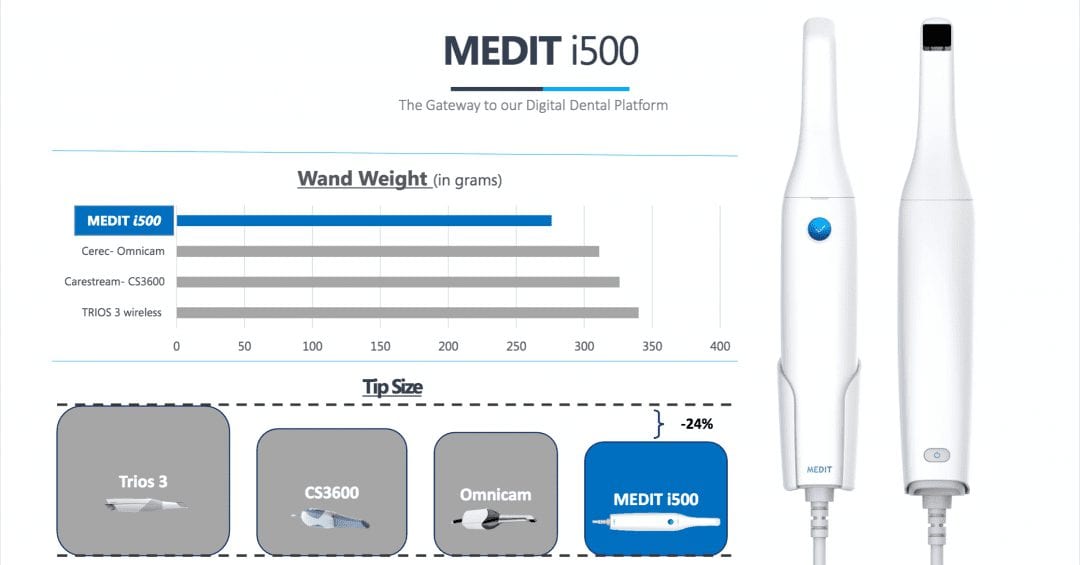

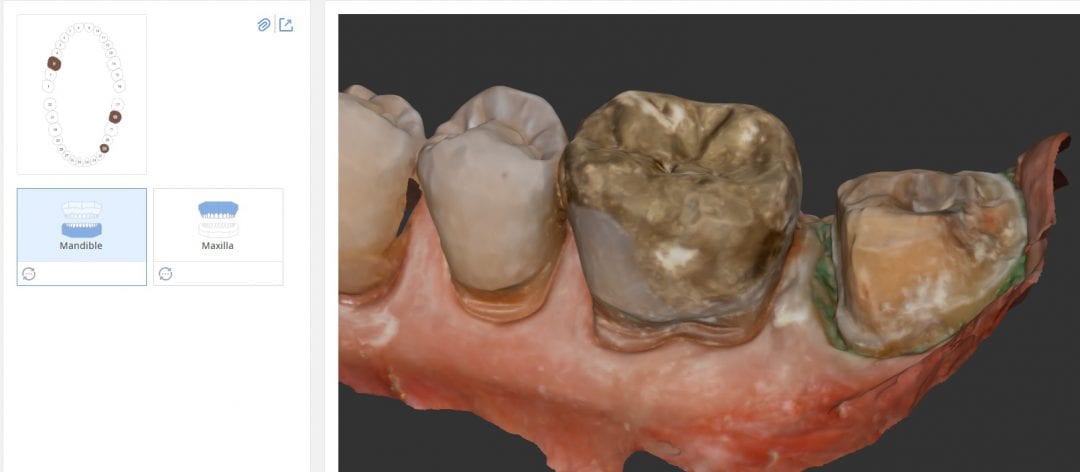


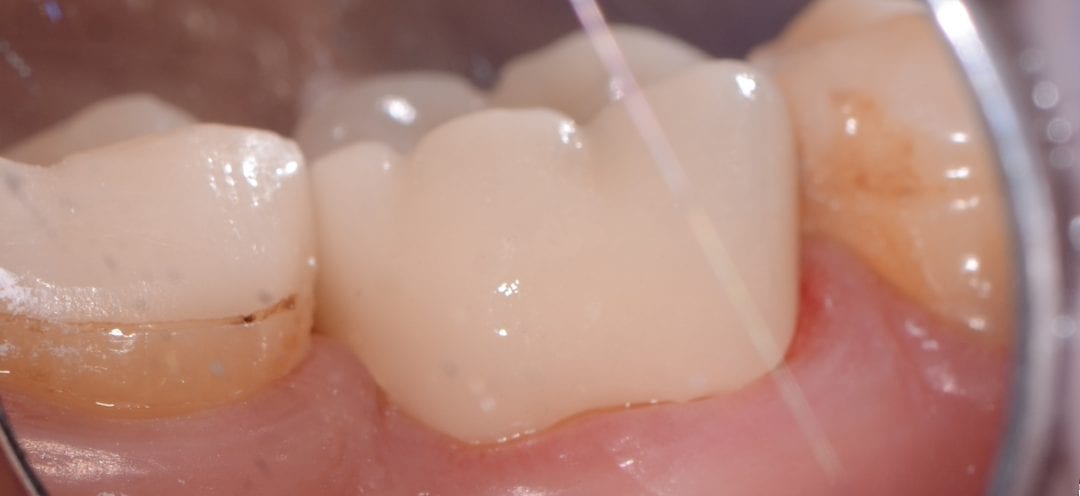

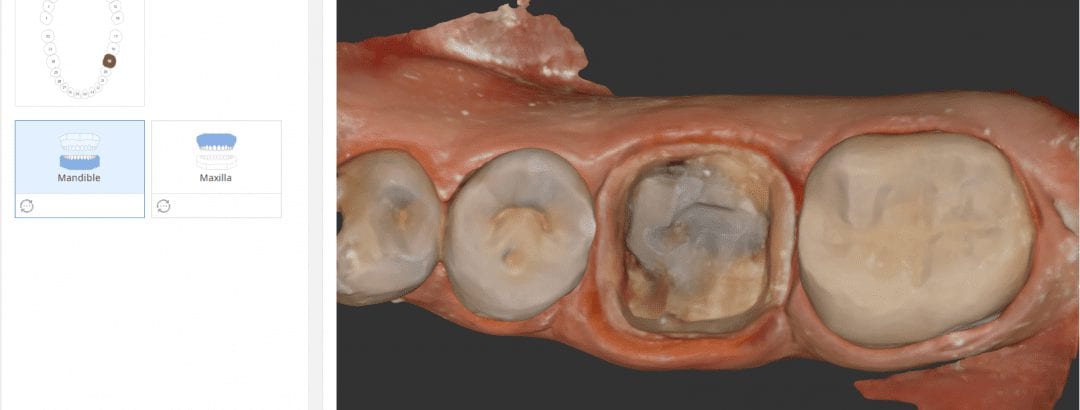


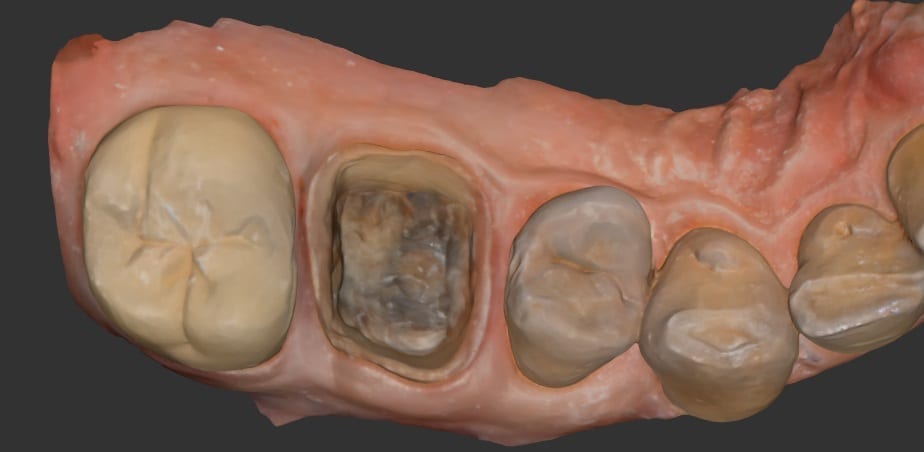
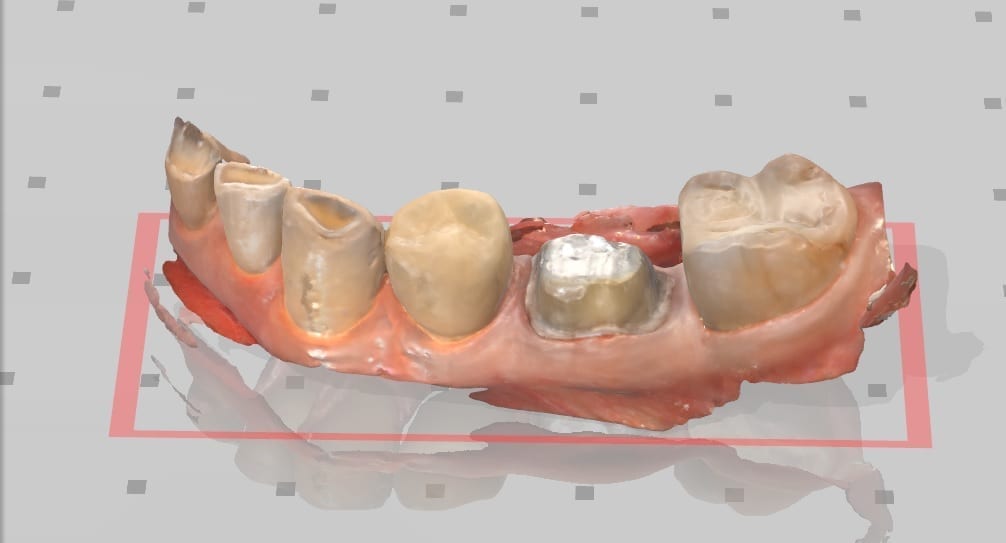
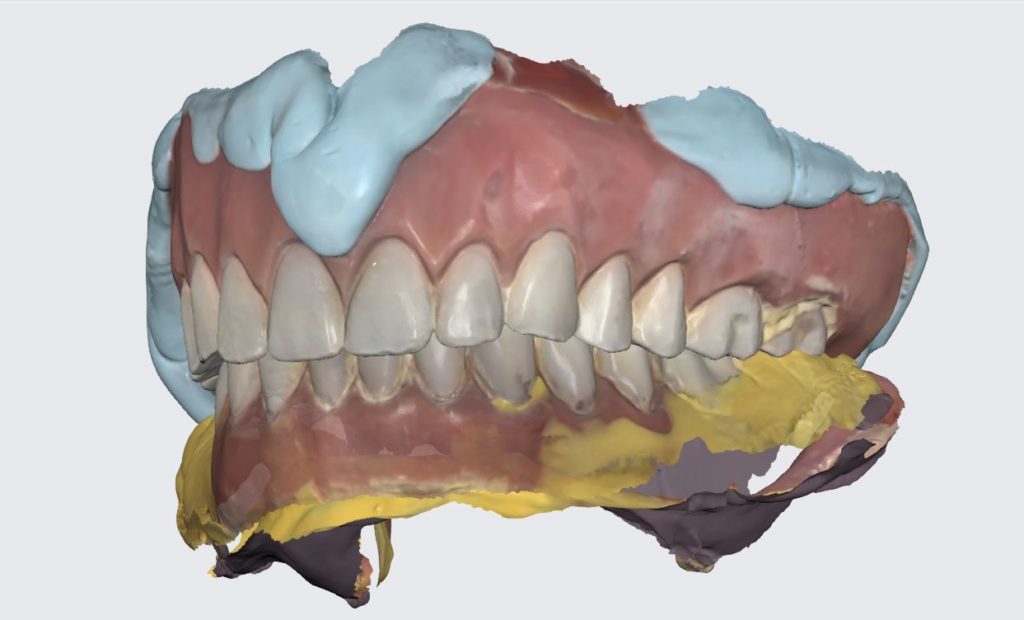
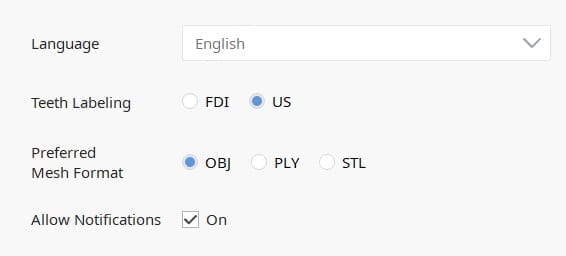 The software allows you to export the file in STL, PLY, or OBJ formats. When just submitting an STL file to the lab, the color difference in the model is not transmitted. But with other formats, you can easily convey to the lab what you see clinically.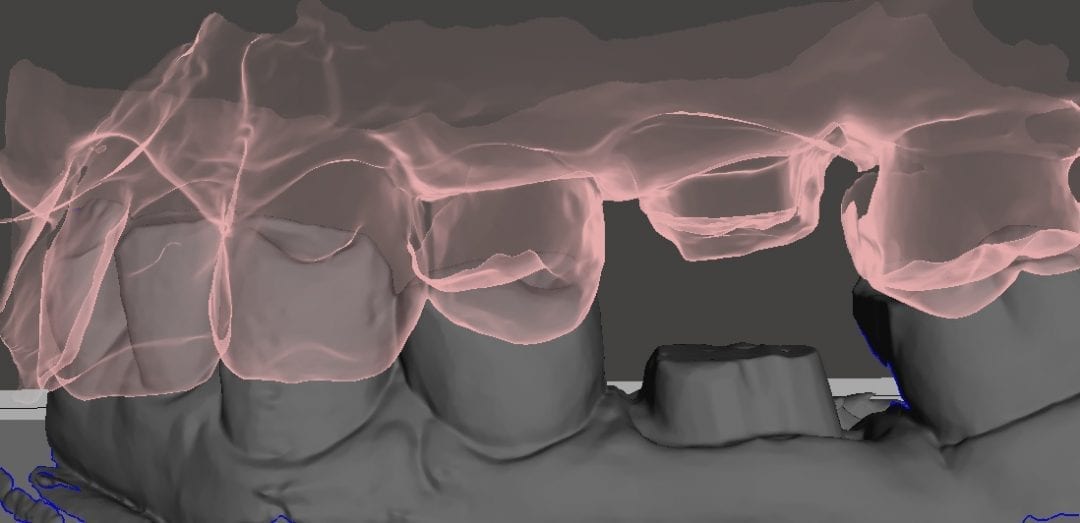

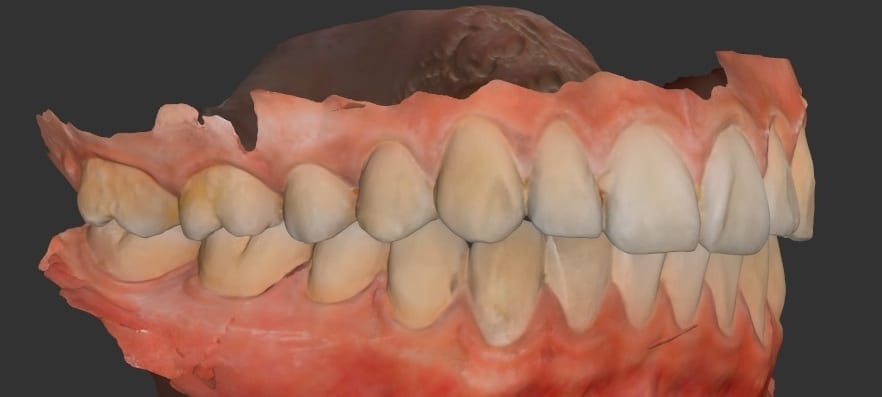
 Scanning with the Medit i500 for full arches is relatively easy, as long as you keep a few important items in mind. Unlike most iOS (Intra-Oral Scanners), humidity and fogging of the lens is not an issue. Isolation helps a lot; in particular, lip retraction is essential. The optragate does a great job with keeping the cheeks out of the way.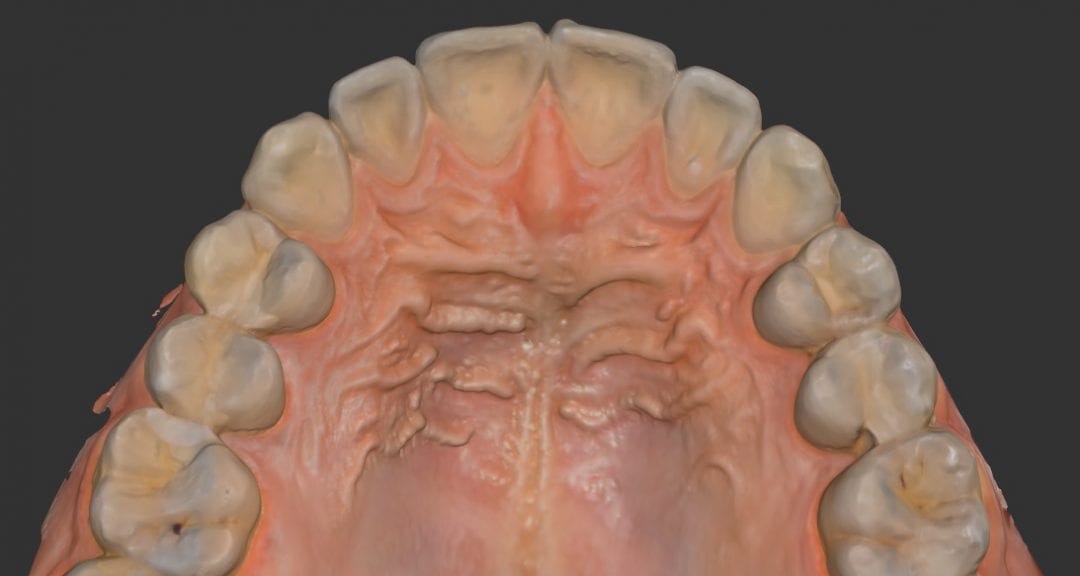
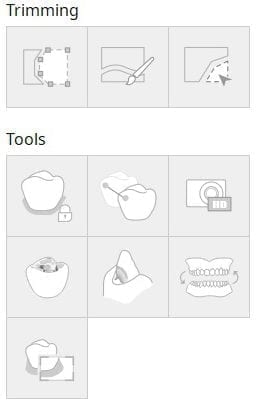
 There are free form tools and brush tools that can help you easily adjust and edit areas and re-image the areas by reactivating the camera and fill in the voids. In this video you can see how easily you can reverse some steps and make appropriate adjustments. The Undo and Redo feature also helps when you are in a bind that can take you back in stages. If you inadvertently overdue an edit, you can simply press forward and it will add those elements back.

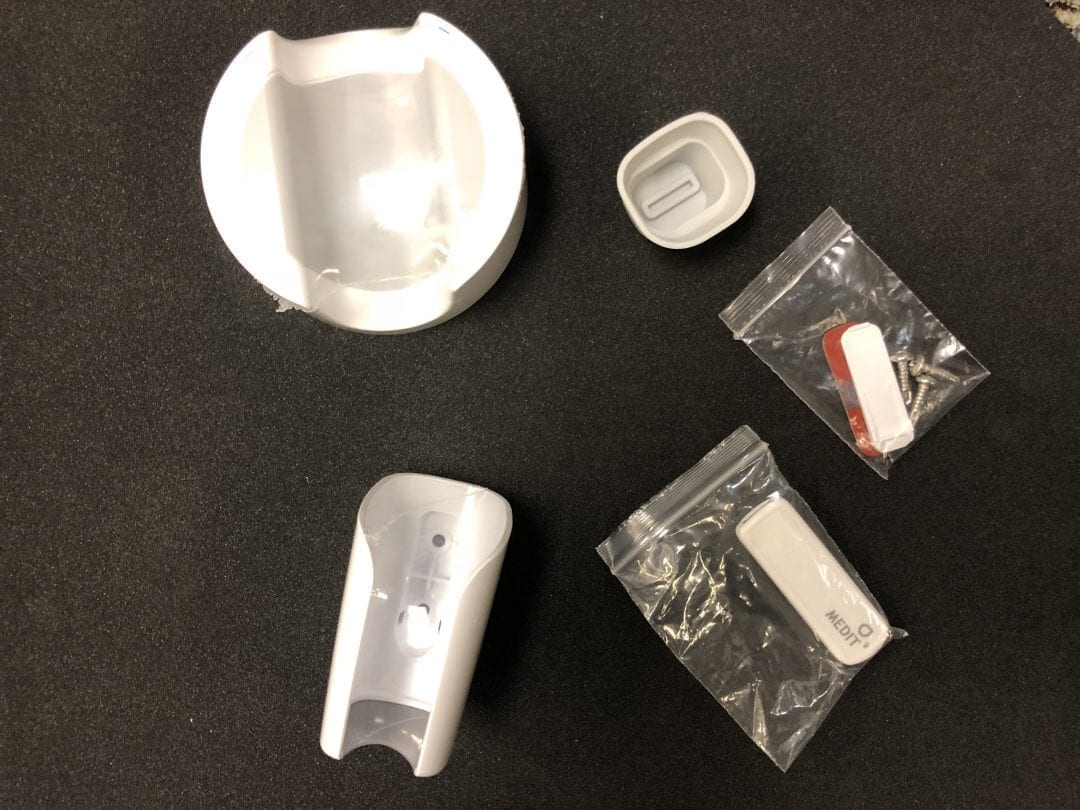

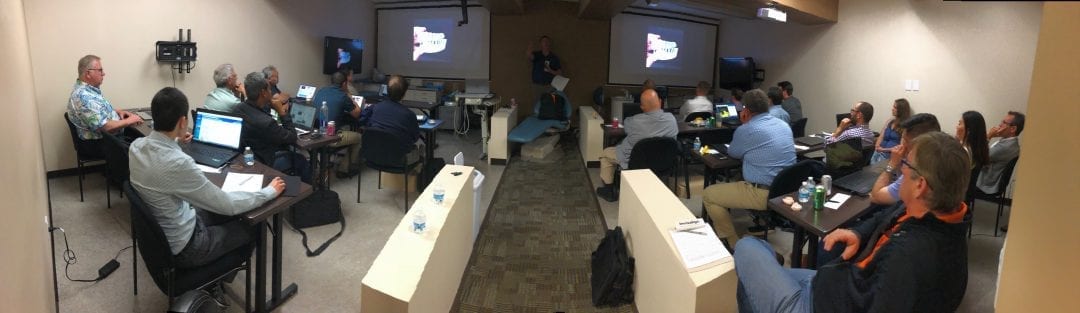
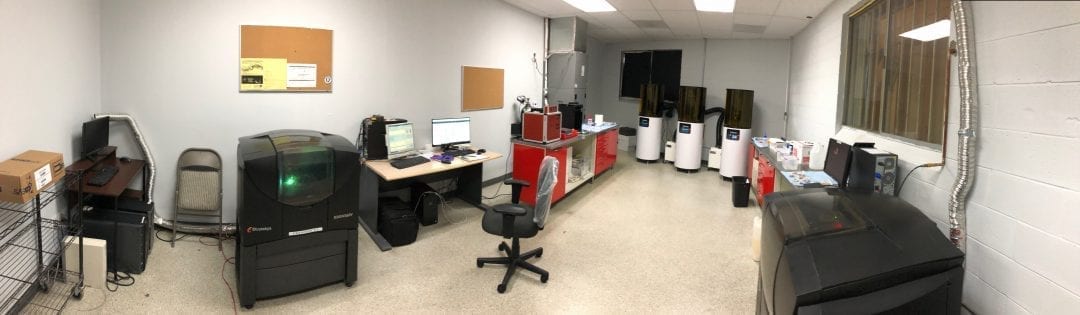


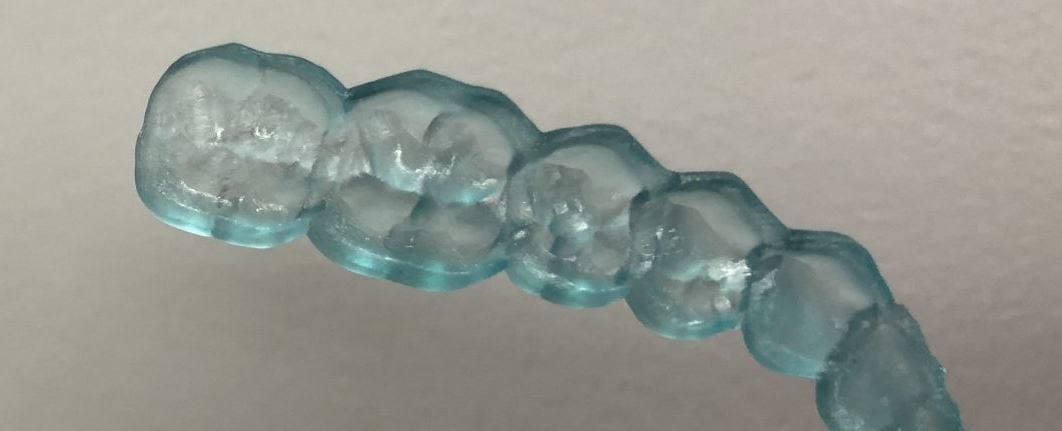
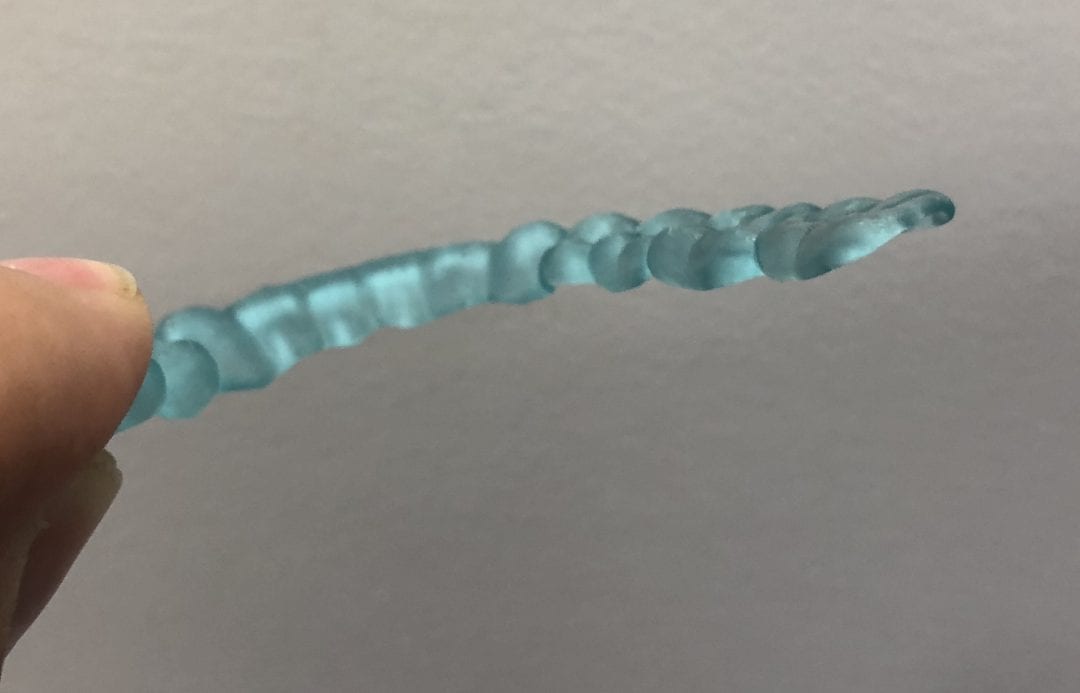 Introducing the CAD-Ray Obstructive Sleep Apnea Device, manufactured by Burbank Dental Lab. This appliance is printed with an FDA approved material by an FDA certified lab. They also happen to print thousands of surgical stents and models with a variety of printers.


You must be logged in to post a comment.