Wayne Glassoff is the go-to guy here! The BEST!!! He is always on it, he helps figuring out exactly what you need, the best way possible. And fast! Great working with CAD-Ray, they have pretty much everything when it comes to digital dentistry. And t...read moreWayne Glassoff is the go-to guy here! The BEST!!! He is always on it, he helps figuring out exactly what you need, the best way possible. And fast! Great working with CAD-Ray, they have pretty much everything when it comes to digital dentistry. And they give you a damn good support too. Jessica Knott is awesome… training and support, just the BEST! Very satisfied customer here!read less - 2/05/2023
Shawn Van de Vyver
Most amazing customer service I've experienced with any dental office related company. It reminds me of the legend about the lady returning car tires to Nordstrom and getting a full refund, but with intraoral scanners. I've moved all my related purch...read moreMost amazing customer service I've experienced with any dental office related company. It reminds me of the legend about the lady returning car tires to Nordstrom and getting a full refund, but with intraoral scanners. I've moved all my related purchases (and all future equipment purchases) over to CAD-Ray. I couldn't ask for anything more.What else is there to say?read less - 6/02/2022
Robert Crosby
The i700 is the second scanner I have purchased. It is hands down far superior in terms of quality and ease of use than my first scanner (3M Tru Def). I was hesitant to enter the market again but wanted to mainly for implant reasons. After talking...read moreThe i700 is the second scanner I have purchased. It is hands down far superior in terms of quality and ease of use than my first scanner (3M Tru Def). I was hesitant to enter the market again but wanted to mainly for implant reasons. After talking with Laura and watching her presentation with my staff, we were sold! The i700 was extremely reasonable in price while being similar to units costing twice as much. CAD-Ray made this possible. I found their on line training to be adequate in learning the necessary skills to start scanning, I continue to watch these videos as I sharpen my skills. Initially I was concerned about the on line training. But now I actually prefer this way of training as it is self paced and you always have the library of videos to watch when needed. Laura has been there to answer questions and help me whenever needed and I’m talking on nights and weekends too! I admit I was was extremely hesitant to get another scanner, especially with an online outfit; but I have no regrets and highly recommend CAD-Ray and Laura for anyone needing a scanner! They provide excellent services.read less - 4/23/2022
Nisarg Parikh
Absolutely a phenomenal company. Everyone you engage with is extremely knowledgeable and helpful.I’m sure they get the same questions day in, day out but they are happy to help you without being condescending. The entire team has been helpful through...read moreAbsolutely a phenomenal company. Everyone you engage with is extremely knowledgeable and helpful.I’m sure they get the same questions day in, day out but they are happy to help you without being condescending. The entire team has been helpful through phone calls, the Cad-Ray FB group, and recorded webinars. Jonathan helped me get a great deal, Laura was awesome on the webinar, Damien is always answering questions on FB, and Armen had a great in-person presentation in Dallas. 100% recommend.read less - 4/22/2022
Aaron LaRock
Dentist here. Bought a scanner, mill and 3d printer with Cad-Ray. I don't know what I'd do if I bought these items without their support. They've helped me so much and are awesome. I felt I had to repay by writing them this nice review. You won't reg...read moreDentist here. Bought a scanner, mill and 3d printer with Cad-Ray. I don't know what I'd do if I bought these items without their support. They've helped me so much and are awesome. I felt I had to repay by writing them this nice review. You won't regret getting whatever you need through Cad Ray.read less - 3/15/2024
Yu Gan
Great company. Pioneer in digital dentistry. Armen knows his stuff. Hands down the go to scanner reseller in the US. Support and training courses are incredible. - 10/02/2022
David Chong
Digital dentistry has changed my work flow for the better and could not imagine going back. So important that I have the support when things don't work as expected. CAD-Ray has been there every step and trust their expertise and knowledge! - 4/20/2022
John T
Frank and the CAD-Ray crew are awesome! They are always available for support with the technology you purchase from them. - 1/25/2023
Jason Oh
Everyone at CAD Ray has been amazing. Glad I chose them for my Medit and Sprint Ray purchase. Our training with Kaila was awesome. Thank you - 1/04/2023
Minh Van
I was referred to CAD-Ray by Medit Instagram help service. I have purchased Medit i700 from Laura, I was please to work with her and the whole team. They offered the best customer service and the fast responses, especially Laura. I look forward for t...read moreI was referred to CAD-Ray by Medit Instagram help service. I have purchased Medit i700 from Laura, I was please to work with her and the whole team. They offered the best customer service and the fast responses, especially Laura. I look forward for the next purchase.read less - 12/07/2021
Kip Covington
Customer support! I've had handfuls of scanners over the years and support has always been the biggest variable. We recently had a scanner bought through and implant company and received limited to no support. Through recommendations from several fri...read moreCustomer support! I've had handfuls of scanners over the years and support has always been the biggest variable. We recently had a scanner bought through and implant company and received limited to no support. Through recommendations from several friends, I purchased a second scanner through cad-ray and had them transfer over our support for the first. I wish I would have done this years ago. Destaney, has been incredible helping us troubleshoot a hardware issue that came up. It was on 3-shapes side but not only did she run it up the ladder there and get us back up and running quickly, but she promptly answered all questions and continuously checked in to make sure things were moving along. I won't purchase from anyone else going forward.read less - 8/14/2024
Blake Ferando
I purchased my medit in April of 2019 from Cad-Ray. The support offered is second to none, and the training videos are some of the best out there. Add to that a great support team that is fast to answer questions and issues, its hard to beat Cad-Ray. - 6/19/2020
Spark Dental
Just had a new i700 scanner.Service so far is great.Andy did our training, he was great in answering all our questions .loving the scanner so far .😊 - 9/01/2022
Mary Oliverie
Last year when I started looking into the Medit i500 I had my front desk call 3 sellers to get preliminary information. She told me hands down call CAD-RAY and don’t bother with the others. Boy was she right! Frank got us going with all our hardware ...read moreLast year when I started looking into the Medit i500 I had my front desk call 3 sellers to get preliminary information. She told me hands down call CAD-RAY and don’t bother with the others. Boy was she right! Frank got us going with all our hardware needs and trained us until all our questions were answered. Then Jonathon and Armen jumped in at our 2 day live training in Baltimore. I still review my notes to implement all the great ideas. When I get myself in a jam time to time CAD-RAY responds immediately and fixes my problem. Best decision I have made in the practice in a long time - Thank you everyone at CAD-RAY!read less - 10/09/2019
Can not find a single negative thing to say about my transactions with CAD-Ray. Great people, absolutely unbelievable customer service, and the best products.They stand behind the products they sell as strongly as the manufacturers do. - 4/27/2022
Jennifer Hastings
Andy was wonderful with setting everything up and explaining everything. The Medit i700 has been great thus far, easy set up! The only "issue" is that it can be occasionally glitchy. - 1/11/2022
Awesome! Great support. If you are planning on getting a scanner, make sure you have Cad-Ray on your side ! - 4/20/2022
arthur lyford
I cannot say enough about the support I have received from the beginning. I chose CadRay ultimately because of the support reviews...I can attest first hand...they are all right on...though I have been practicing for more than 35 years, this old dog...read moreI cannot say enough about the support I have received from the beginning. I chose CadRay ultimately because of the support reviews...I can attest first hand...they are all right on...though I have been practicing for more than 35 years, this old dog has been taught a lot of new tricks from the support staff at Cad Ray...Truly impressed with every interaction so far! Thanksread less - 5/11/2023
We have been using the Medit i700 for about a year now. Frank and his customer service team has made it a smooth transition. He is always quick to reply and is friendly and professional! - 1/26/2023
Value Dental
Excellent customer service and support. Kaila was extremely pleasant and professional over the phone. She sent us the replacement part in a timely fashion. Will recommend this product and their business to fellow colleagues. Thanks again! - 12/06/2021
Rebecca Booth
Great scanner easy to use with the software. Definitely recommend the i700 scanner. Great customer service from Laura. - 12/09/2021
Steven Acker
The i700 provides amazing ease of use and versatility for any digital restorative application. It’s been game changing for our practice. CAD-Ray’s amazing support and Medit’s constant improvement of the software are revolutionary. I’ve been taking di...read moreThe i700 provides amazing ease of use and versatility for any digital restorative application. It’s been game changing for our practice. CAD-Ray’s amazing support and Medit’s constant improvement of the software are revolutionary. I’ve been taking digital impressions for over 15 years with other systems and nothing comes close to the Medit.read less - 8/27/2021
The customer service has been top notch, every single time. I have only good things to say about them. - 4/05/2022
Thanh Huynh
I am beyond impressed with Destaney and Cad-Ray! Despite accidentally throwing away my old scanner, which I was supposed to return, their team went above and beyond to advocate for me. Their exceptional support and understanding turned a stressful si...read moreI am beyond impressed with Destaney and Cad-Ray! Despite accidentally throwing away my old scanner, which I was supposed to return, their team went above and beyond to advocate for me. Their exceptional support and understanding turned a stressful situation into a seamless experience. Highly recommend!read less - 8/02/2024
Andrew Cole
The D.I.Y. Medit i500 package was right for me. I bought a nice gaming PC for my 2 operative rooms, downloaded the software, watched some videos, and started scanning. It's really easy to use, my crowns fit better with fewer adjustments, and they cos...read moreThe D.I.Y. Medit i500 package was right for me. I bought a nice gaming PC for my 2 operative rooms, downloaded the software, watched some videos, and started scanning. It's really easy to use, my crowns fit better with fewer adjustments, and they cost less because they are made model-less and without impression materials. I will start to see a return on investment in less than 2 years and it makes my work more fun, and I can deliver better results. Armen puts on a 2 day course which is very helpful to refine your technique. Start with watching the videos, scan your employees, and then use it on patients. I considered buying an iTero Element 2 and I'm so glad I didn't. The Medit is smaller, as good or better, and it costs ~$25,000 less over the course of 5 years. Ongoing fees for other scanners are a joke. Medit keeps providing updates that make the software even better and there are no additional charges.read less - 3/29/2020
Armen Mirzayan's knowledge base sets CAD-RAY.COM apart from all other digital dental-equipment dealers. Not content with linking manufacturer support content, Armen's team provide instant feedback to any equipment queries, in-depth video tutorials, a...read moreArmen Mirzayan's knowledge base sets CAD-RAY.COM apart from all other digital dental-equipment dealers. Not content with linking manufacturer support content, Armen's team provide instant feedback to any equipment queries, in-depth video tutorials, and regular product testing, streamlining, and pushing the boundaries of their products - be it software, hardware, or connectivity between various brands. I highly recommend this team if you want to fully utilise your equipment and have the backup needed going forward!read less - 11/05/2019
Awesome service. Bought a Medit and was able to learn how to use it simply by watching Cad-Ray's support and education videos. Three thumbs up! - 6/16/2020
A C
Kaila and Laura were amazing to work with. I would not hesitate to buy again from them. Super helpful/available and one of the best experiences I’ve had making such a big investment in equipment like I had to make for my practice. Way to go Cad Ray f...read moreKaila and Laura were amazing to work with. I would not hesitate to buy again from them. Super helpful/available and one of the best experiences I’ve had making such a big investment in equipment like I had to make for my practice. Way to go Cad Ray for running a solid business!read less - 11/15/2024
Linsay N Brandon Jarvis
As a lab we see a lot of scans. Great quality and easy to create great restorations from the Medit offices that send us work.- Jarvis dental lab - 1/29/2019
Kristine Keshishyan
My Intraoral scanner was not working. It wouldn’t scan, during the scan the screen was completely blue. I contacted Laura and she logged in remotely and took care of the problem. She was extremely helpful and knowledgeable. Thank you Laura for your o...read moreMy Intraoral scanner was not working. It wouldn’t scan, during the scan the screen was completely blue. I contacted Laura and she logged in remotely and took care of the problem. She was extremely helpful and knowledgeable. Thank you Laura for your outstanding service. Thank you.read less - 12/07/2021
Jonathan Van Dyke
Cadray is excellent and their medit scanner is amazing! - 6/16/2020
Paul Crespo
Cad-Ray has been instrumental in implementing and supporting our experience with scanning. Having scanned previously with other services I can truly say that Cad-Ray takes their clients very seriously and will not leave you hanging. They set the ba...read moreCad-Ray has been instrumental in implementing and supporting our experience with scanning. Having scanned previously with other services I can truly say that Cad-Ray takes their clients very seriously and will not leave you hanging. They set the bar very high. Cad-Ray all the way!read less - 12/09/2021
Suresh Goel
CAD-Ray is a great resource for all things digital. Knowledgeable team but also able to anticipate your needs and because they’ve done it so many times they seem to know what you need before you do! Definitely the first place to look for digital ha...read moreCAD-Ray is a great resource for all things digital. Knowledgeable team but also able to anticipate your needs and because they’ve done it so many times they seem to know what you need before you do! Definitely the first place to look for digital hardware and integration!read less - 6/16/2020
Brandon Jones
Cad-Ray customer service is great! Super responsive and efficient. - 3/26/2024
arthur lyford
I cannot say enough about the support I have received from the beginning. I chose CadRay ultimately because of the support reviews...I can attest first hand...they are all right on...though I have been practicing for more than 35 years, this old dog ...read moreI cannot say enough about the support I have received from the beginning. I chose CadRay ultimately because of the support reviews...I can attest first hand...they are all right on...though I have been practicing for more than 35 years, this old dog has been taught a lot of new tricks from the support staff at Cad Ray...Truly impressed with every interaction so far! Thanks 10/4/2023 And they did it again today with ten minutes before the pt came in 3Shpe server would not connect with the computer and Andy got to 3Shape directly and had us up and running...thankfully I didn't have to call anyone but CadRay...thanks again....read less - 10/05/2023
lucas kim
Ordered some scanner parts. Laura was super helpful and replied very quickly. Great customer service! - 6/02/2022
Thomas Lim
5 stars for a great product and great service. After much research I knew I was set on the Medit 500. I considered some of my local equipment reps, as well as cad-ray. Cad-ray won out due to their efficiency, speed of service, and knowledge. Their on...read more5 stars for a great product and great service. After much research I knew I was set on the Medit 500. I considered some of my local equipment reps, as well as cad-ray. Cad-ray won out due to their efficiency, speed of service, and knowledge. Their online presence makes it easy to get help via messaging, social media, or phone. The fact that one of the employees of Medit (an engineer?) posts on the cad-Ray Facebook group speaks volumes of the vendor-mfg relations.
The scanner itself works great, but make sure to contact them to get the minimum specs required for a laptop — it will make a difference in how the scanner performs. I had some slow scans at first but upgraded from 8gb to 32gb ram and also got some coaching from customer service (Frank) to get me up to speed.
To make the scanner mobile, I purchased this cart from Staples: https://www.staples.com/Oklahoma-Sound-Premium-Audio-Visual-Presentation-Cart-40-1-2-H-x-18-W-x-30-D-Black-Ivory-Wood/product_932437.
Lastly, I purchased “3M Dual Lock Fastener” to keep the power module attached to the wand from falling off the cart. I carry the scanner between two offices, so I wanted something sturdy, but removable. (see in photos). The hockey puck shaped holder (comes with the scanner) is heavy and sticks to the countertop without needing any adhesive.read less - 10/12/2019
Frank DeLuca has been my rep for almost a year and has provided excellent, caring, professional service and with a great attitude. - 1/25/2023
Gwen Giannina
CAD-Ray is an amazing company. I purchased my scanner 3 years ago. Any small issue immediately resolved by calling them for help. I originally scanned with Cerec. The ROI doesn't even compare. The Medit was by far the best technology purchase of my ...read moreCAD-Ray is an amazing company. I purchased my scanner 3 years ago. Any small issue immediately resolved by calling them for help. I originally scanned with Cerec. The ROI doesn't even compare. The Medit was by far the best technology purchase of my 20 plus years in dentistry. I will upgrade at some point and will buy again from CAD-RAY!read less - 2/04/2022
Roopam Garg
I purchased Medit scanner few weeks ago . Frank and Nick have been really excellent answering my questions promptly. The scanner itself is wonderful with no back fees , customer service is top notch. The entire team works fast and helps you out. I st...read moreI purchased Medit scanner few weeks ago . Frank and Nick have been really excellent answering my questions promptly. The scanner itself is wonderful with no back fees , customer service is top notch. The entire team works fast and helps you out. I strongly recommend this scanner!read less - 6/17/2020
only dental company that I have no complaints about - 11/03/2022
Mike Holt
We purchased the Medit i700. With the help of CAD-Ray and their amazing support team the transition to digital scanning was simple. Laura Geney walked us through the purchase and guided us during our training with the help of Andy Nova. Laura has bee...read moreWe purchased the Medit i700. With the help of CAD-Ray and their amazing support team the transition to digital scanning was simple. Laura Geney walked us through the purchase and guided us during our training with the help of Andy Nova. Laura has been there every step of the way checking in weekly answering all of our questions. We highly recommend CAD-Ray and look forward to doing business with them in the future.read less - 7/24/2022
Lance Timmerman
Implant Planning Services Review I Am VERY experienced with "another system" but thought I would give CAD-Ray a try. At at LEAST 1/3 the fee, why not?
VERY happy. Fit GREAT, surgery was uneventful (the best kind) and I am a believer! This is a great company and great PEOPLE to...read moreI Am VERY experienced with "another system" but thought I would give CAD-Ray a try. At at LEAST 1/3 the fee, why not?
VERY happy. Fit GREAT, surgery was uneventful (the best kind) and I am a believer! This is a great company and great PEOPLE too! 5 stars aren't enough. Just like the Burj Al Arab, this is 7 star!read less - 3/03/2015
Mike Capio
Nothing but good things to say about CAD-Ray. All of the education, recommendations, and products they provide are truly the best in digital dentistry at the time. - 6/20/2020
Christopher Chin
This was my intro into intraoral scanning and I did research for quite awhile. The i500 and the team at Cad Ray are top notch. The company has done such a great job putting this scanner in the ranks of the premier ones. With constant updates it gets...read moreThis was my intro into intraoral scanning and I did research for quite awhile. The i500 and the team at Cad Ray are top notch. The company has done such a great job putting this scanner in the ranks of the premier ones. With constant updates it gets better and better (though I’m still behind on updates). My crowns have never been better. They drop right in with no models. I didn’t believe it but I’m loving digital dentistry. I can’t wait to go to the class after COVID calms down!read less - 6/16/2020
Frank DeLuca from CAD-Ray has been absolutely awesome from day one. Readily available and very knowledgeable to provide support when needed. - 1/25/2023
Jeff Muszynski
Fantastic customer service - 6/19/2020
Preston Poole
Great company with even better customer service. Premier dental business with digital dentistry and scanners! - 11/03/2022
Dennis Wong
Best support ever. They are super responsive when a problem occurred, and immediately set up a support ticket with the vendor who contacted me within the hour to help me to solve the problem. - 7/27/2023
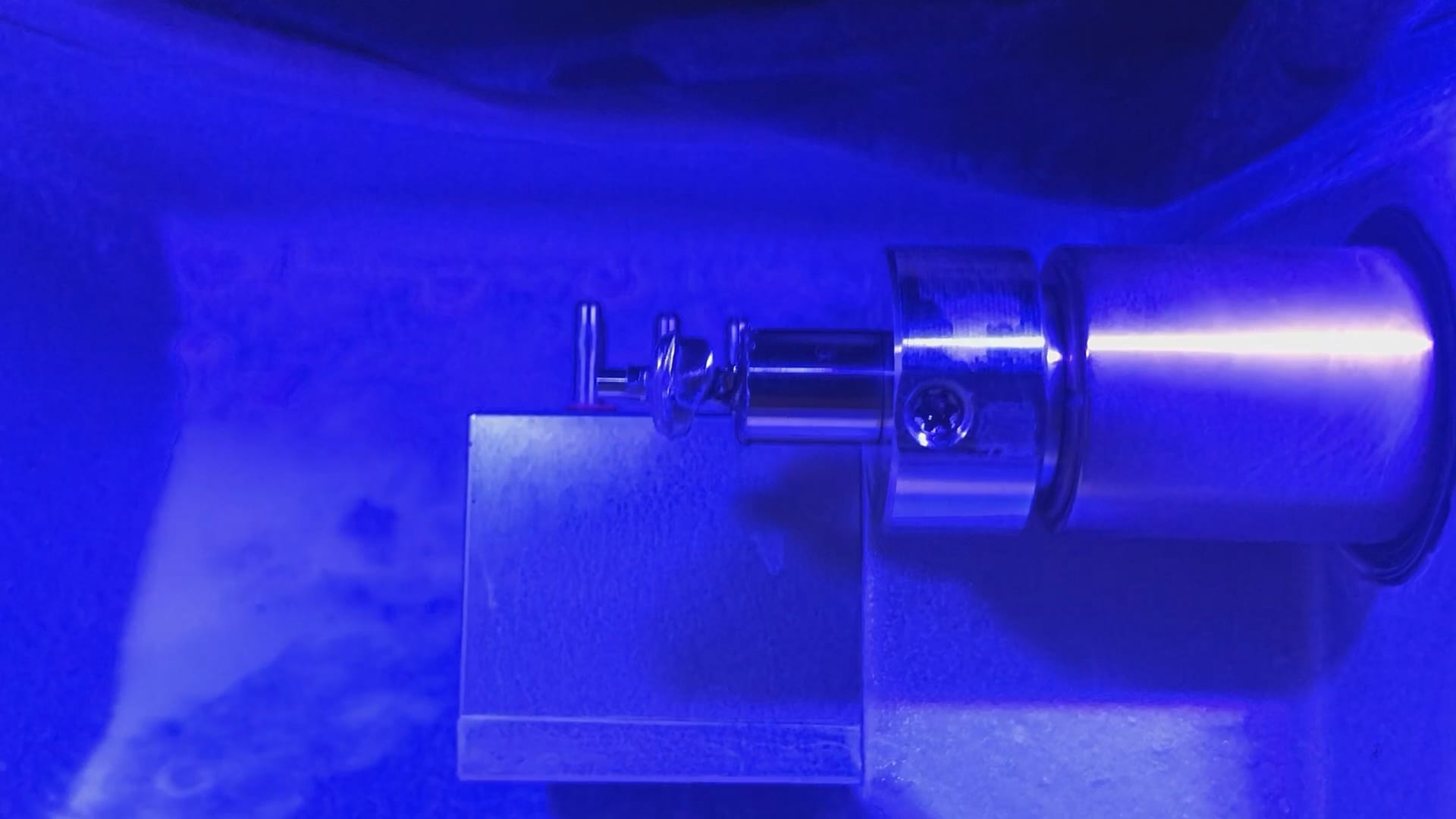
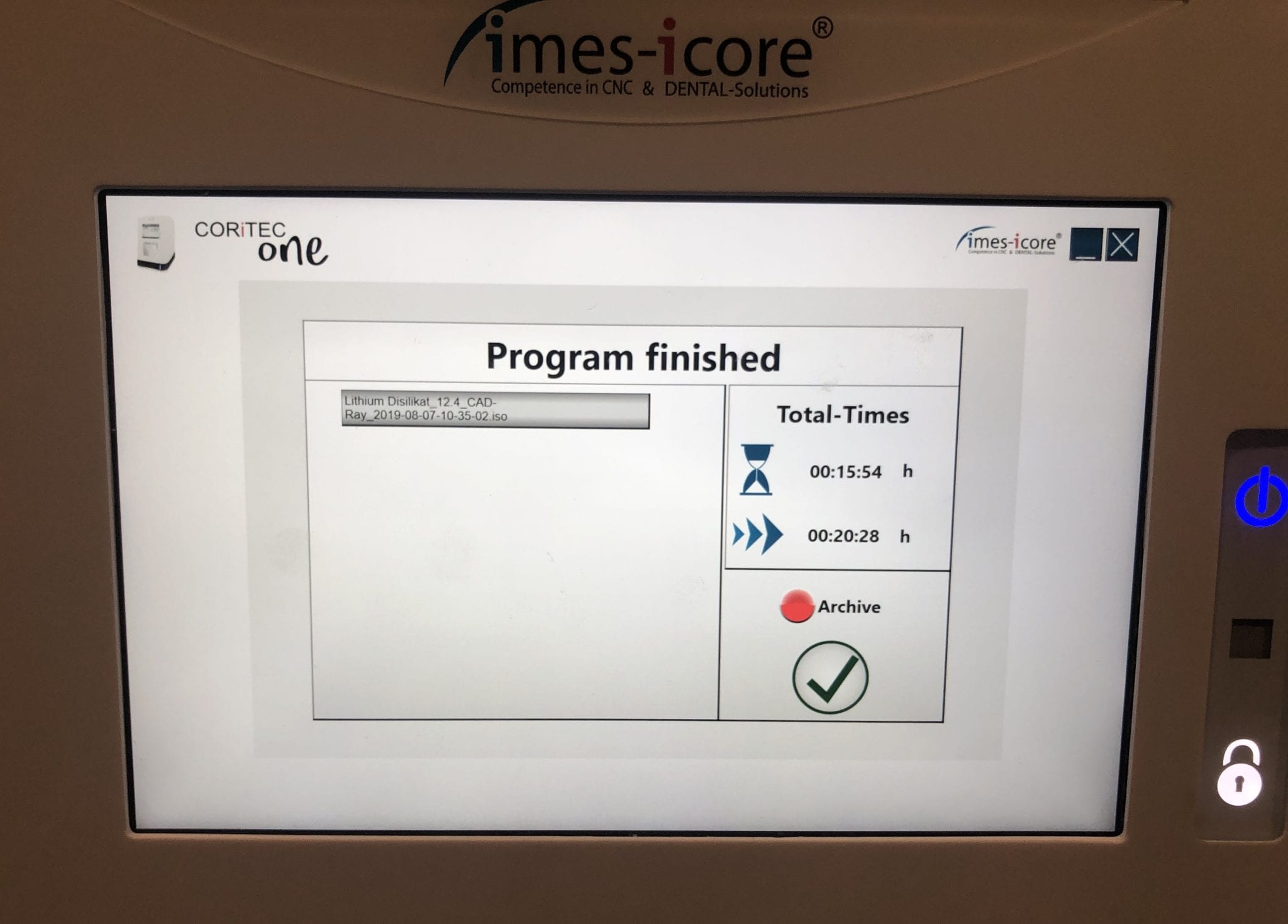
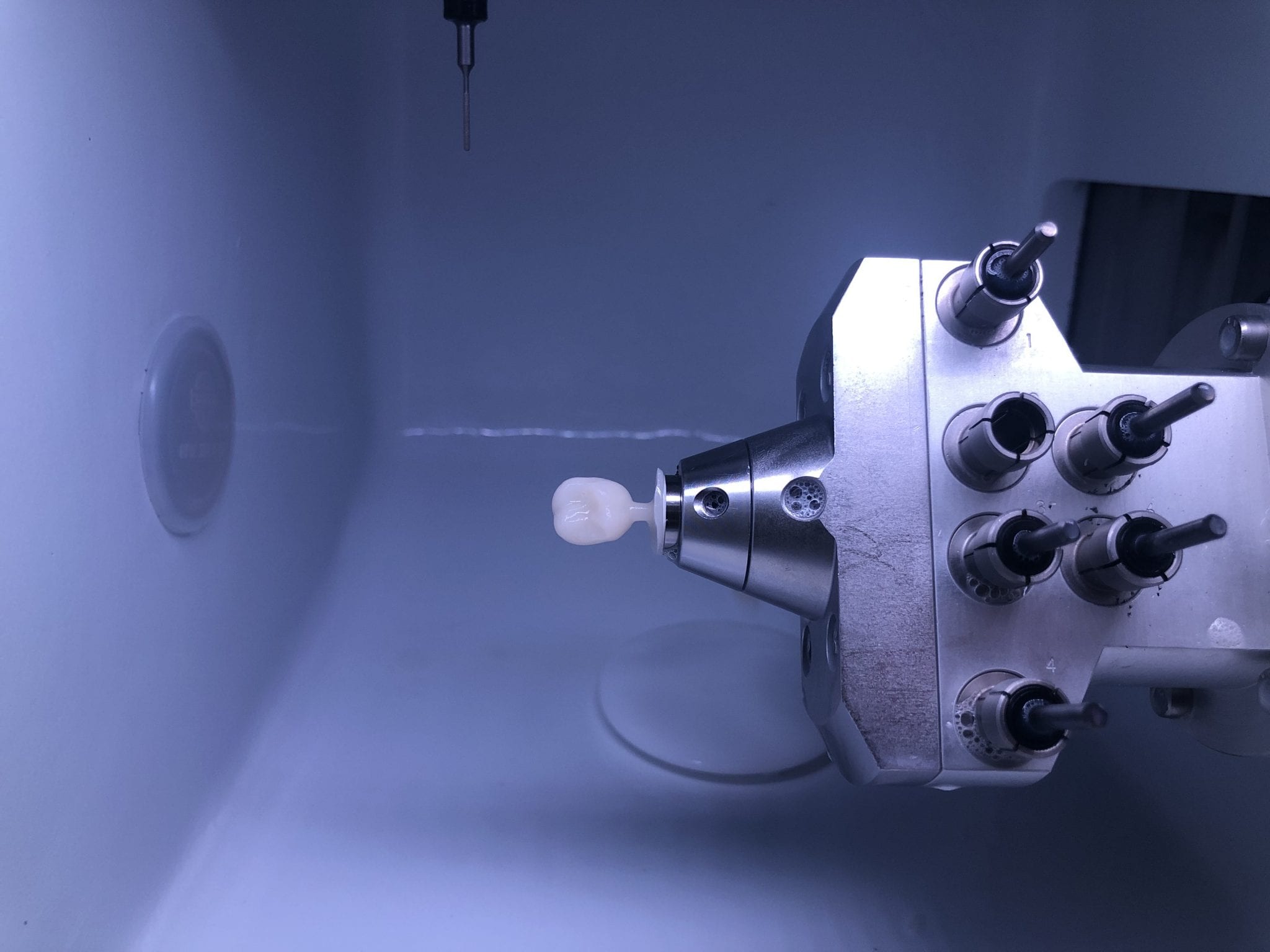
With the Meditlink software you can design a case and then export the designs and take them to any milling machine of your choice. In this demonstration, we use the CORiTEC ONE to mill out the metal abutment in 45 minutes. This procedure is not intended to be a single appointment visit so timing is not critical and you don’t place undue wear and tear on the milling machine.
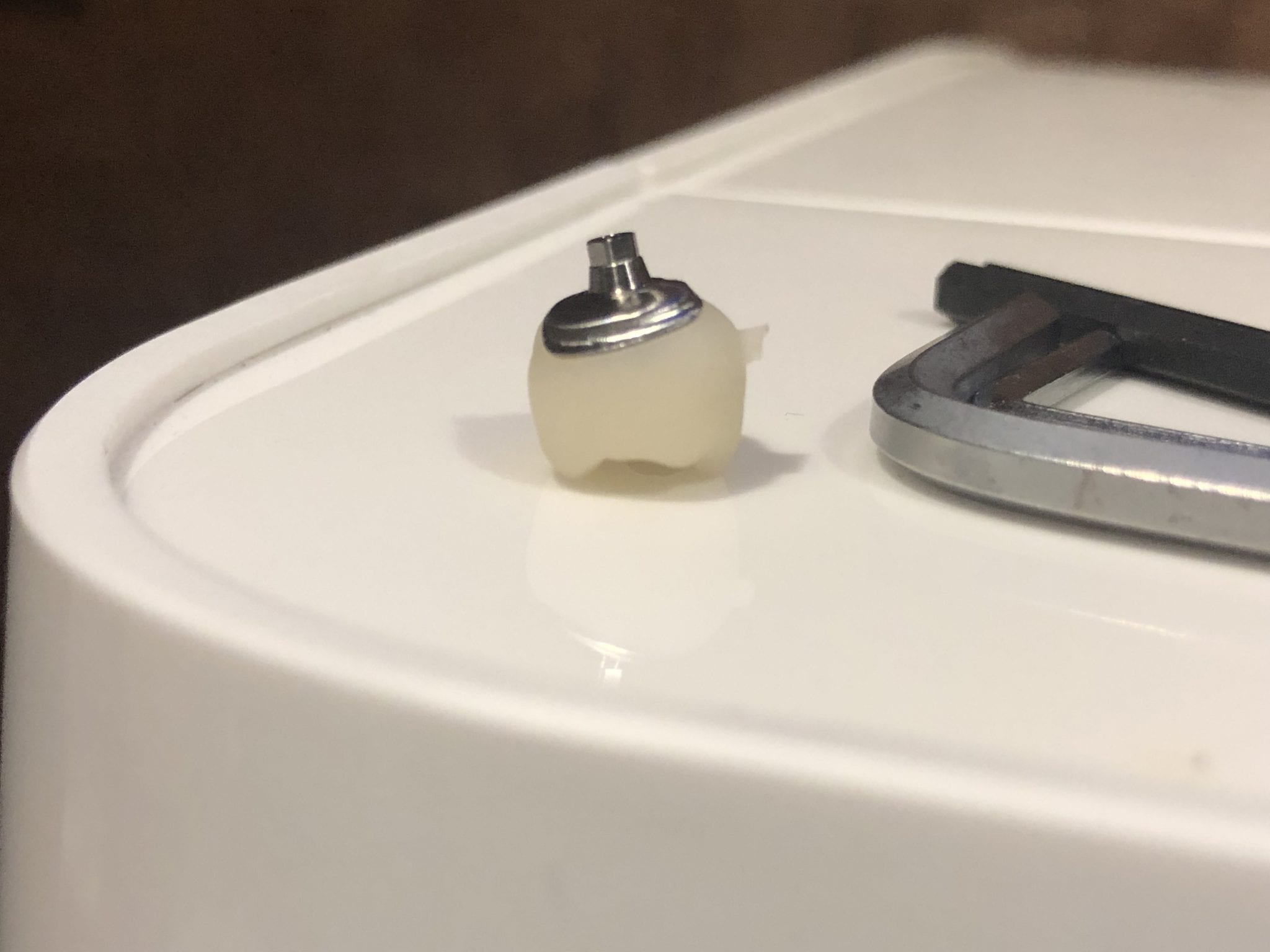
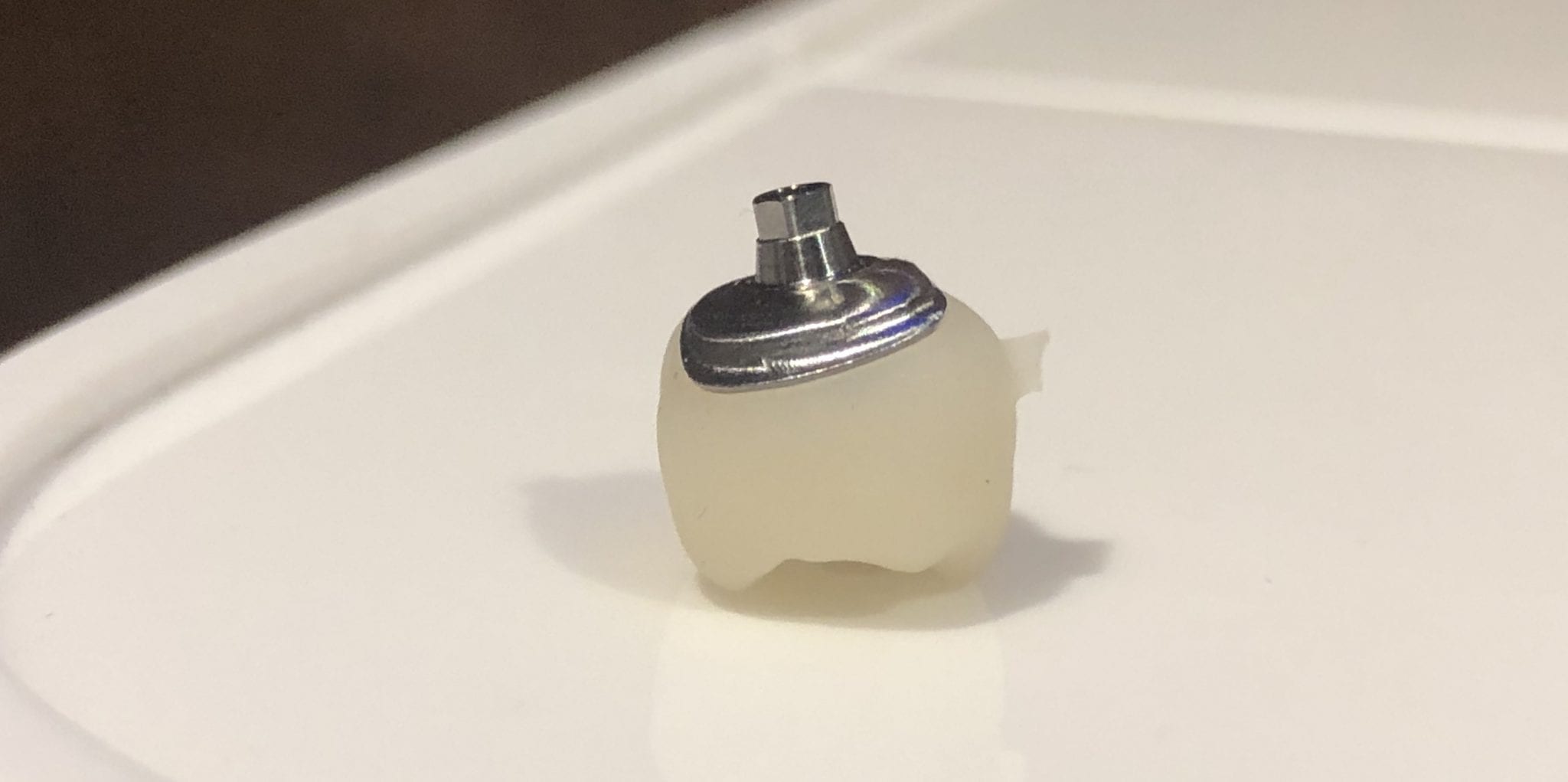
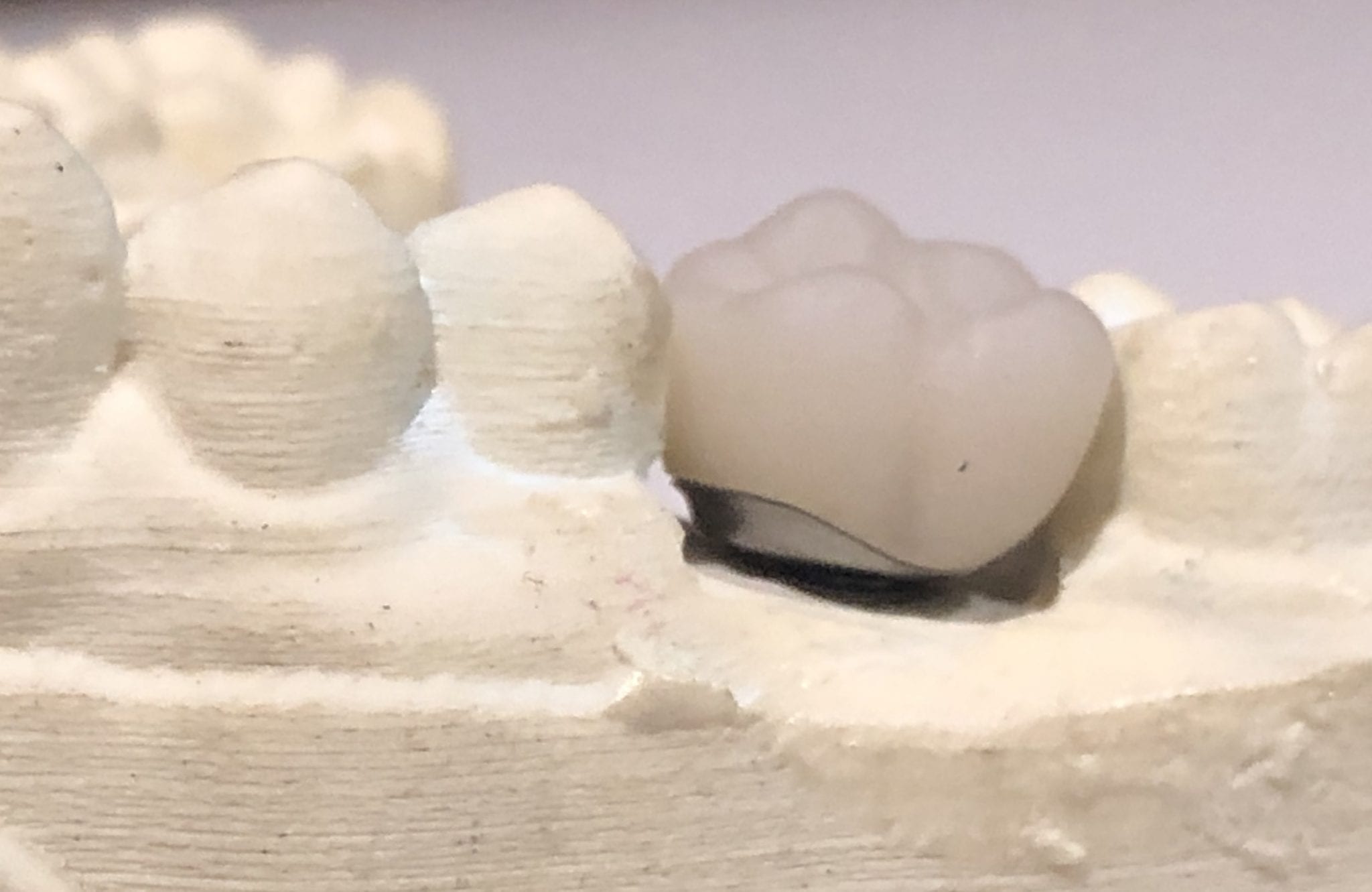
The crowns were milled with two different milling machines. A Celtra Duo block was used and milled with the CEREC MCXL and retrofitted to the abutment to verify the fit and accuracy. The same crown stl was milled out of Vita material in the imes icore machine. The whole point of the demonstration is that you can take scans from any intra-oral scan, take it to CAD software (in this case exocad) and then export the case and take it to any printer or milling machine of your choice. You must make sure critical information is accurately transferred from your CAD software to your CAM software, which is generally the construction / project file that accompanies the STL files of the prosthetic components
The same crown was milled out of Vita’s Suprinity material in 20 minutes with the imes-icore CORiTEC ONE. Take note of the internal adaptation of the metal abutment and the restoration and how when it is flipped upside down, the restoration does not fall out easily!
For our advanced users, we demonstrate how to plan and manage a two unit molar case so they can deliver multiple chairside restorations in a single visit. There are numerous short-cuts to this treatment protocol and we present them in great detail during our courses. The limiting factor for most doctors is that they have a single milling machine and we show our users how to balance prep and mill time so that they can complete 2 units in less than 90 minutes.
In this case however, we present two restorations that were prepared and delivered at the same time. The sequence of steps are:
Anesthetize the upper right first and second molar
While the patient is getting numb, image the arch to be prepped, image the opposing, and image the bite WITHOUT the teeth being prepared
Reduce the occlusal height of your preparation but do not image them
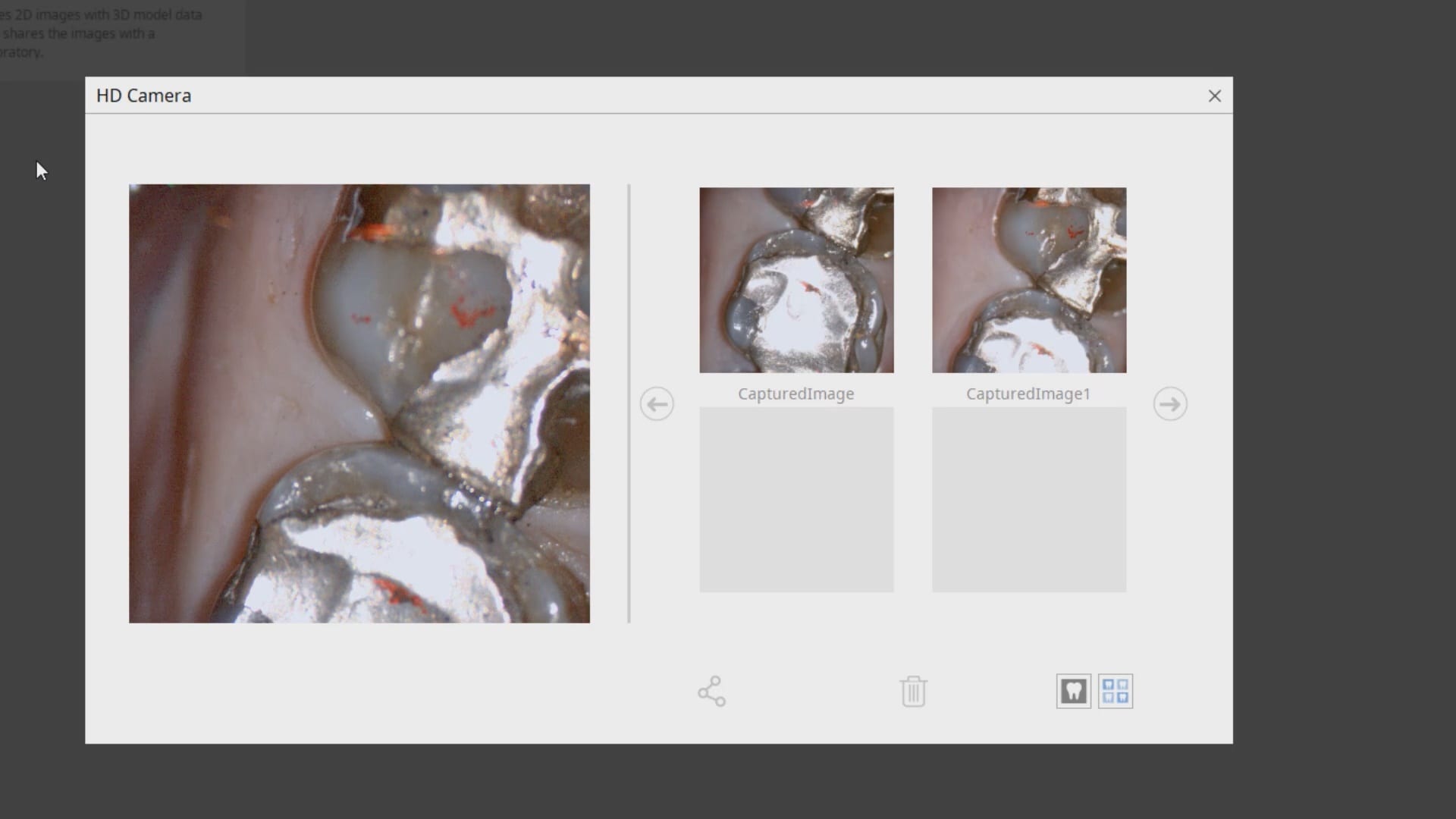
Check your reduction visually or with the camera function of the Medit i500
Reduce more tooth structure until you have the proper clearance for material strength
Finish refining your preparations, displace the tissue, reach hemostasis, and then crop out the area of the model that you have altered
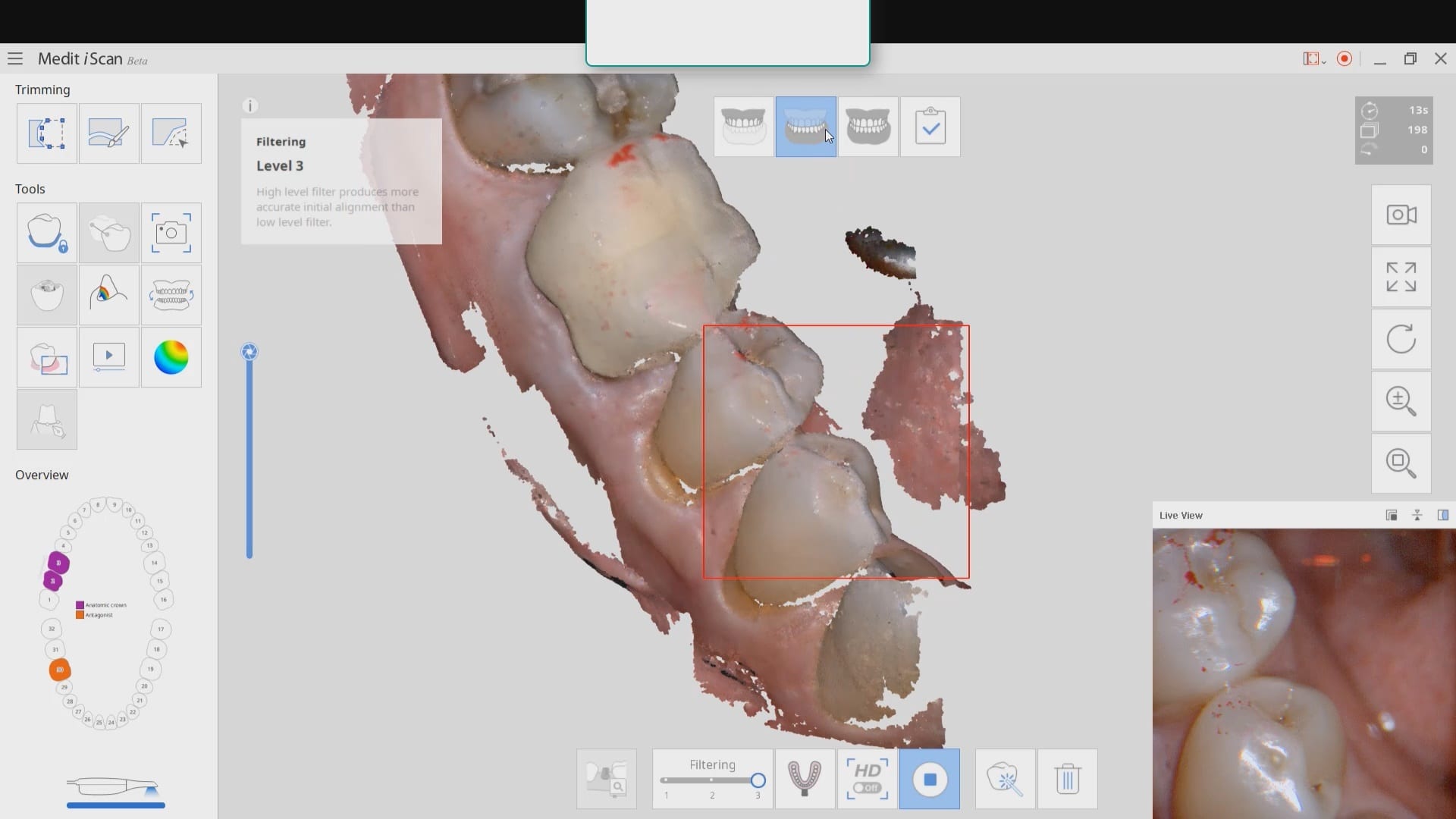
Image the two preps into that equation. Most people turn on the HD mode for capturing the margins
For distal extension cases, we recommend that you take the second bite. While imaging the second bite (NOT the left vs right bite), if the occlusal model turns green, it is a clear Indication that the vertical has no changed from the pre-op to the prep situation and that you will have minimal post-op adjustments to make. If the second buccal bite does not register in green, it should serve as a warning to you that the vertical dimension has changed
As advanced users, you quickly recognize what areas in the model need to be closed either with imaging or with the “close hole” options during the processing step of the Meditlink software. If you are familiar with exocad or other CAD software programs you can just ignore these areas as they do not have any clinical significance whatsoever.
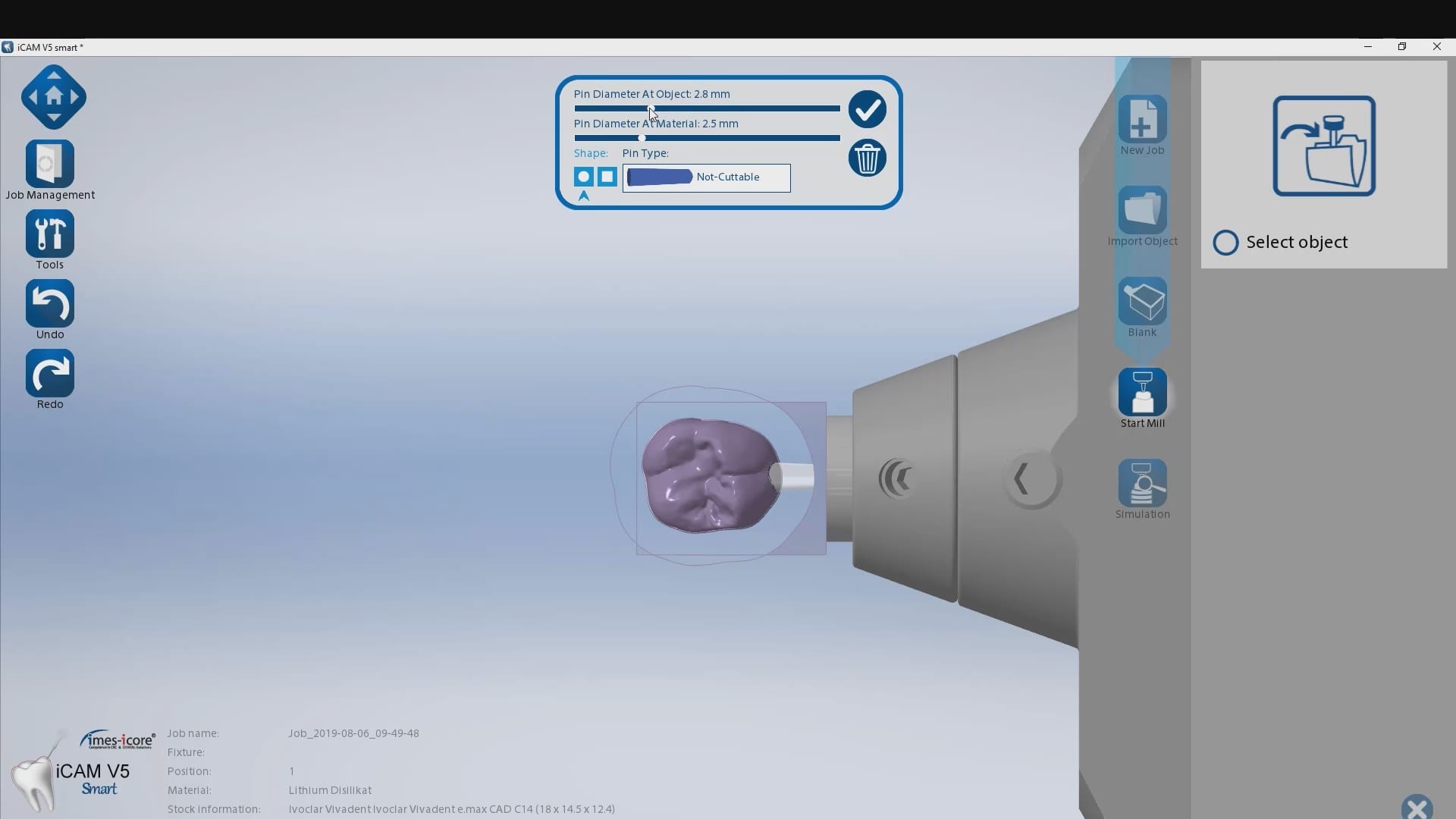
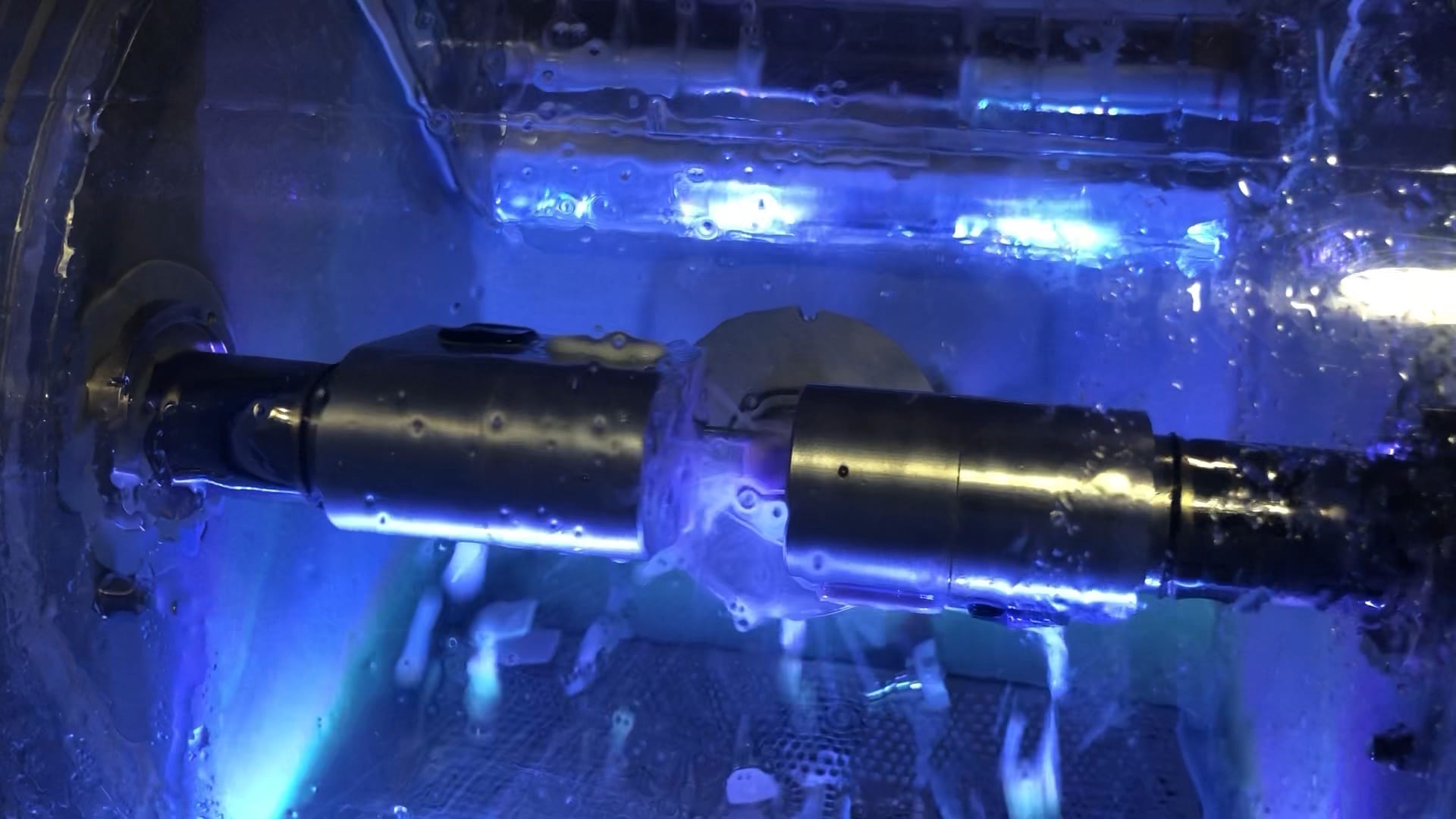
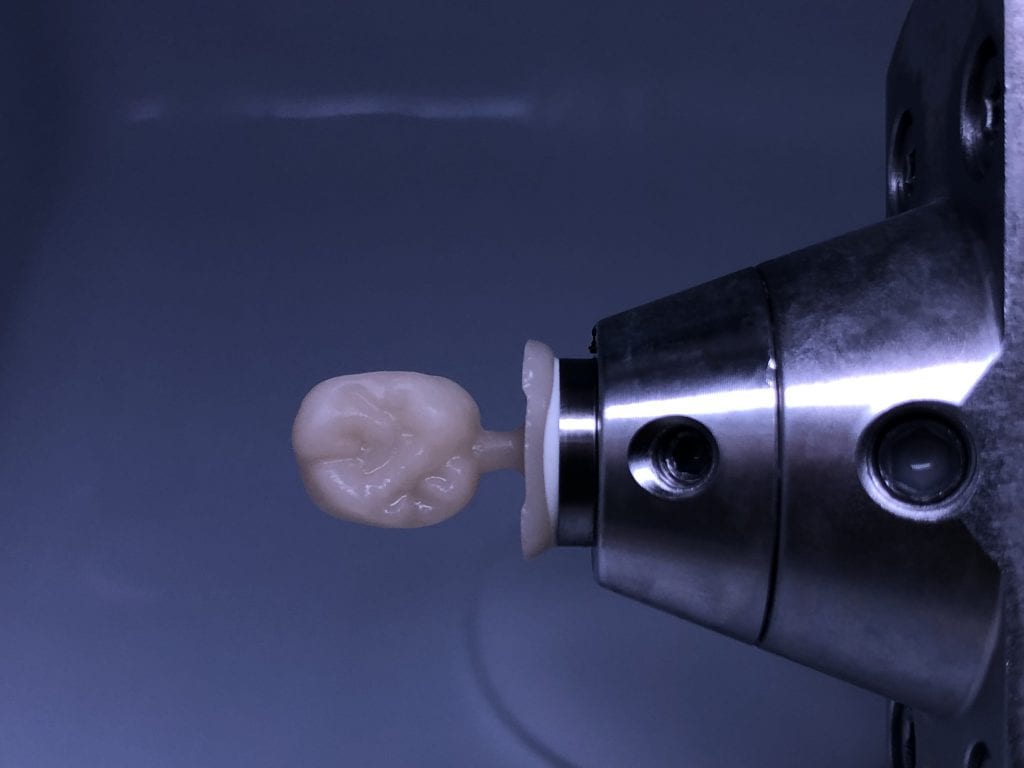
Once the case is designed you can mill them with your milling machine of choice. The testing of materials, fit, and milling machines are a constant at CAD-Ray.com so we milled the first molar with emax material and the MCXL and the second molar, a Celtra Duo material, was milled with the Imes Icore CORiTEC Once
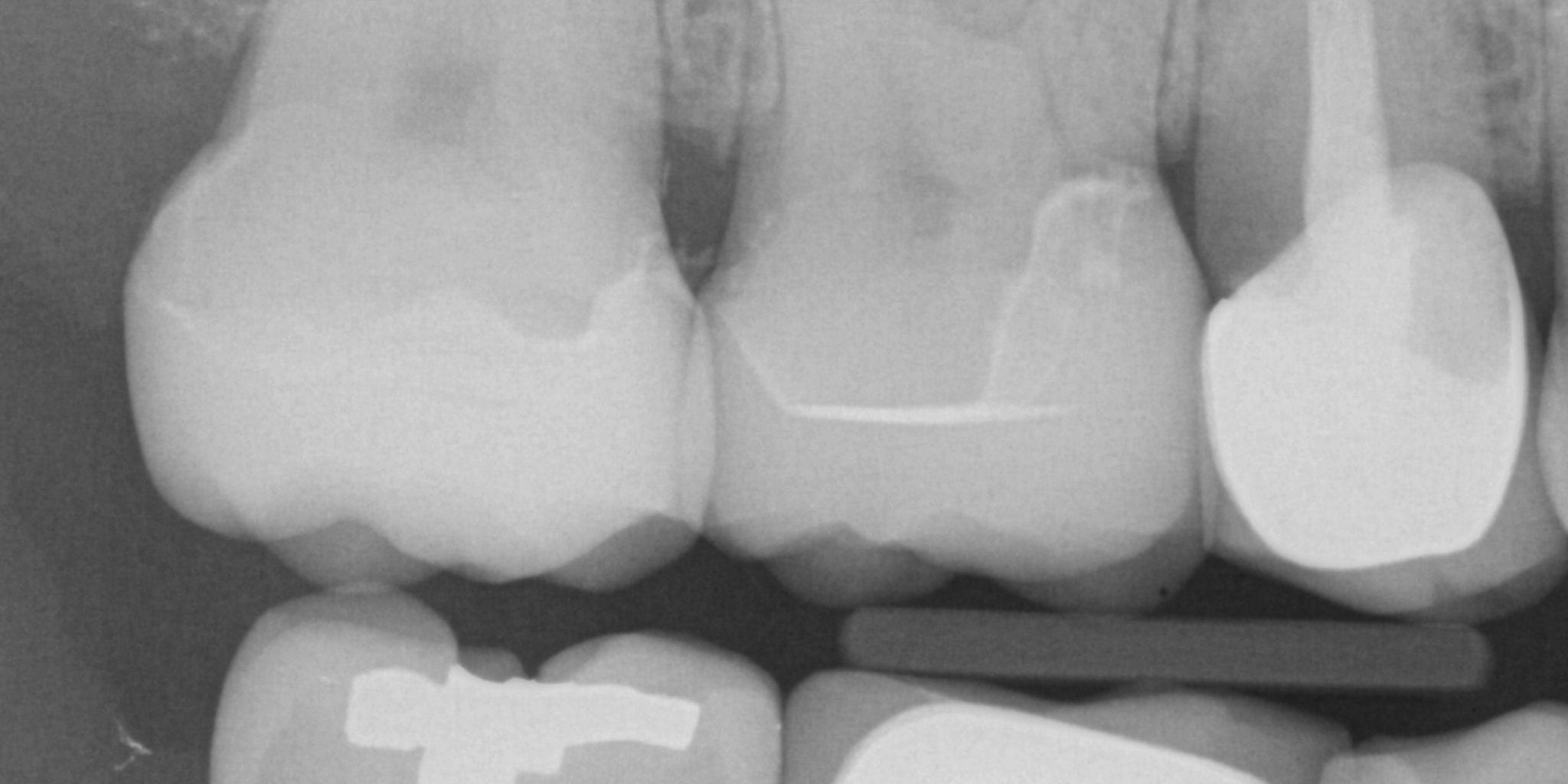
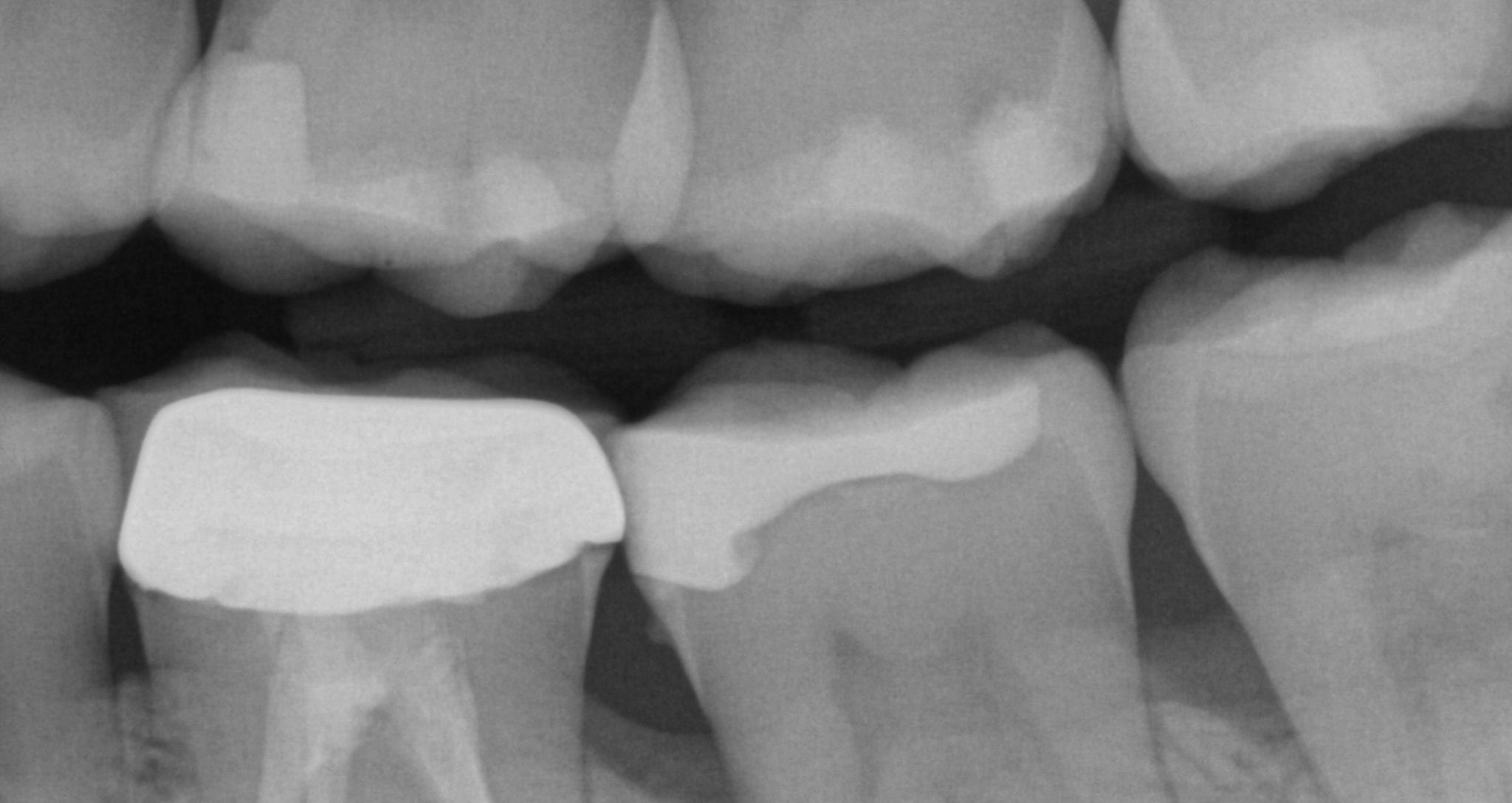
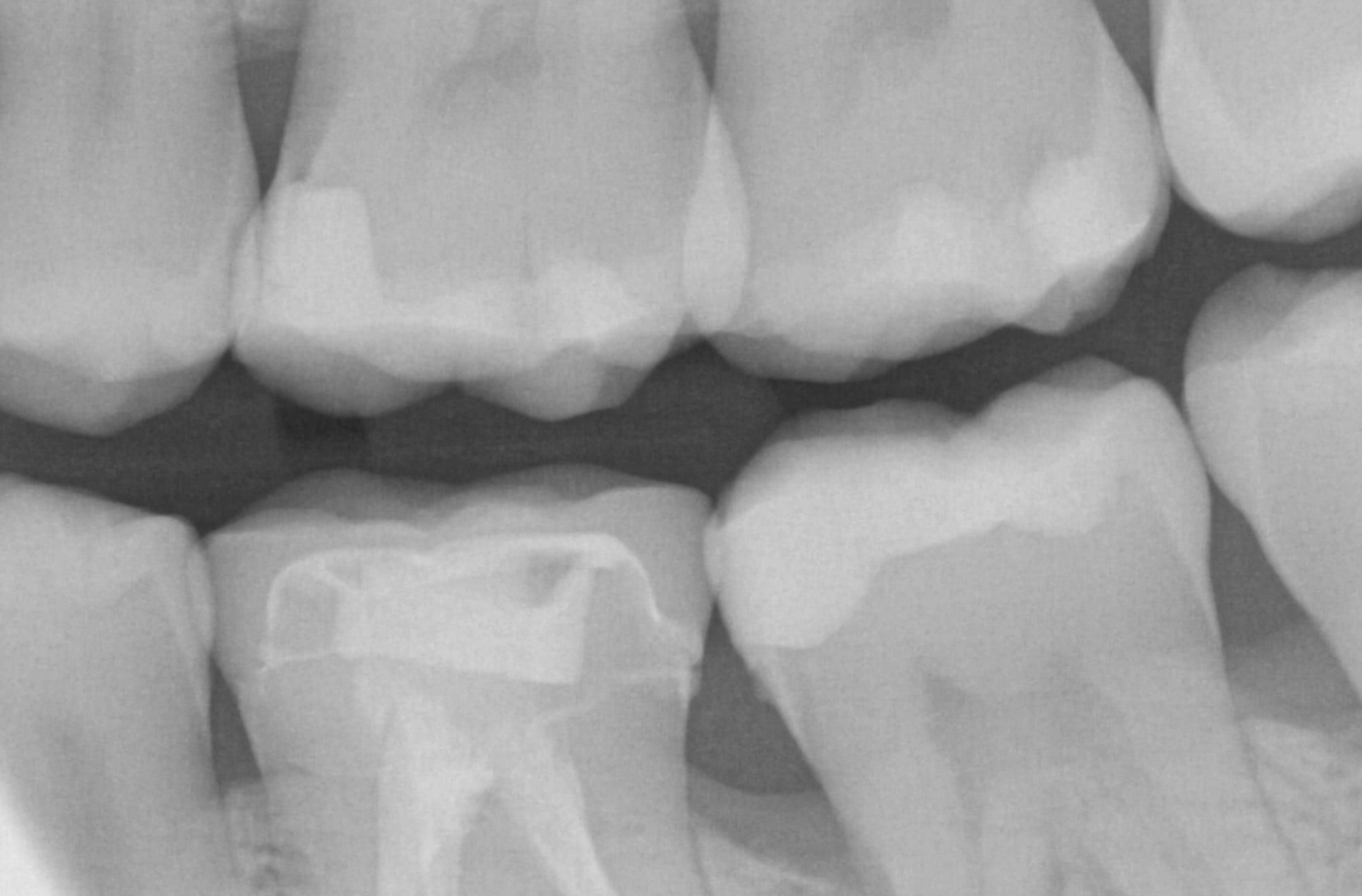
An immediate post-op bitewing X-ray was taken to verify fit and to make sure that there was no excess resin cement left behind in the interproximal area. The premolar mesial to the working field also needs to be replaced and will be in the near future
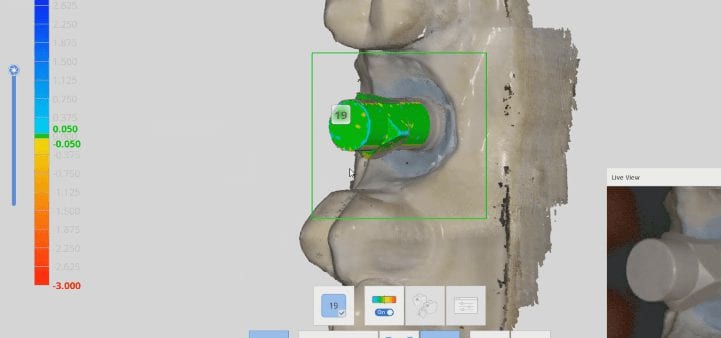
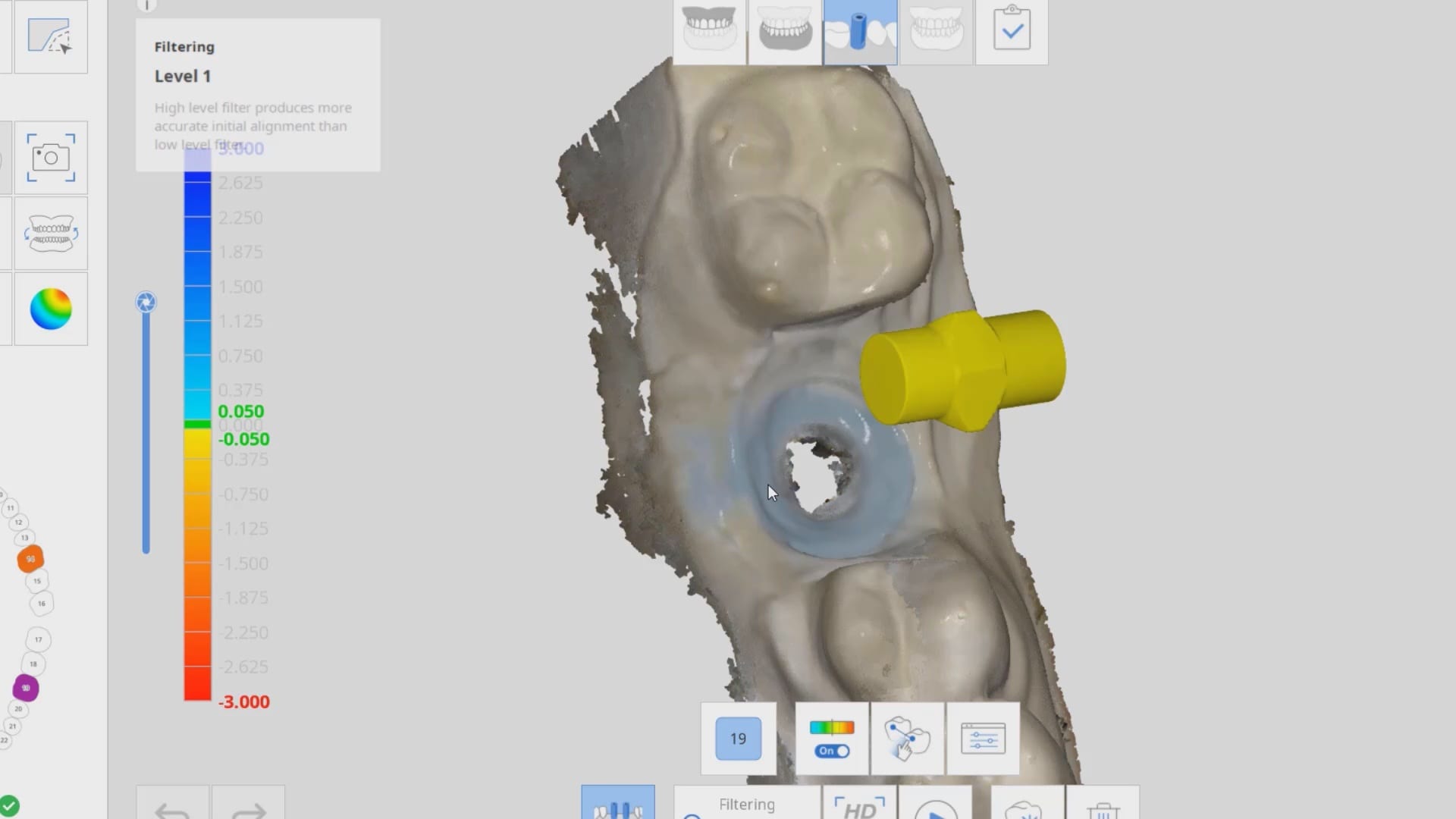
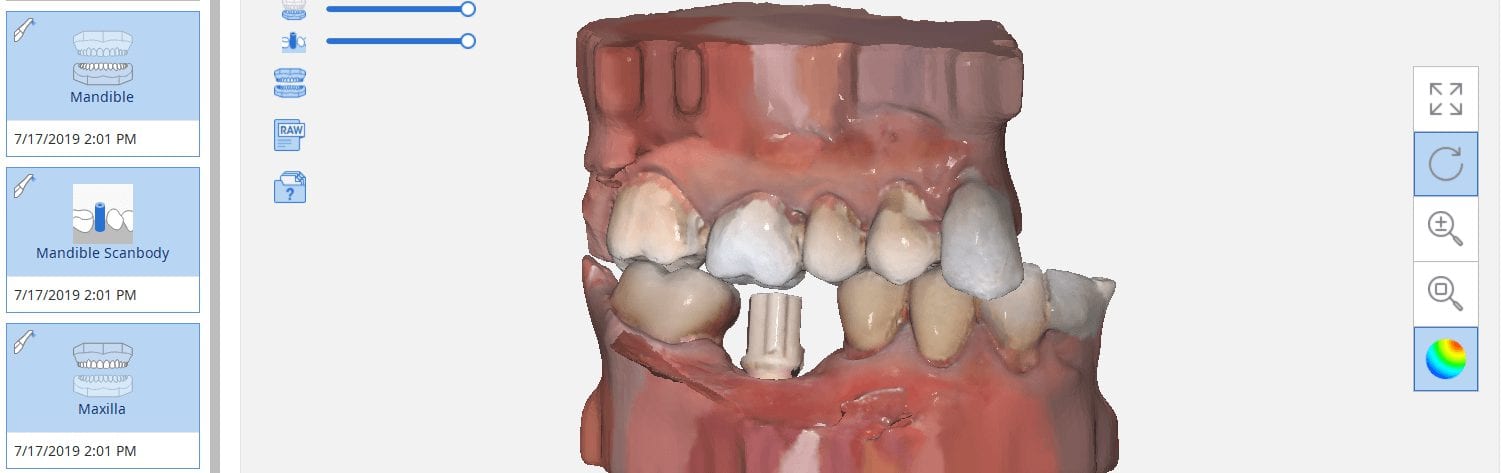
In the following three videos we walk you through the steps of how the digital “scanbody drop” works to identify the location of an implant fixture. In the demonstration videos, we highlight this upcoming feature and how you an integrate the CAD software for implant designs and restorations. In the final video, we demonstrate how you can take the construction files to the milling machine of your choice and mill out the abutment and/or suprastructure.
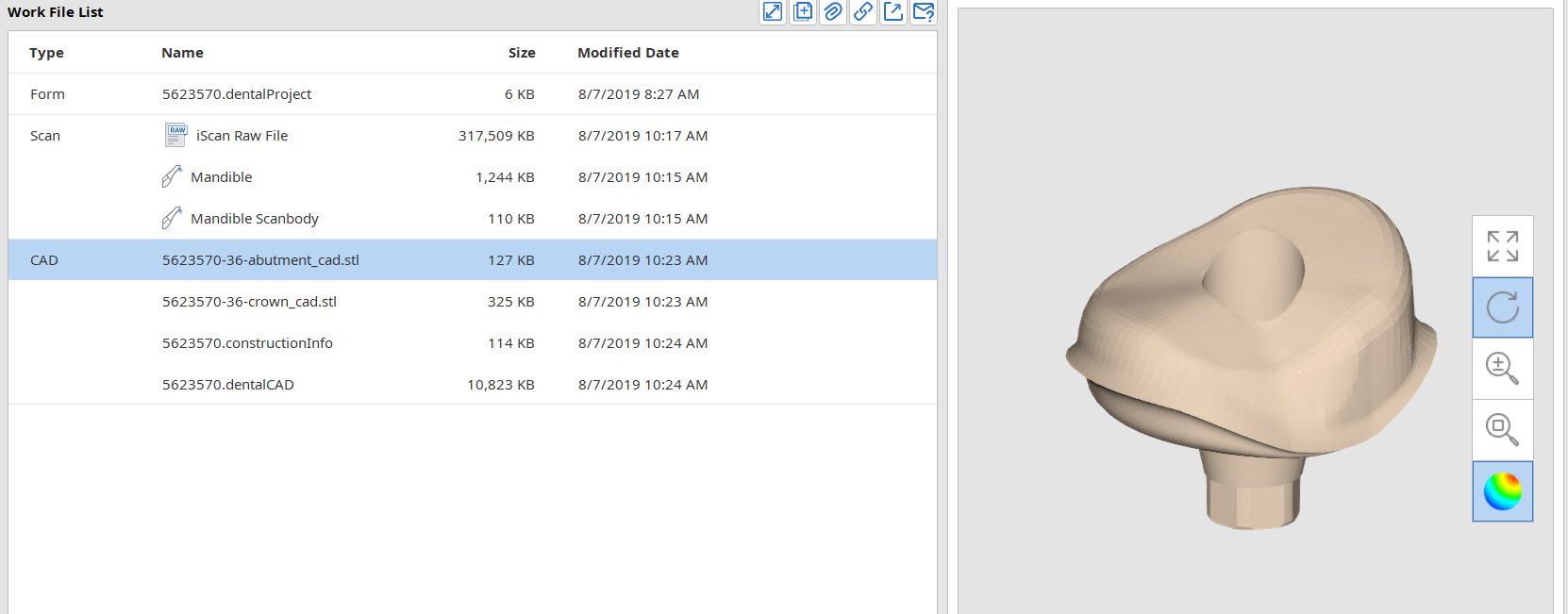
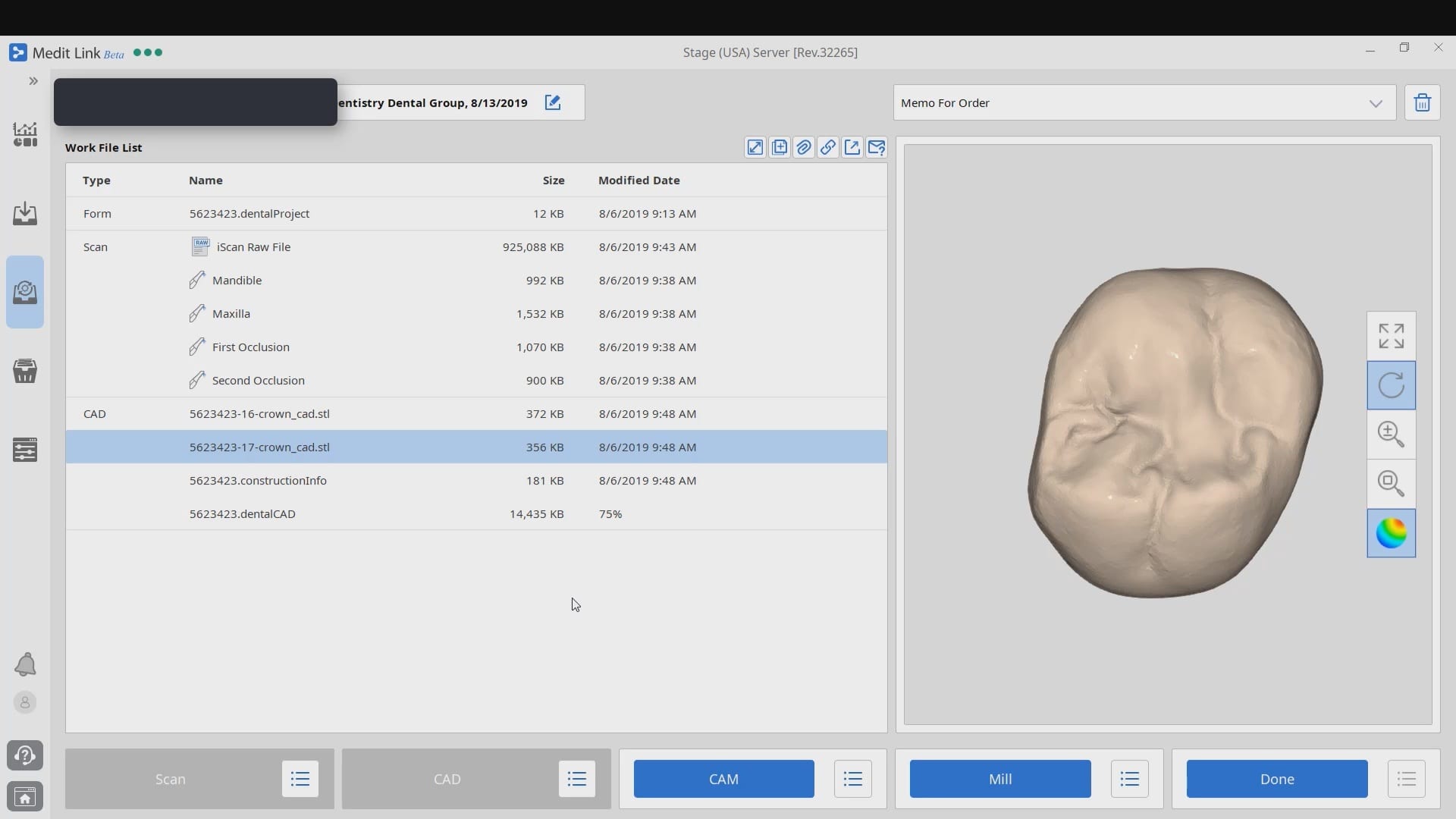
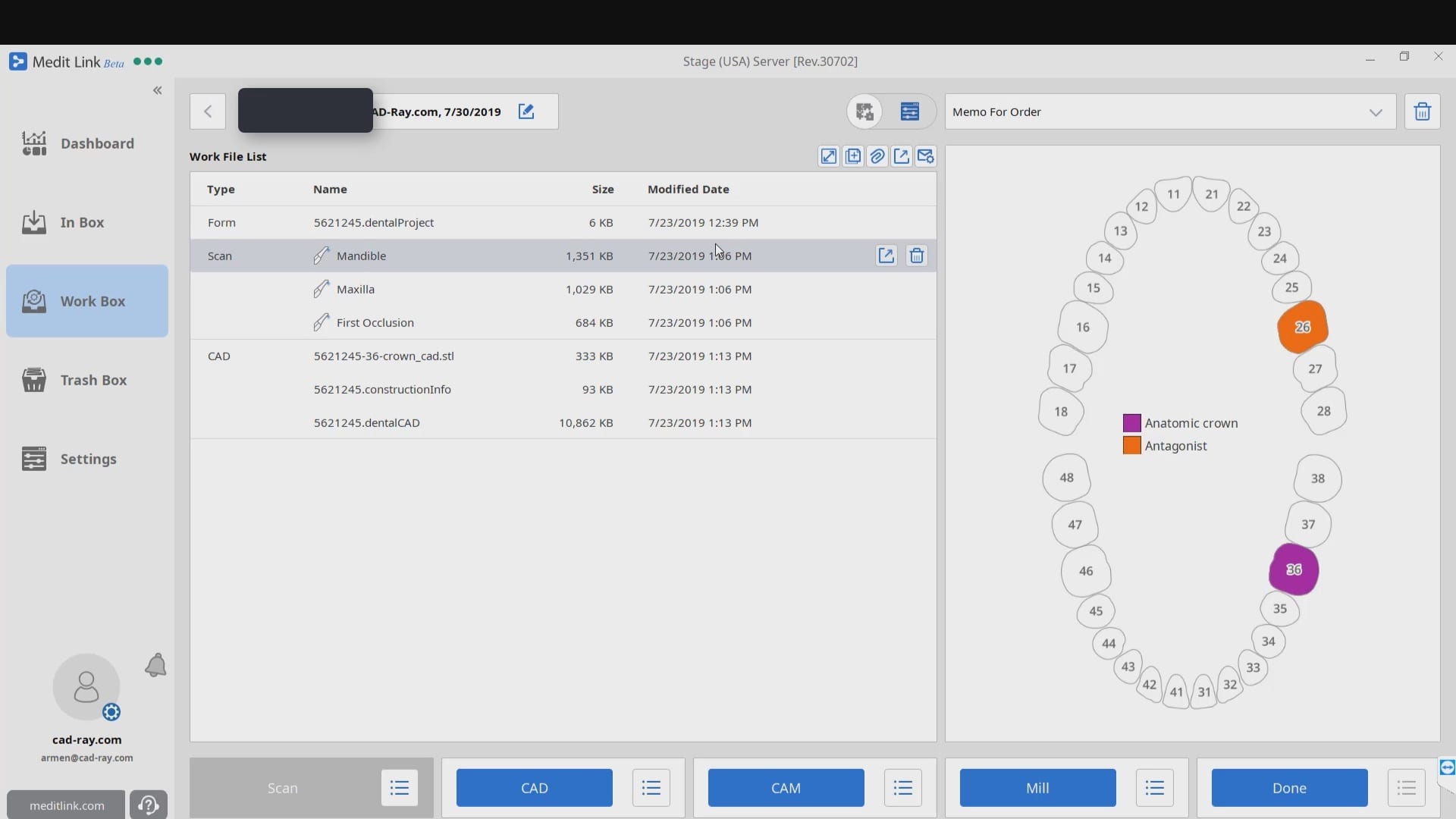
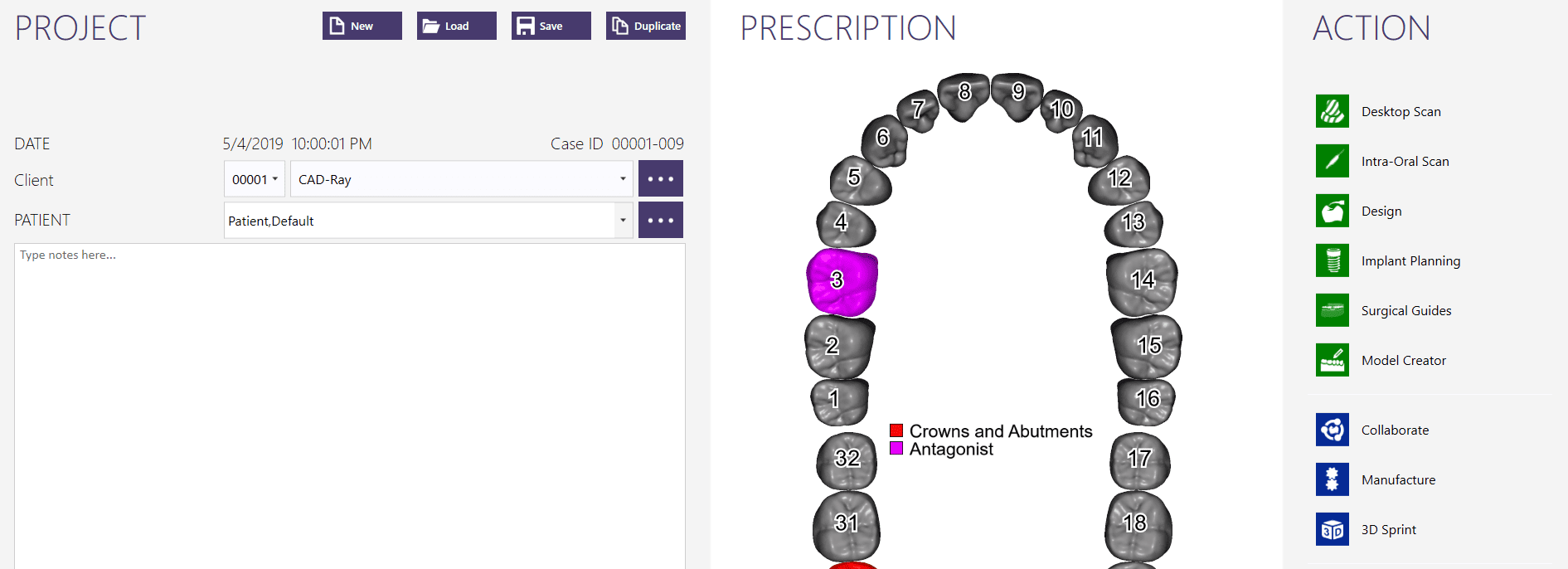
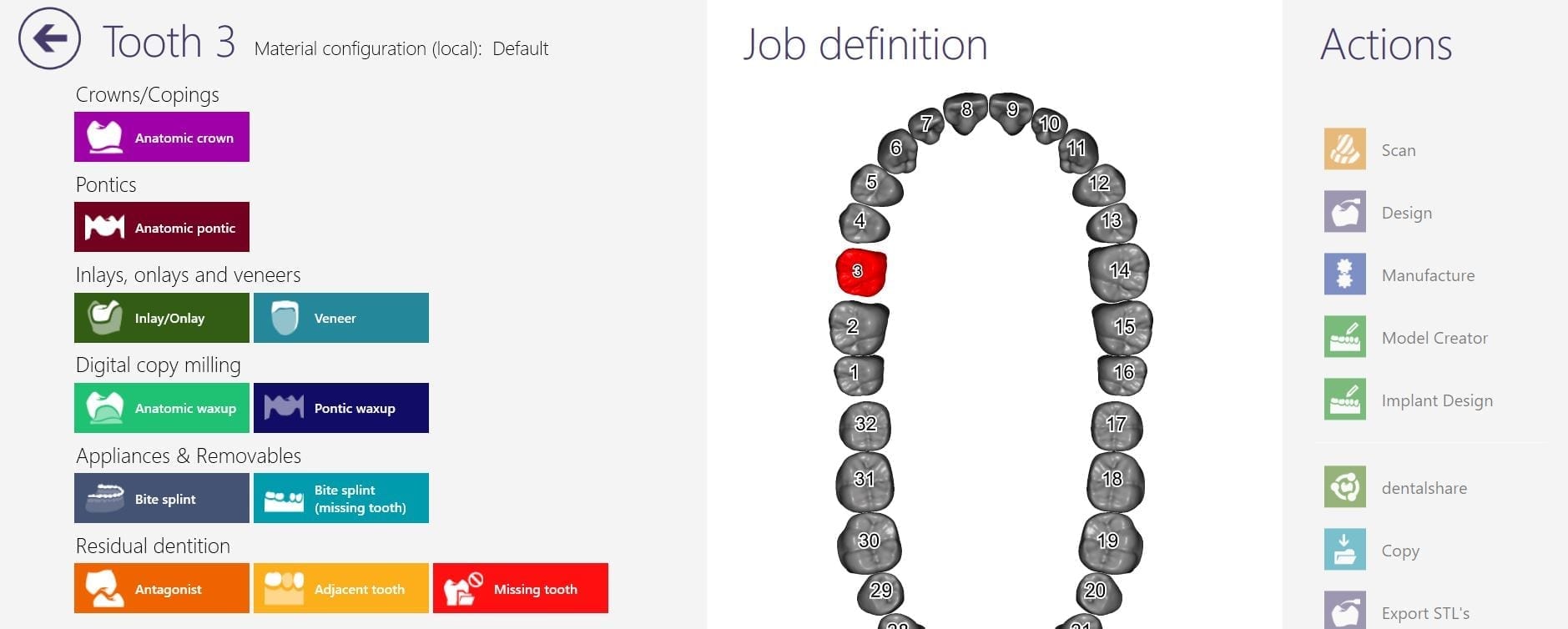
When you start a case in exocad or in Meditlink, you have to define a project or define the job by entering a prescription. A dentalproject file is created that has all the pertinent data, like the type of restoration, the shade, the material, parameter settings,etc..
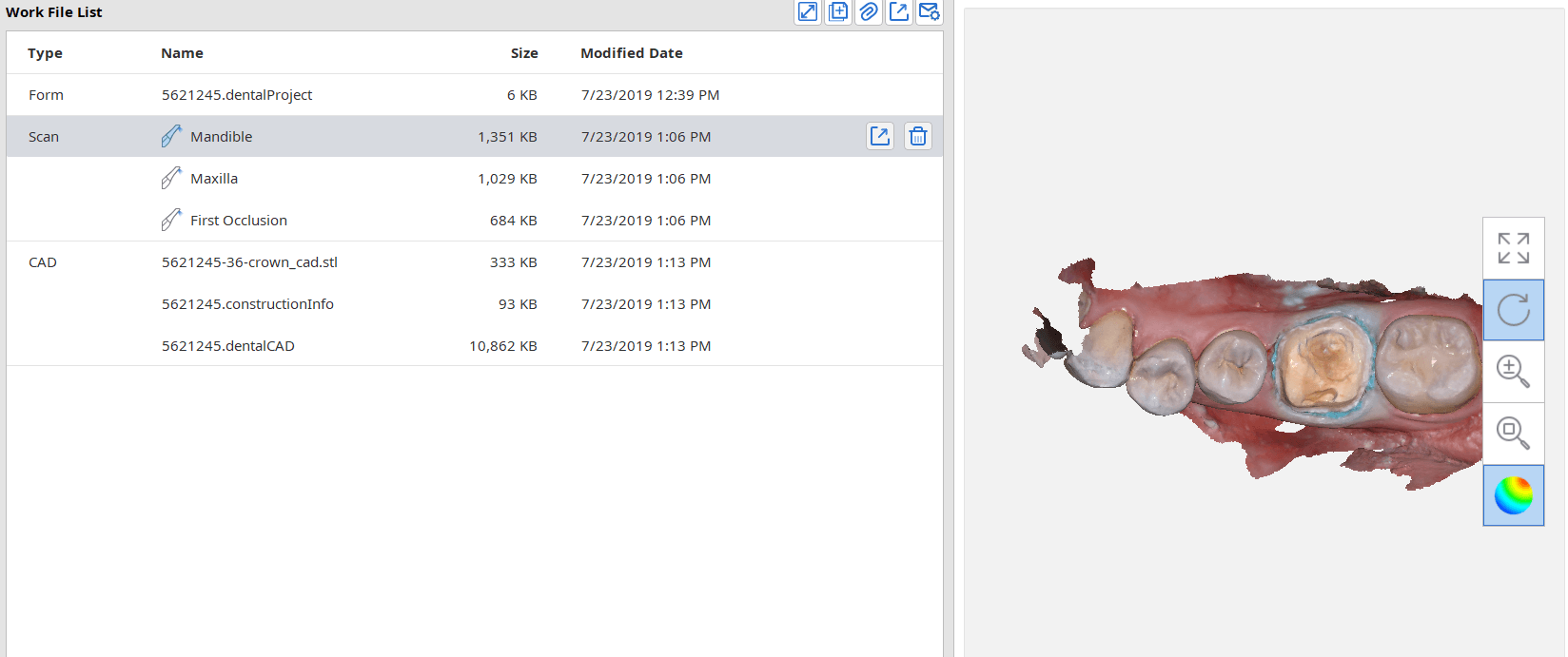
After the case is designed a dental cad project file is formed, along with the stl file of the restoration, accompanied by the construction information. Once the construction file is formed, the case can be import it into CAM software like cerec inlab. It carries a lot of information like the margin line.
Some CAM software can process simple redirections without the need for any other pertinent information from the construction file, while others require it. Some are so specific that a simple typo or wrong character will lead to mis-production.
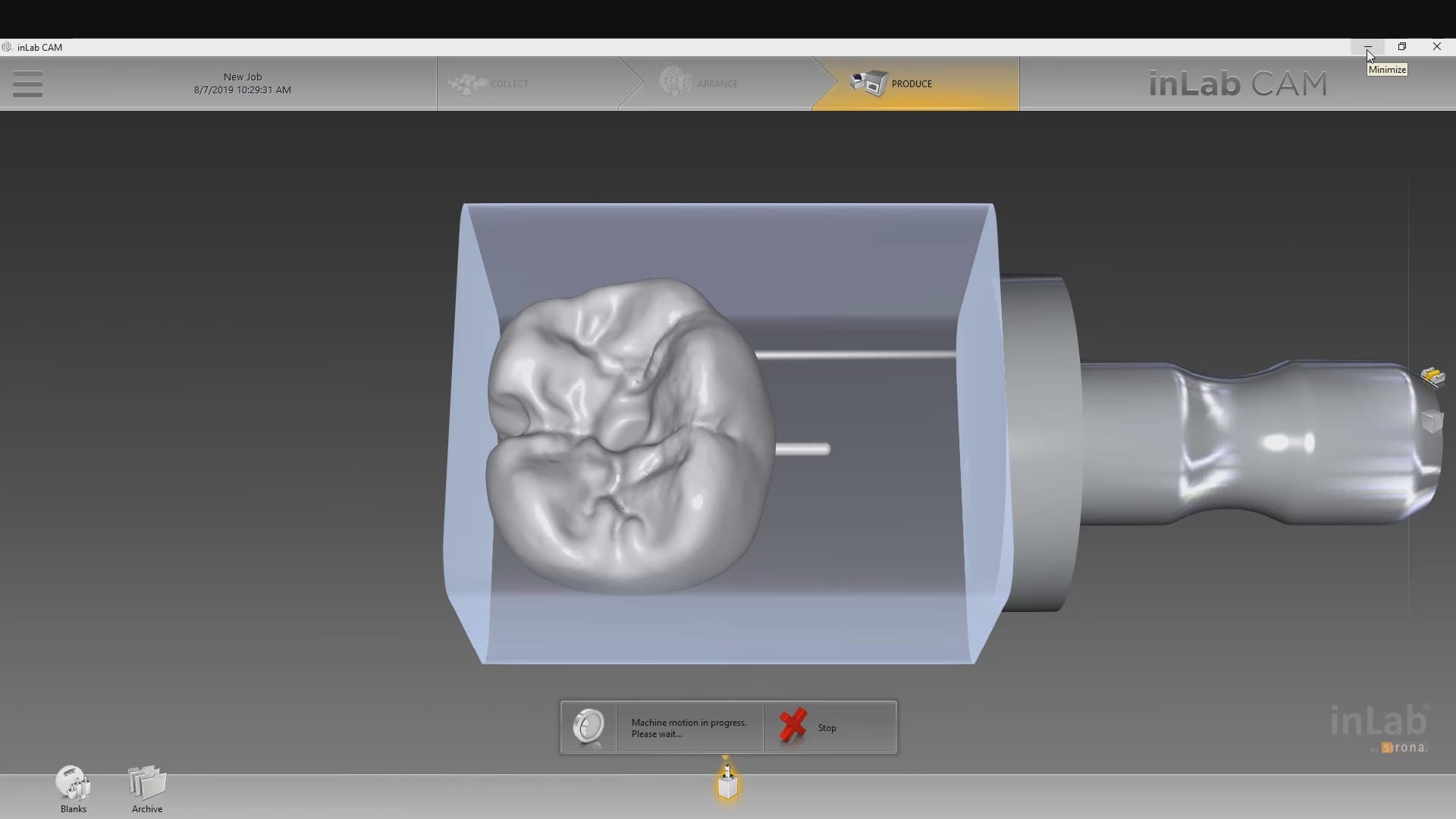
In the case of cerec inlab, it’s best to have the construction file accompany the stl of the restorations, although there are numerous work-arounds in case you don’t. Once processed, the restoration is taken to the Mcxl milling machine.
Why are we so focused on teaching this concept ? Because it is critical for milling metal abutment where you have to keep track of an object that is cylindrical and symmetric in shape. The code in these files will dictate the indexing of the connections and how these abutments are milled.
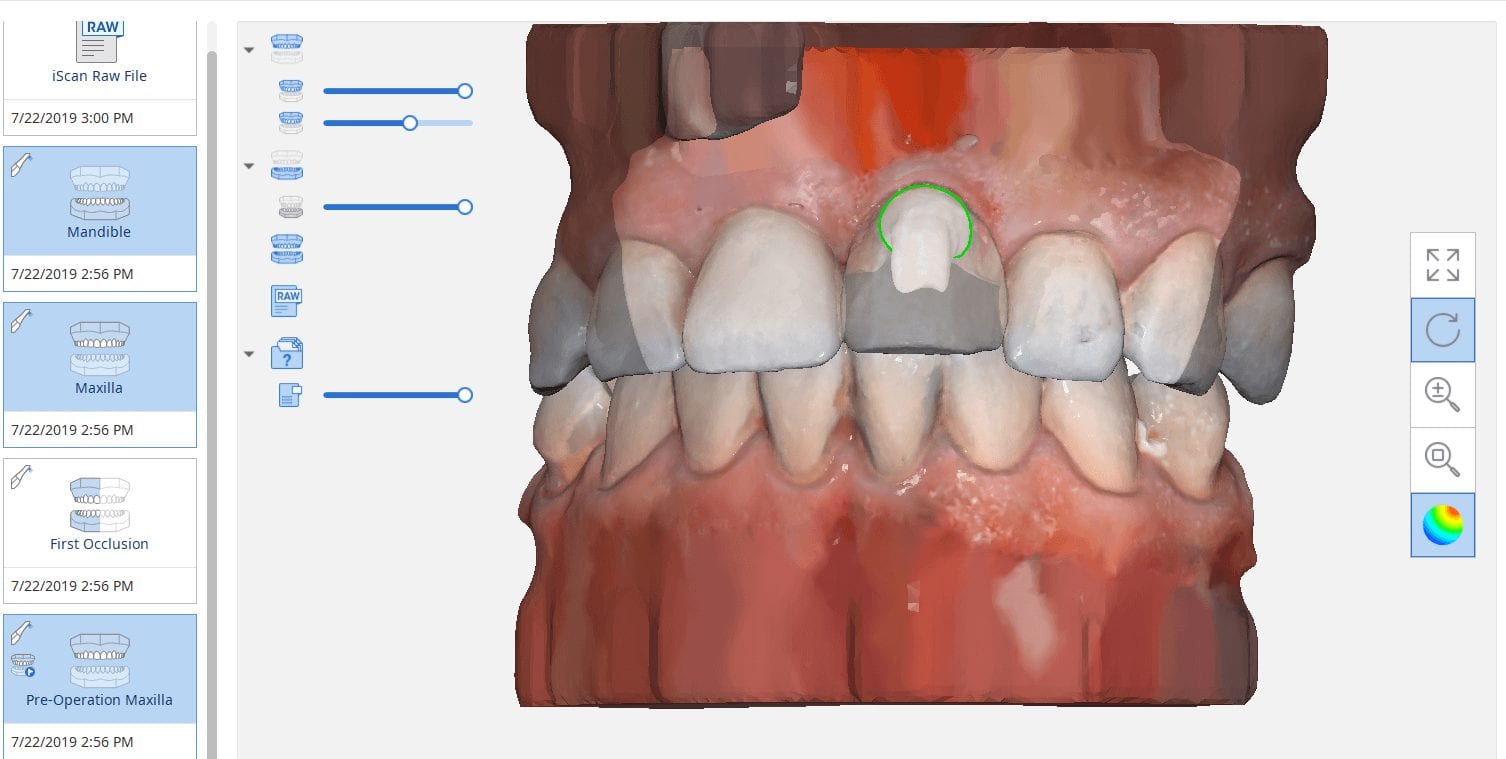
The new Medit i500 software will feature the ability to mark margins in the imaging step before you import the case into a CAD software or send it to the lab. In this article we showcase a case where a 12 year old implant crown needed replacement. The pre-op images were captured, along with the opposing and the bite.
After the area was anesthetized and the crown was removed, expasyl was used to achieve hemostasis and tissue retraction. The margins of the abutment were imaged. Note how we used a feature in the Medit scanner to change the scan light from blue to white, which allows you to pick up red (blood and tissue) that is normally difficult to capture.
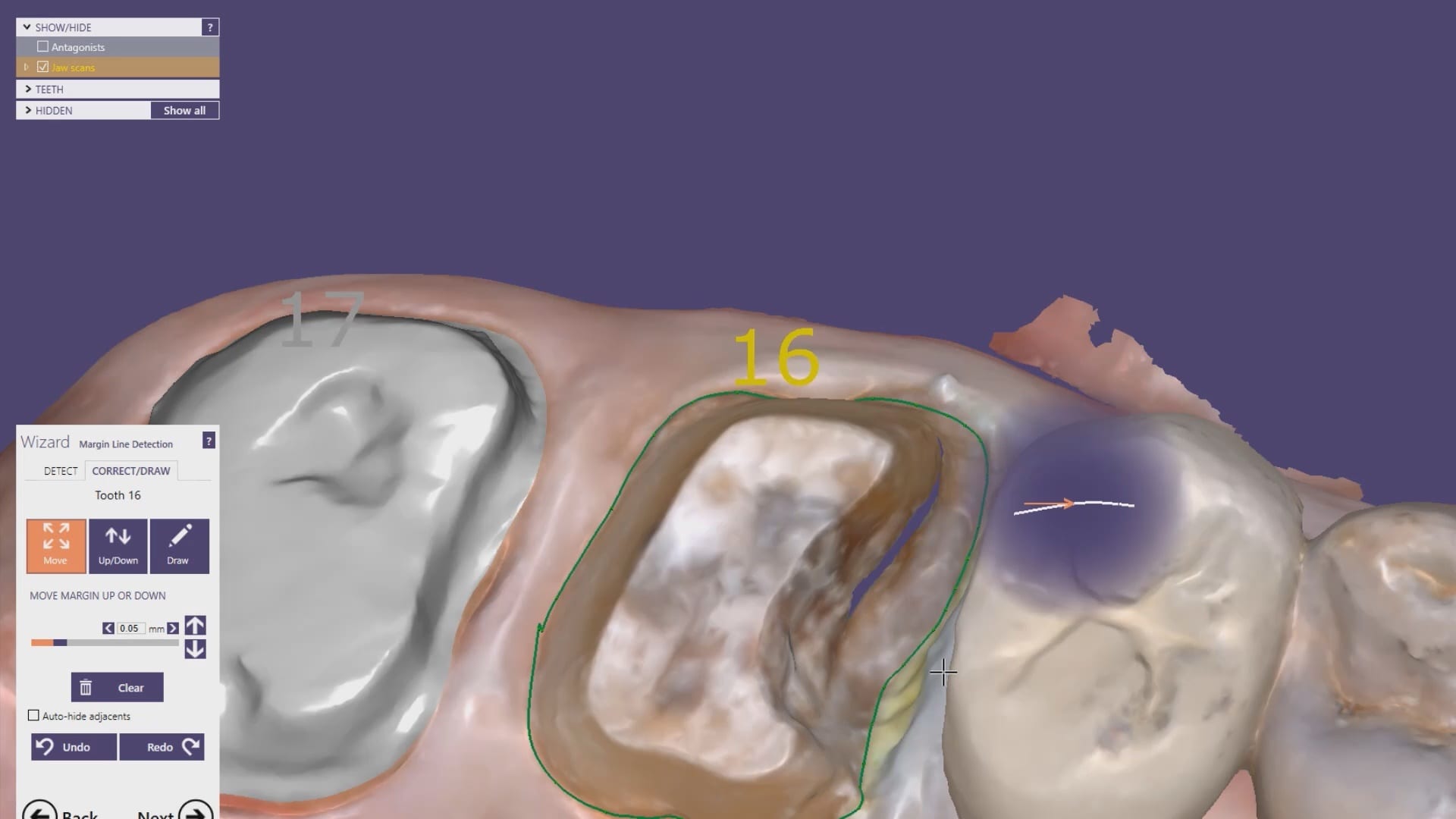
Once the margins were captured, we activated the margination tool. You highlight the area you want to address and the meshwork is calculated and processed locally, where you can then designate your margins that are exported to CAD software along with the jaw model, the opposing, the pre-op and the bite.
Alternatively, the traditional way would be to not place the margins in the native Medit software and to place it in the CAD software itself. As you can see both options are very viable and you do not lose any resolution of the scanned data between the imaging program or the design software.
The Medit i500 intra-oral scanner has two different software programs to operate, one is of which is geared towards clinical dentistry and the other is geared towards laboratories. Our advanced users are encouraged to use the lab version as it has a lot more functionality. One of them is to directly link to exocad software.
In this particular preview we show you the interface where you can launch the iScan program and define the work order and set all the parameters for your restorations.
Once all the settings are chosen, you launch the Medit scanner and image the case. Here, we defined the custom abutment for the crown and the opposing, which activated the catalog box for the antagonist, the arch, the scanbody, and the buccal bite. All respective images were captured.
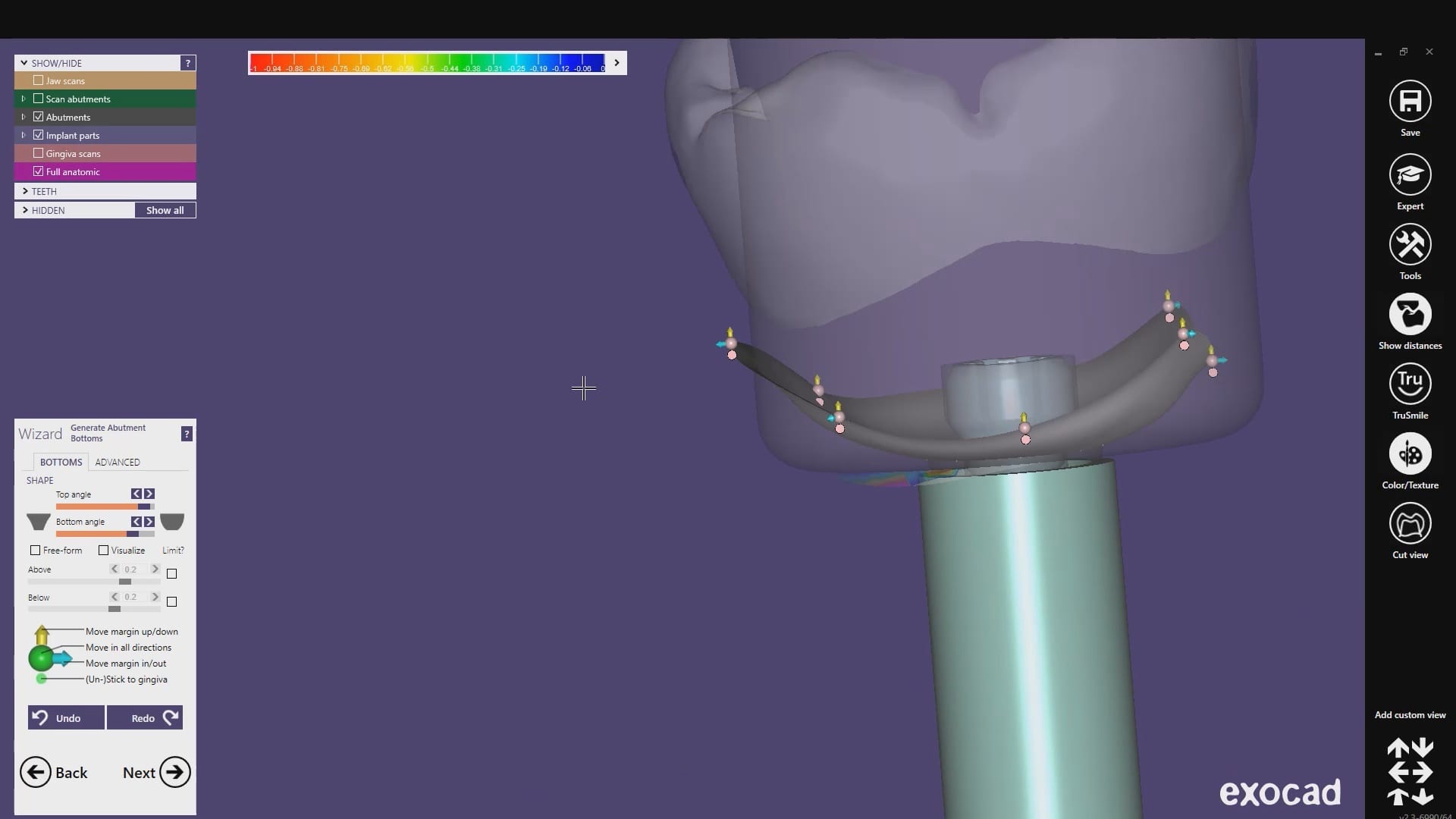
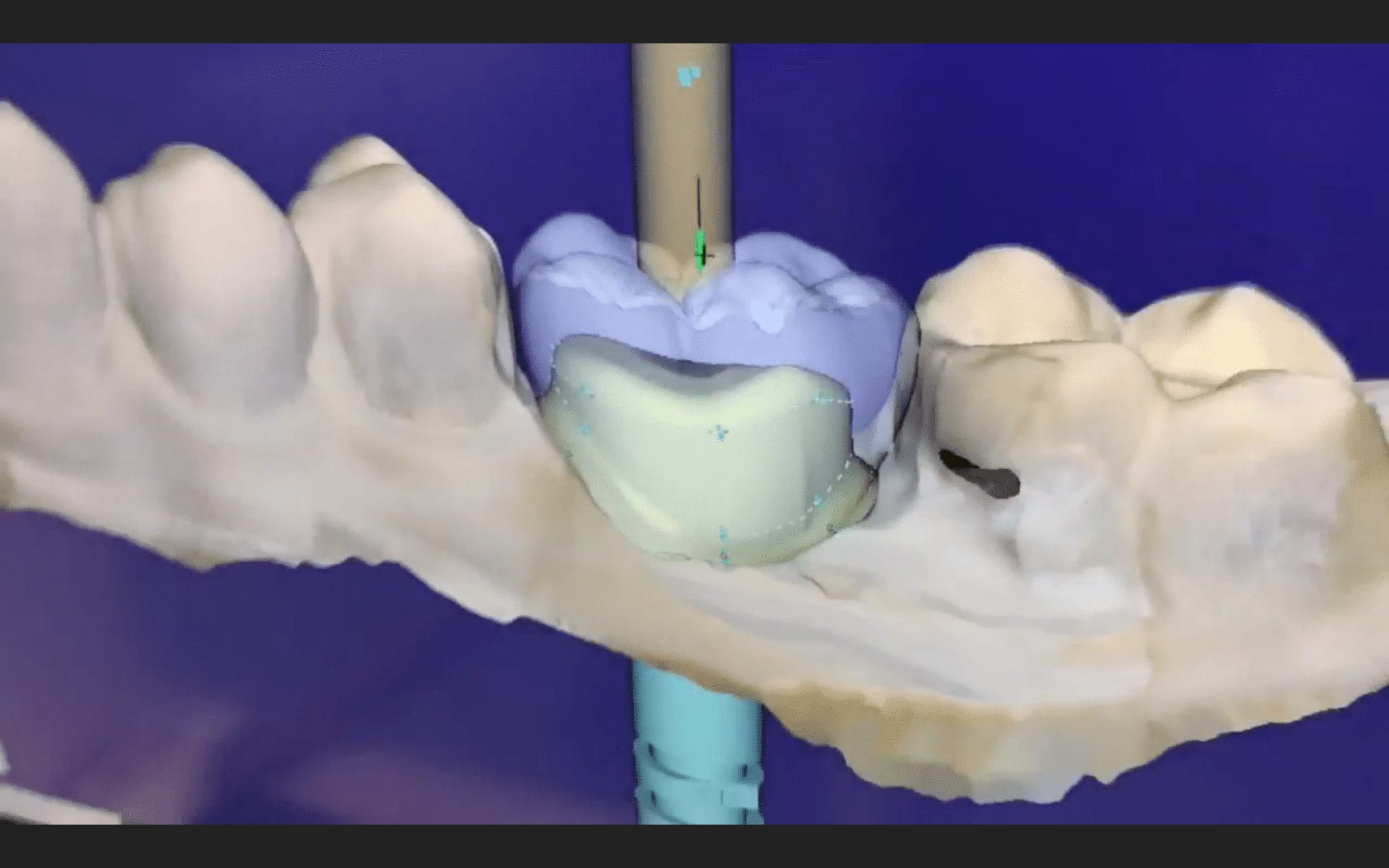
Once the implant type is identified then you can design the abutment and crown with great control, where you can contour the underbelly of the abutment to help provide tissue support.
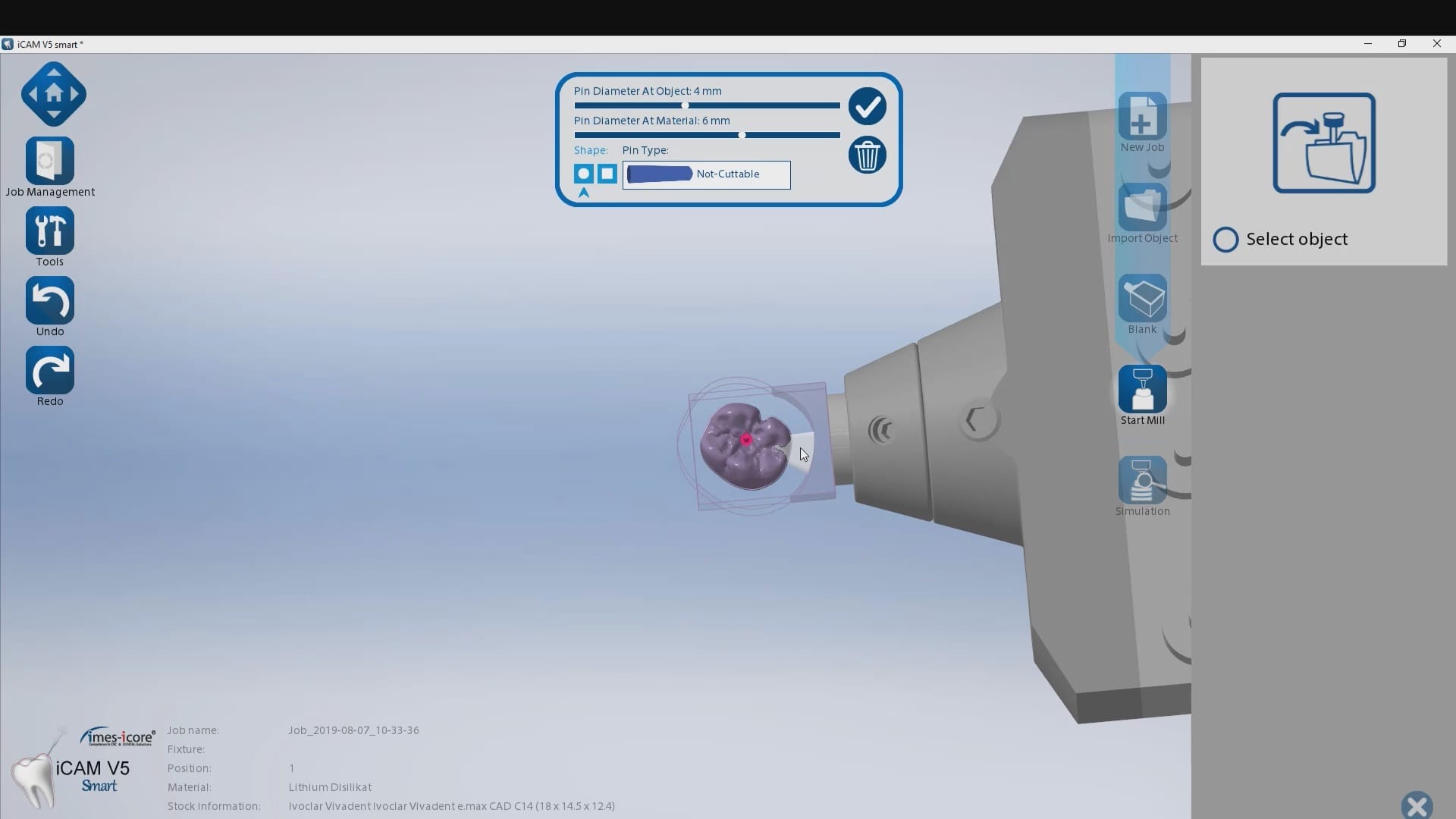
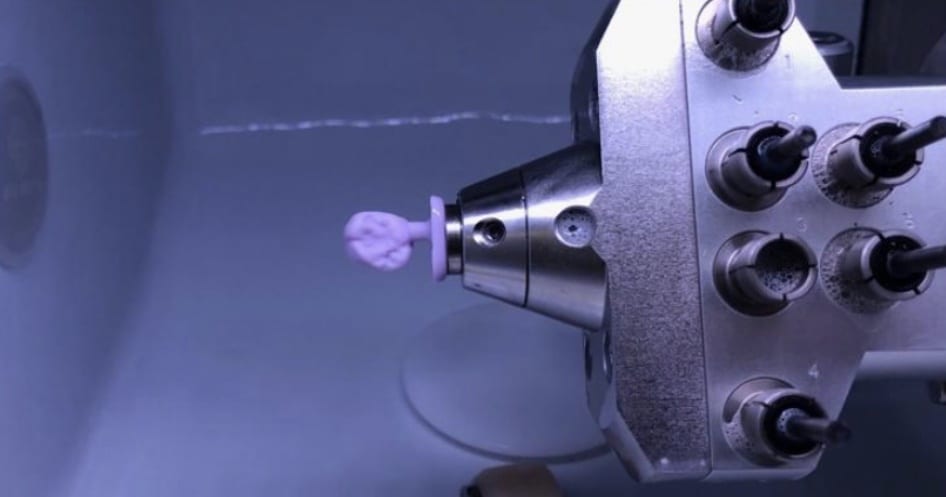
The design and the construction file is taken to the milling machine. Here, we used the CORiTEC ONE to mill the titanium abutment and then the Lithium Disilicate crown. You can see the great internal adaptation when the crown and the abutment are flipped around completely and the abutment does not fall out.
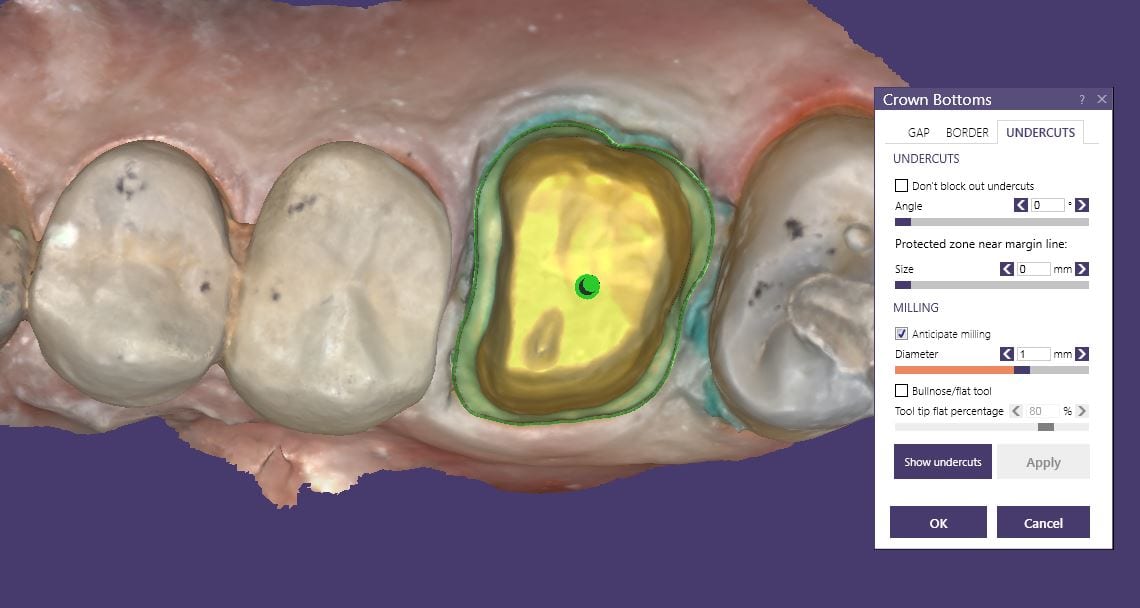
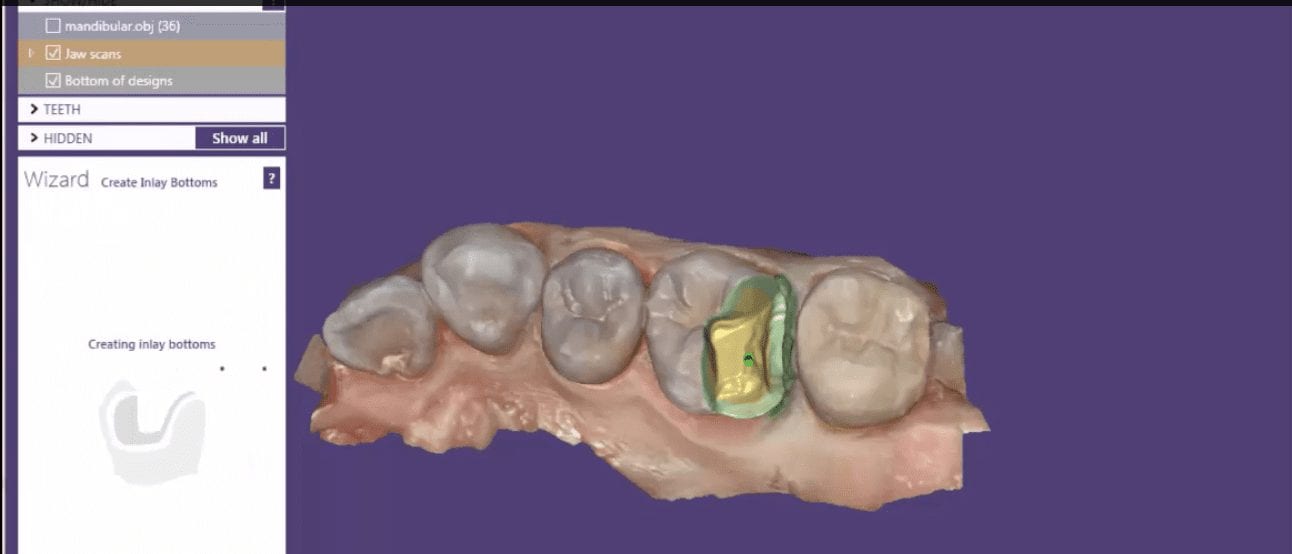
This case shows the amount of control one can have over the fit of a restoration. The upper right first molar was imaged with the Medit i500 and then imported into exocad design software. Once the margins are marked, the user can then define parameters that affect the fit of the restoration.
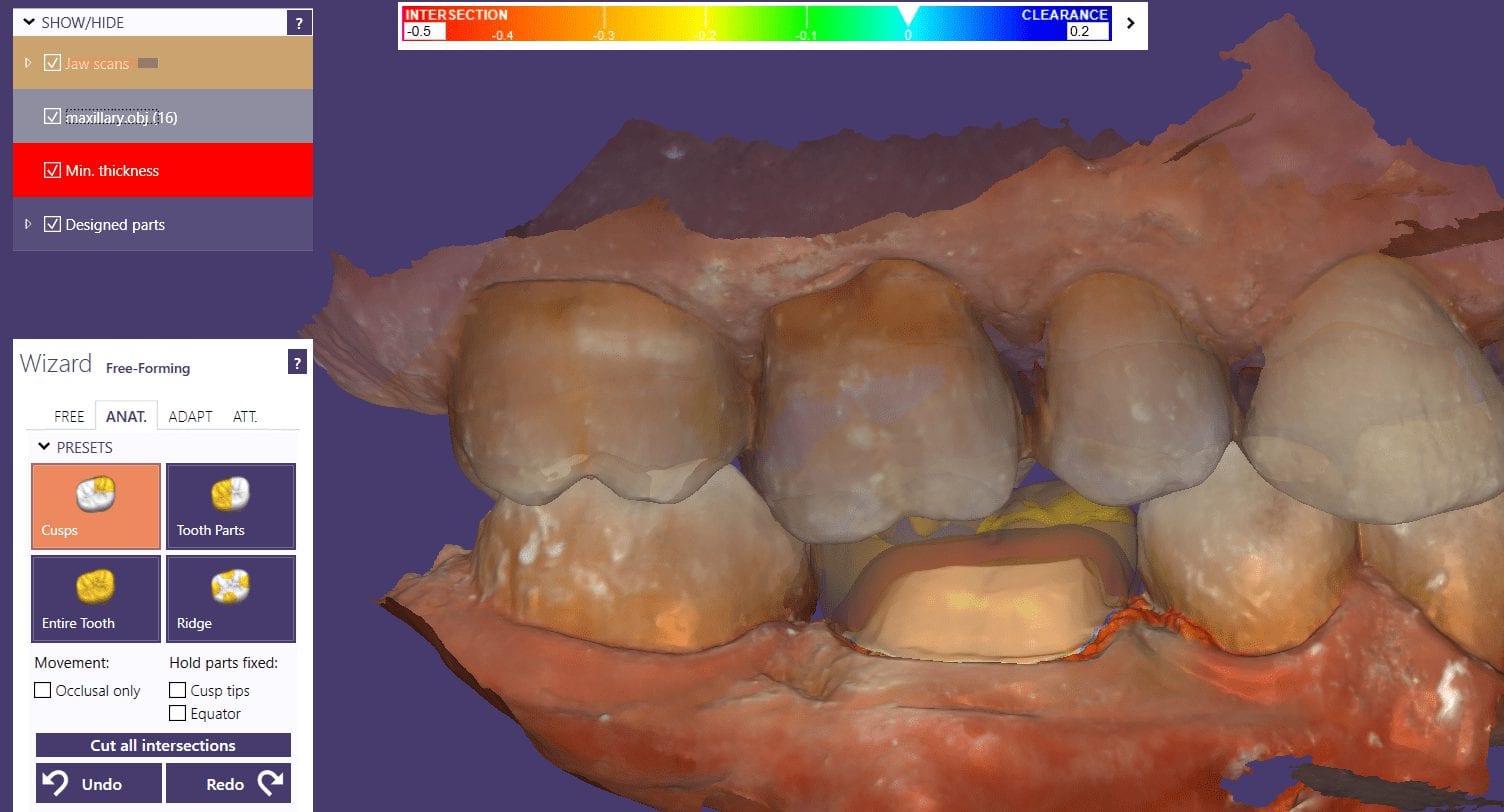
The diameter of the drill can be taken into consideration; in the design, 1.0 mm was chosen, but ultimately, we used the 0.6 mm bur to mill the intaglio of the emax restoration. The cement gap can be controlled as can the distance from the margin where it takes effect. The minimum thickness parameter also reinforces the material at the margins which will reduce the chances of chipping and ditching at deep chamfer margins. All of this translates into well fitting restorations with little space needed for the resin. That ultimately translates to easier clean up.
The case was milled using a few different materials and at varying speeds to see how thin the margins could be handled and how much detail the 0.6 mm burr can carve into emax and the glass ceramic material
At any given time, we are milling restorations with 3 or 4 milling machines. Recently, we designed a restoration with the Medit i500 scanner, designed in exocad, and milled with a chairside mcxl cerec milling machine. Here are the steps we took to do this:
You may have to install some .net framework files from Microsoft. It’s generally an automated installation
Once installed, make sure to have your milling machine turned on and connected. A lot of the functionality is closed if your machine is not on and connected to the PC with the software.
We had to follow certain steps in sequence to get this to work. We had to activate the license in a pre-installed CEREC software and then move that thumbdrive to the machine where the inlab CAM was going to be installed
You can contact Mr. Milos Gedosev who runs DentalCADCAM in Germany and has earned a great reputation over two decades if you have any questions.
If you are new to digital dentistry, this introductory video will show you how to judge if digital models are related to each other. As a simple exercise, we opened one digital model and then imported the exact same model as a pre-op scan into the equation.
Once the models are in the design software, they are manually related to each other with at least 3 common points. After the merge, we performed “best fit matching” and then demonstrate how the color histogram in exocad has the both models painted completely blue.
We then slightly altered one model by adding material to one cusp tip, reduce the adjacent cusp tip, and then smoothing the third cusp tip. We then re-aligned both models to each other again and you can see how the software lets you know the range of discrepancy in those areas. Notice that all three areas have the same histogram color but all three have distinct meshwork areas from the original.
Once you understand this concept, it opens up many avenues for you that you can never achieve with traditional impressions.
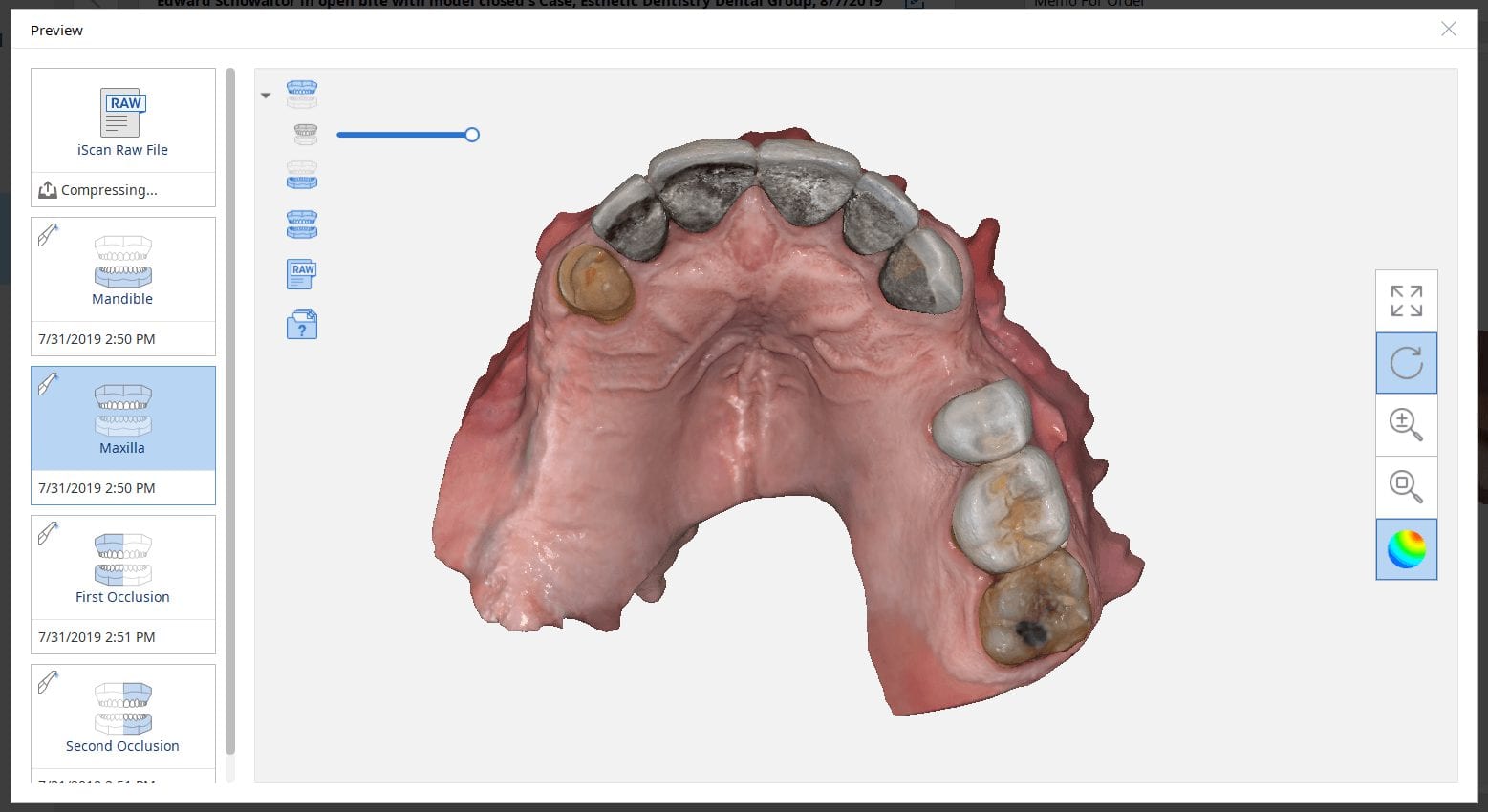
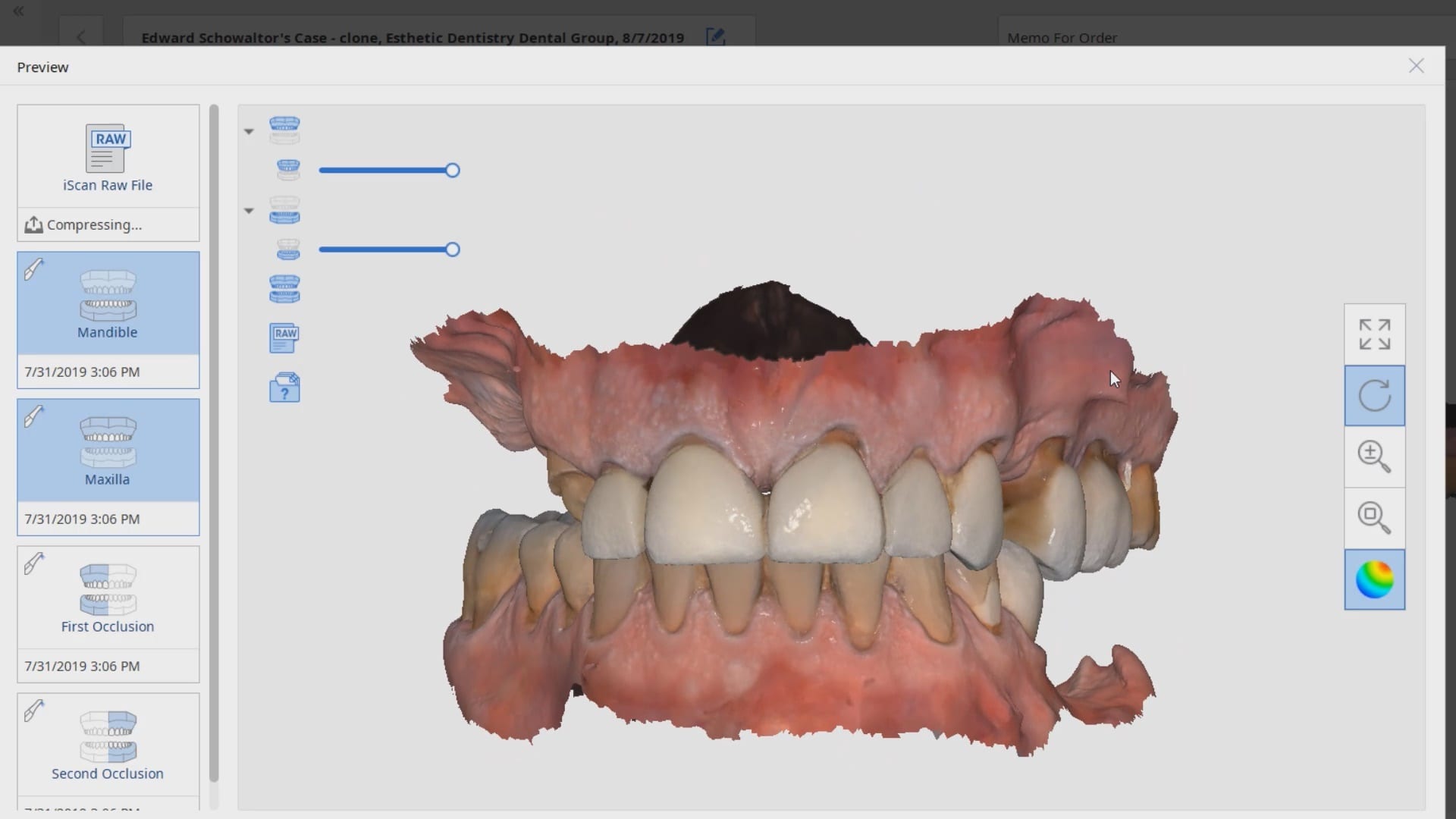
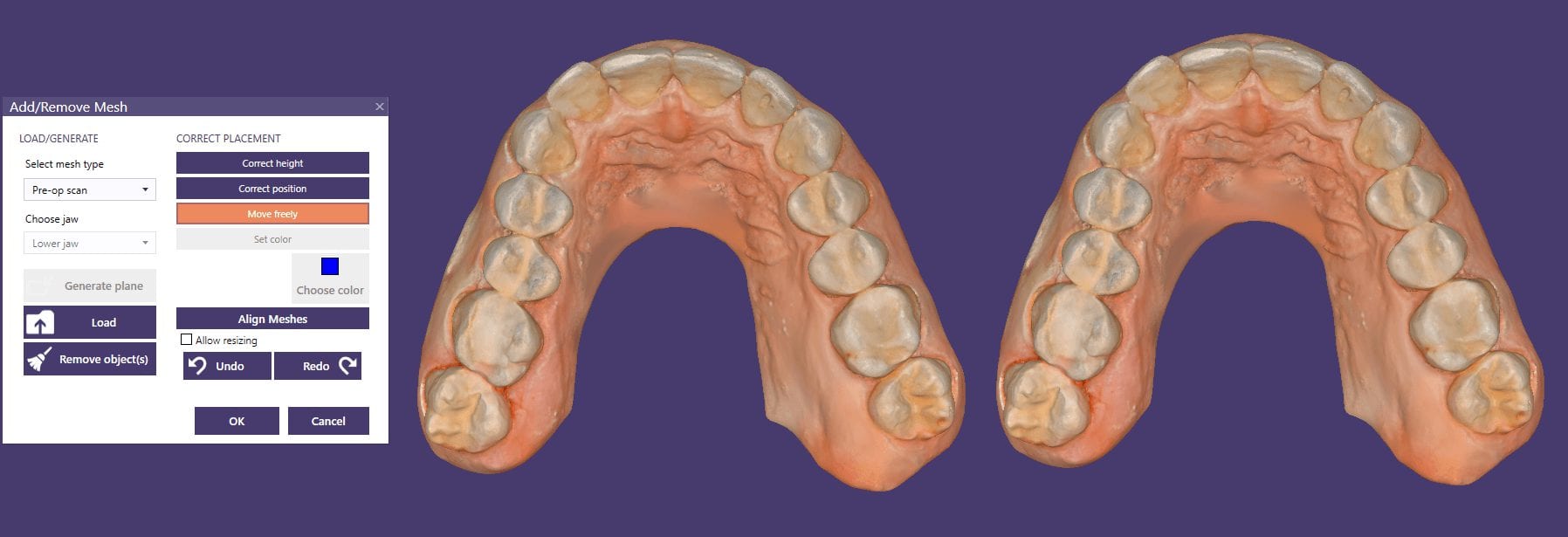
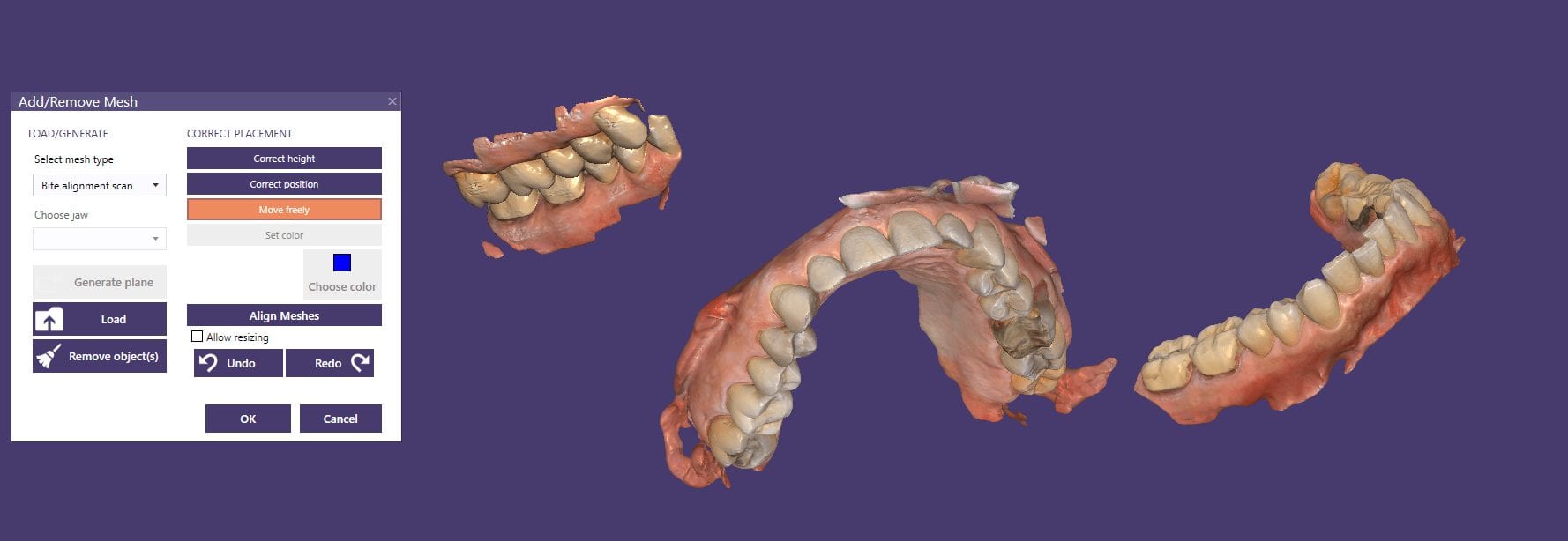
There are may advanced ways that you can articulate the maxilla with the mandible if you happen to have models that are not accompanied by a bite registration or the arches were scanned intra-orally in separate folders as files
Generally, when you scan intra-oral and complete the case with both arches and the buccal bite, the models maintain their relationship to each other when exported to CAD software. But if you do not include the buccal bite scan, or if you scan the arches in separate files or cases, there is no way for a software to know how they are supposed to align with each other.
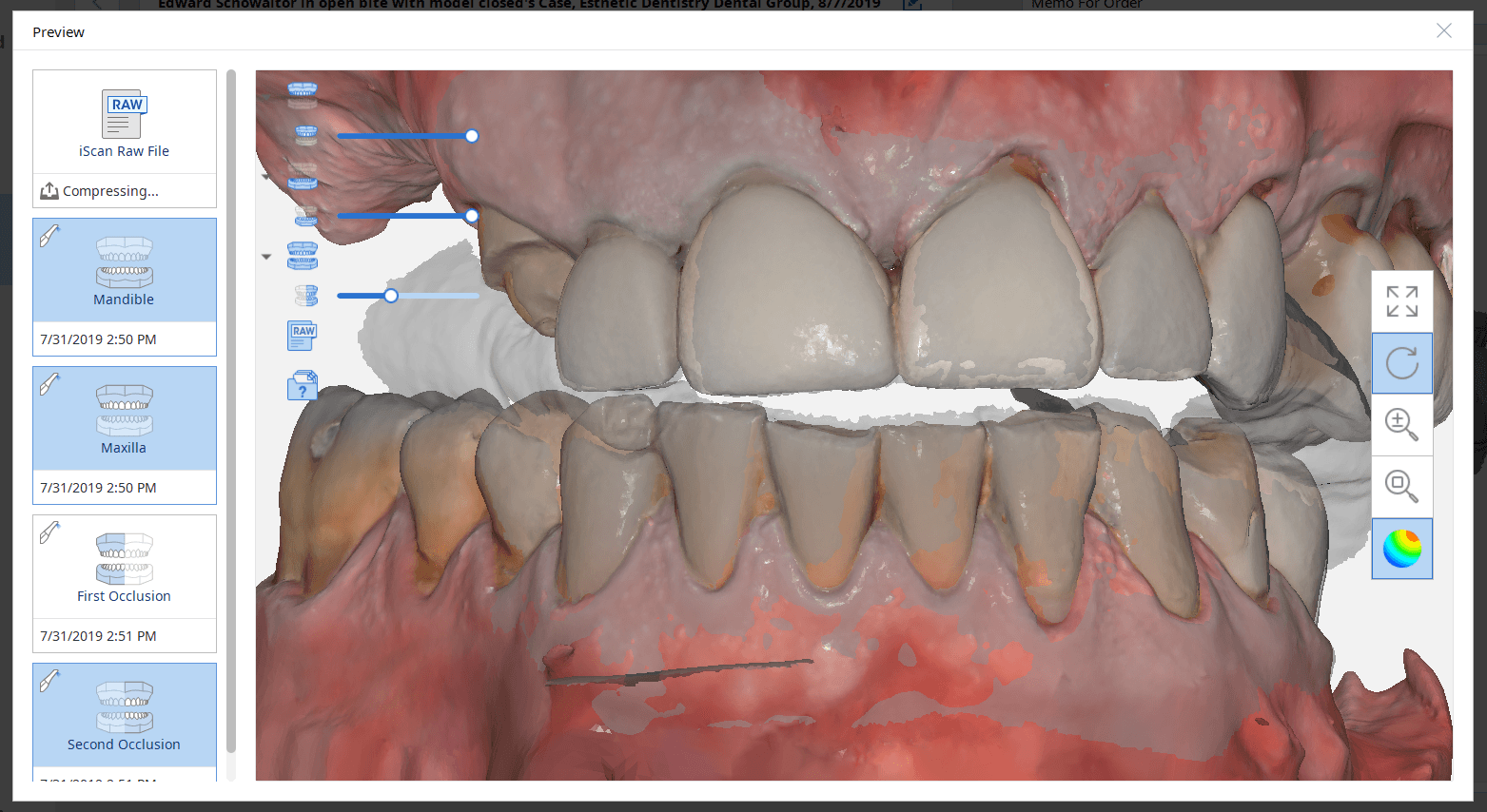
This simple video tutorial shows beginners how they can hand articulate the arches together with digital software. There are two steps you should take to make this an easier process to visualize, once you become comfortable with the moving models around as a system or as independent units. Crop the model at its base so that you can see through it and then turn on the feature “show distances” in exocad that will give you a color map and help you with alignment.
Obviously a bite alignment scan will come in hand, whether you use a desktop scan or an intraoral buccal bites scan
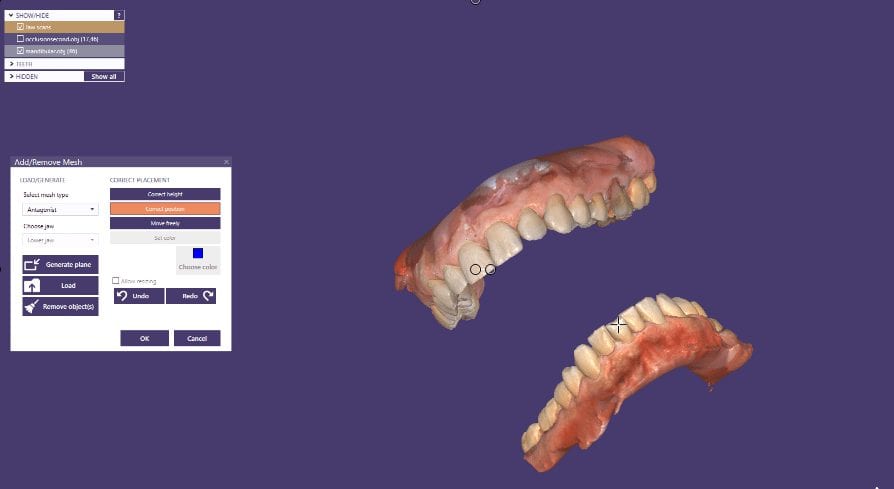
Once in a while, our users get themselves in a bind and you have to rely on manual alignment of jaws to each other. Sometimes, it feels like you are doing gymnastics to get the process to work. The sequence of how you import the models and how you set up the case is important in exocad.
Here we have 3 models; one of the upper, one for the lower, and one for the bite. Don’t ask how we ended up here:) The “direction of travel” is important to keep in mind, and as you can see in this video that is sped up, how the case was managed. if you bring in the upper and lower models in together, and then the bite, as soon as you align the bite to one jaw, you end up dislodging it when you tack it to the opposing jaw.
Reversing the sequence of import helps. We first bring in the upper jaw and the bite alignment and stitch those together. Then we bring the lower jaw into the equation and then merge that to the whole complex. Once that is done, the arches now know their relationships to each other and when you save each arch individually and import them into other programs, they will know exactly how to line up.
At the end of this video demonstration you can see how we re-import the two models in stl format just to verify that they do align properly
In this particular case, we demonstrate an emax restoration fabricated with the Z4 milling machine by VHF. In the first video, you can see how the case was set up initially within the software. You will notice how we image the preop, image the opposing and can even image the bite out of sequence, all while the patient is being anesthetized.
Once the preparation is captured, we place the margins and design a crown in exocad. The emax is milled, tried in, and them placed in the oven for crystallization. It is then delivered to the patient. Note how the decay at the contacts of the adjacent teeth was drilled out and restored, while the crown was milling / crystalizing. An immediate post op x-ray was taken to make sure there was no resin left behin
When imaging a preparation, all you really need for a restoration to “fit’ is the contact area of the adjacent teeth (above the height of contour) and the opposing occlusal surface.
But the more you feed the computer aided design software the less work you have to do in the design of the restoration. For example, in the video below, you can see how the software automatically recognizes the adjacent teeth and a great initial proposal is rendered.
However, if you don’t capture all the data in the adjacent teeth, you will have to manually plot the adjacent teeth and spend more time in the design steps.
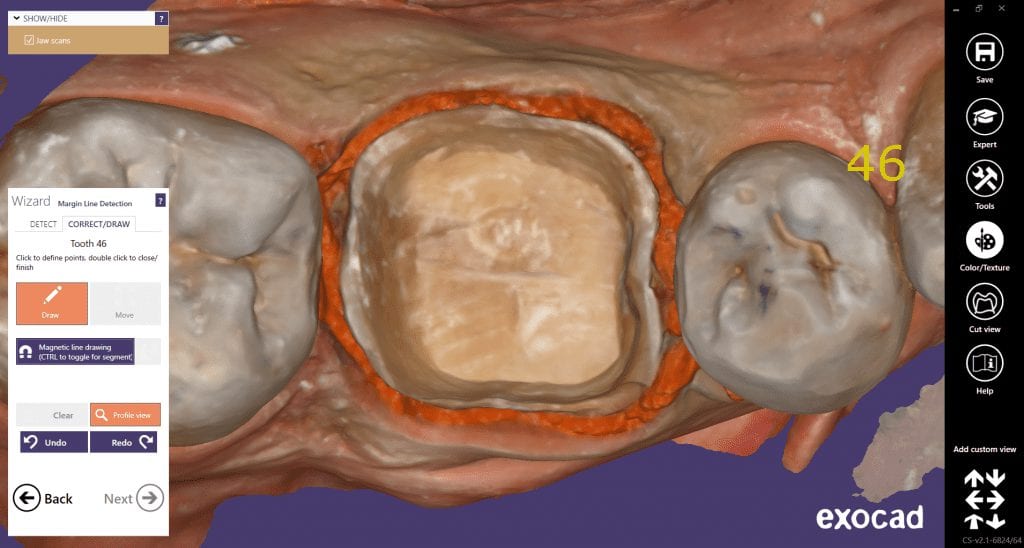
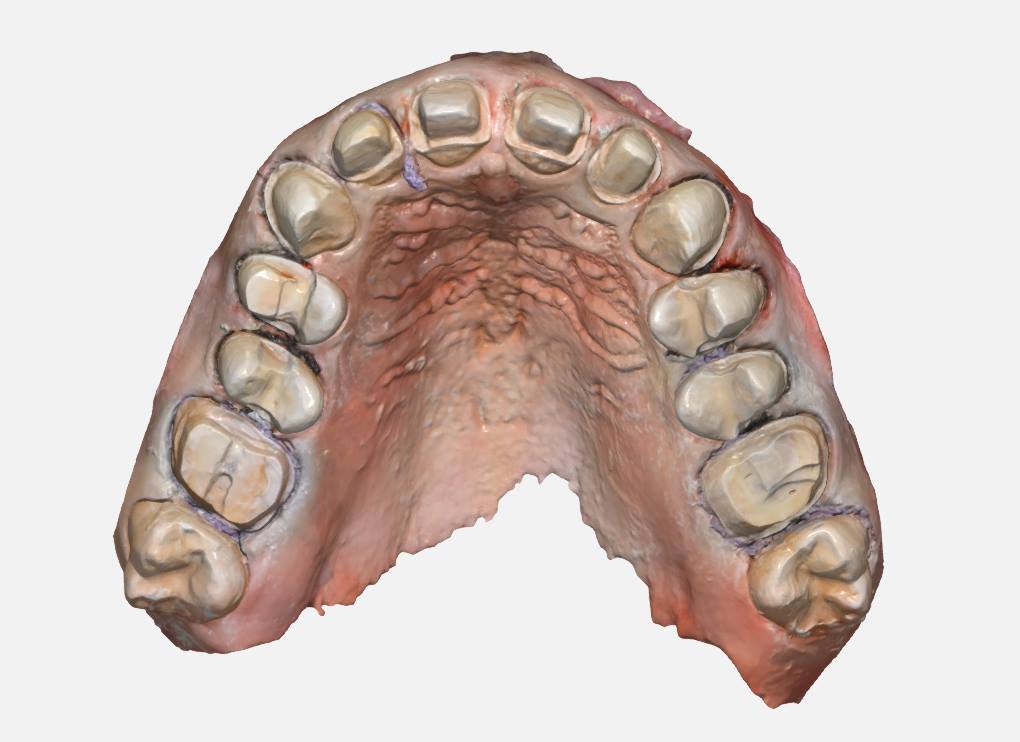
With exocad, the first step is to align the orientation of the arch so that the occlusal surface is directly facing you. Once the prepped arch and the opposing models are imported, then you place the margins.With the color OBJ files from the Medit i500 it is very easy to identify the margin based on color and geometry. Once the margins are placed, the next step in the wizard is to calculate the initial proposal.
This video demonstrates how the CAD software recognizes the adjacent teeth and renders a great initial proposal
Download the OBJ files and import them into smile design software and do a virtual wax up for a real case
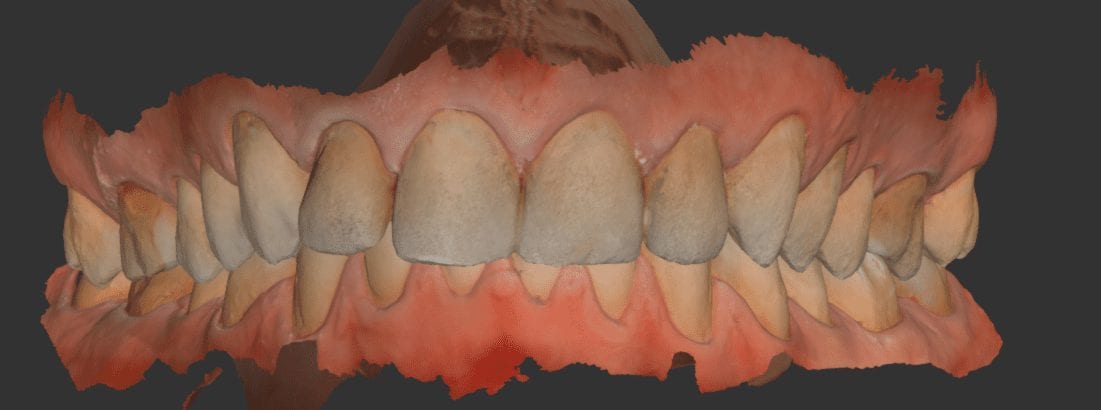
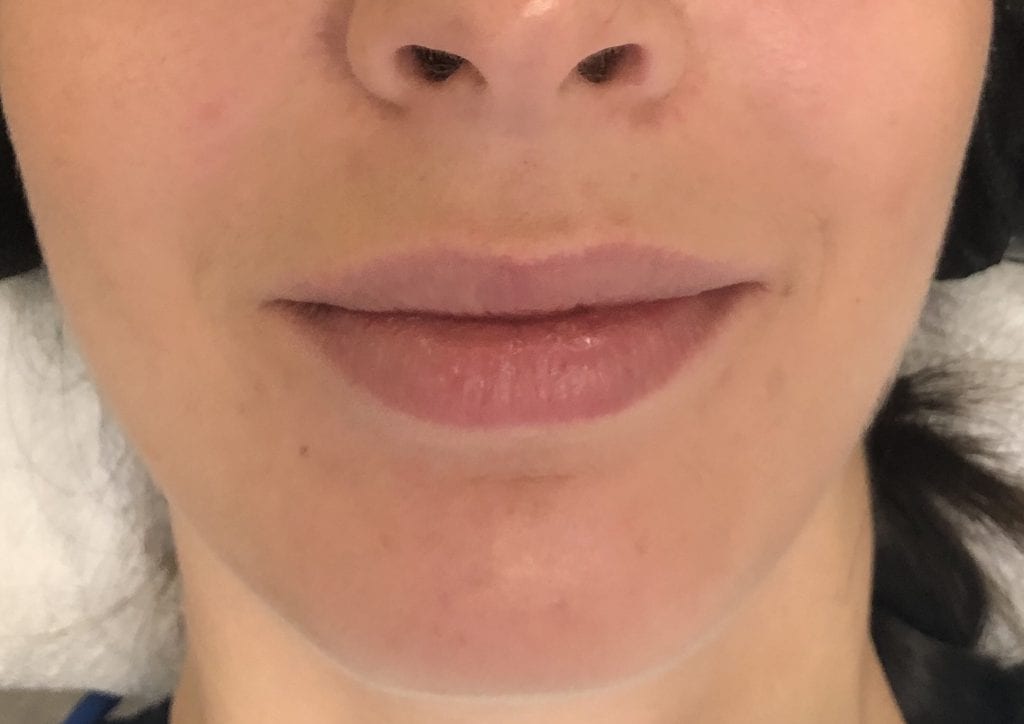
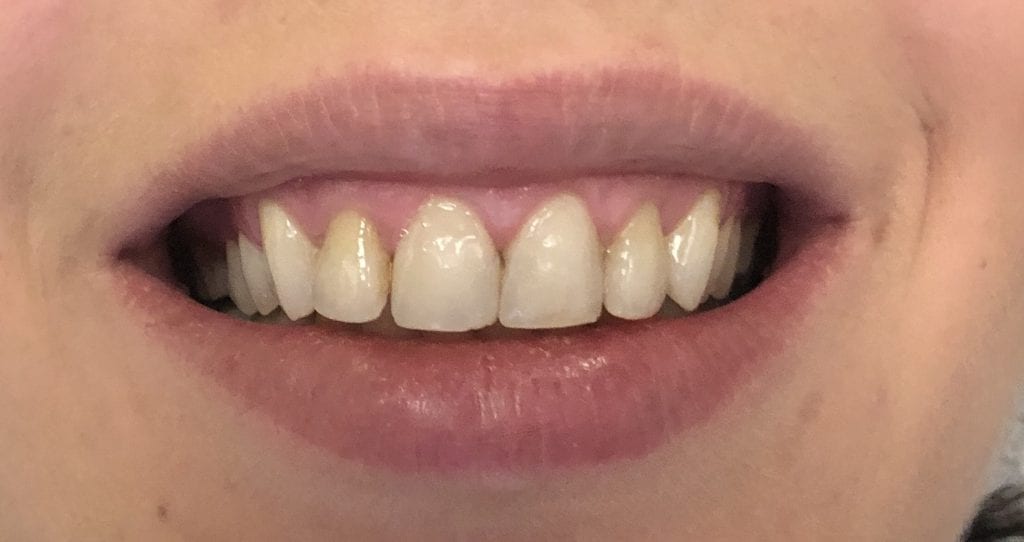
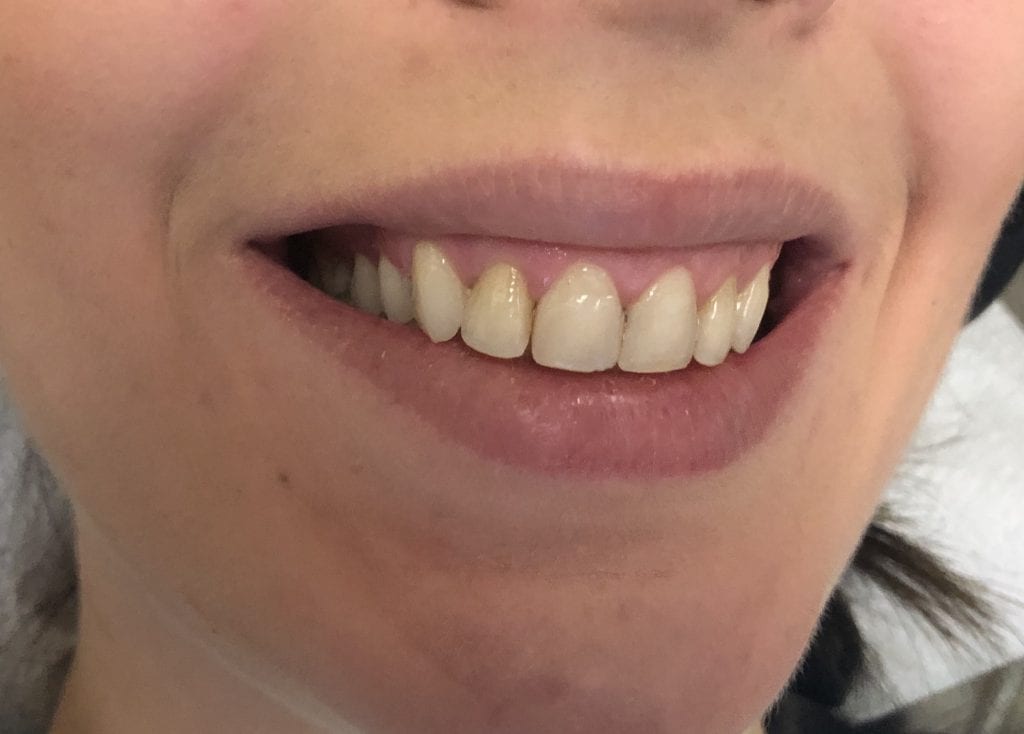
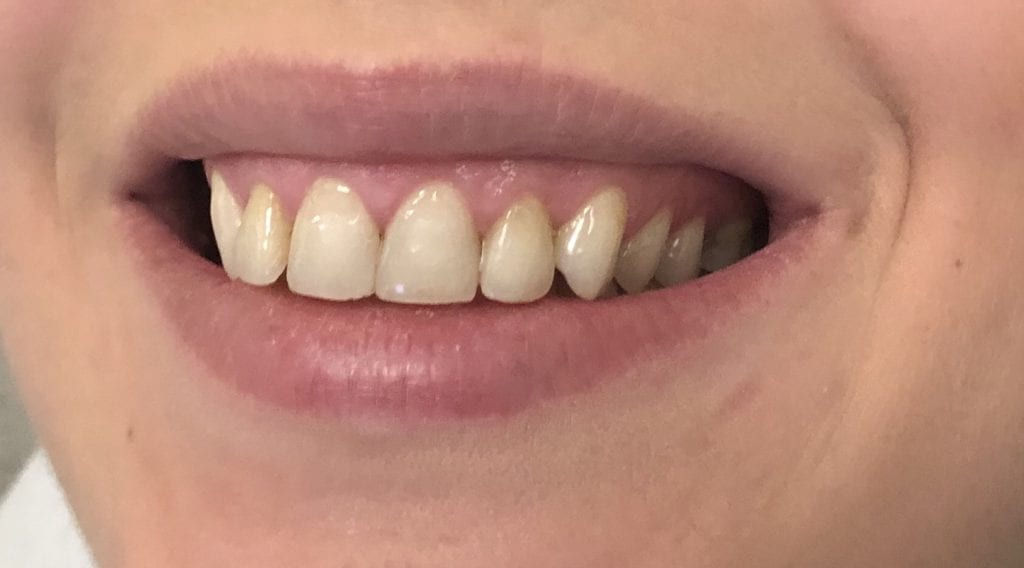
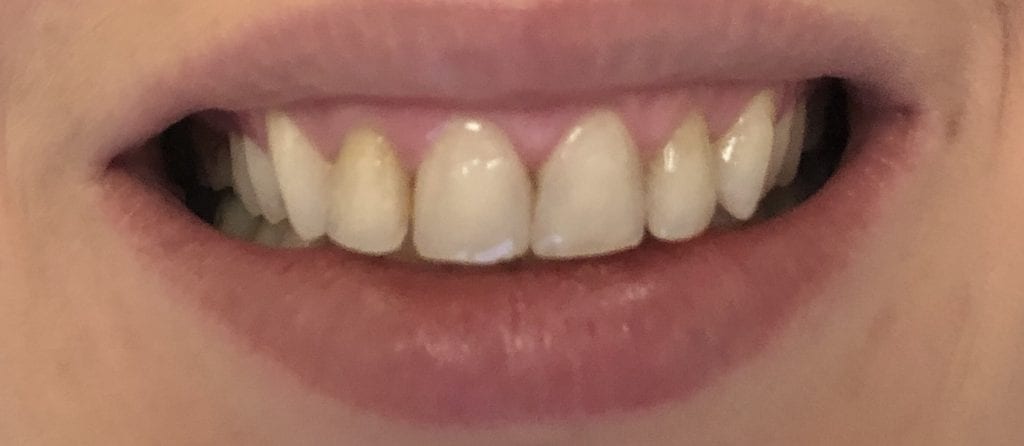
This patient has had crown lengthening procedure performed on all the teeth in her smile line, greatly increased the tooth structure visible in this video. Her chief complaint was a gummy smile and now she is ready to “fill in the buccal corridor”
This is a first molar crown that was replaced with an in-office milled eMax restoration. The adjacent second molar had recurrent decay under the existing class 2 restoration. That was removed and replaced and pre-existing crown was also removed.
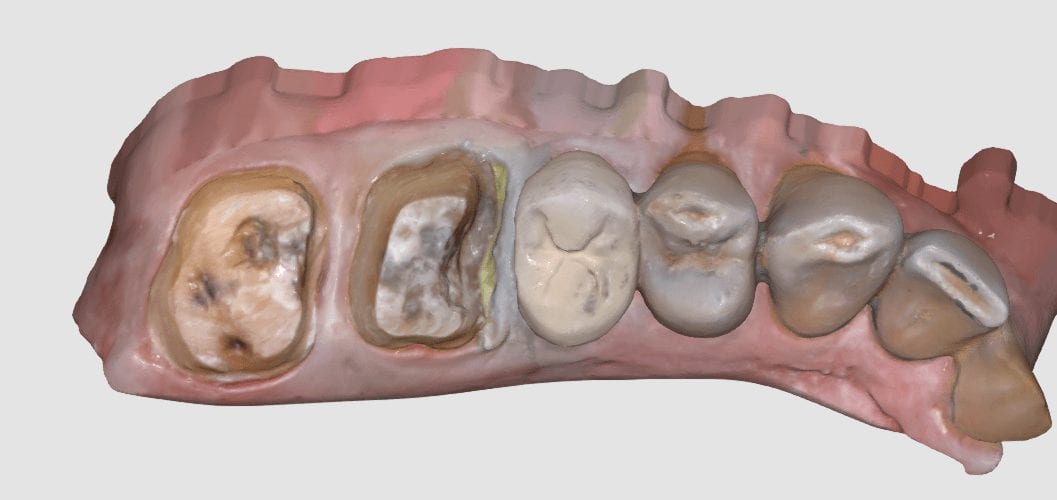
The preparation was refined and the recurrent decay was removed. Once hemostasis was achieved and the tissue was retracted the area was scanned with the medit i500. The crown was designed to full contour and milled chairside. After it was chrystalized, it was bonded into place with Nx3 resin cement. The excess was removed and an immediate post-op bitewing was taken to verify that no excess cement was left behind.
Pre-Op
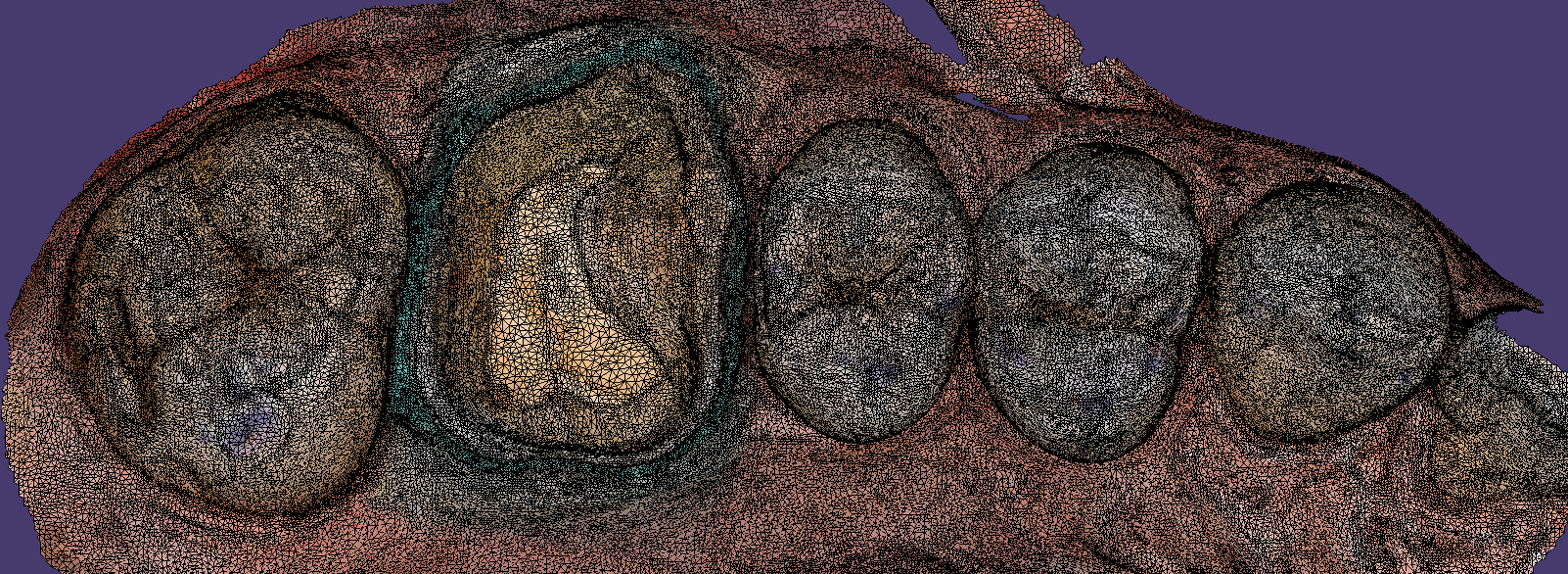
This video shows the design of a crown after the impression was taken where vivid colors of the retraction cord, the sulcus, the preparation, and the details of the adjacent tooth can be visualized.
[videopress 25yUA1tp permalink=”false” hd=”true”]
Immediate Post-Op
Download the case files in OBJ Format
There are so many incredible and robust features to exocad and it is precisely why there are over 35,000 users around the world. There are many distributors to the software, including us, at CAD-Ray.com
We focus mostly on our clients who are generally dentists, and our main goal is to streamline your workflow and make this easy and not intimidating. During our two day hands-on course for new medit i500 owners, we install the software and design four cases in exocad.
Here are some of the top highlights for you to understand. The software is installed and self contained within a folder that you can place anywhere on a computer’s directory. What’s great about this is that your software operates completely independent of the windows operating system. So whenever there is an automatic windoes update, it does not mess with your configurations or settings and you don’t have to deal with firewalls and other technical terms we don’t even comprehend.
Another benefit to this is that you can place this folder on the cloud like dropbox and then you can go to ANY machine- at home, in another operatory, at another office and launch the program there, instead of carrying a laptop around. Since the data can only be accessed by a real license / dongle, there are no concerns about HIPAA violations as it is encrypted and only accessible by the active license. Moreover, one machine can be running Windows 7 and another could be runnng Windows 10, and you wouldn’t know the difference or have to worry about configurations
Also, multiple doctors in multiple locations could be working off the same program on the cloud, as long as they have an active dongle. This really allows for a lot of flexibility in a practice or a group setting.
You can see the basic elements in the folder, which are broken down into a case data storage folder, the CADApp and the DentalDB folders. We’ll explain what these other two folders do below.
As a distributor, we can custom make our own private label version of exocad. Since we are focused on chairside dentistry, or on dentists, generally, we strip the software down to the essentials. Namely, we’ve programmed it for inlays, onlays, crowns, and veneers. We also include bridges that can fit in 40mm blocks. You can choose to add on other modules like implant planning, implant designs, dentures, etc.. if you choose to.
It is important for you to understand that we provide a fully functional version of this software, and if you want to add more features as your confidence grows, all you have to do is swap out these files called WorkParamsDB.xml
Watch the video that shows you how we have multiple versions of the file. We provide you with many versions of this file that you always have access to and they are all configured differently. In seconds, you can change the look and the feel of the software to your liking, and turn on multiple modules that we hide from the version that we provide. Please note that we only provide support and tutorials for the what we call the Dentist Version of exocad, as opposed to the lab version. If you grow to the point where you want to add the other components, it is very to transition, just recognize that we don’t support the heavy duty version. We certainly can refer you to the right people to learn how to use those extended functions.
[videopress d20fACf8 permalink=”false” hd=”true”]
One more thing for you to get excited about is the WorkParamConfigTool.exe
Now, if you are scared of the mouse and can’t press the “Any Key” button on keyboard, stop reading any further.